

Free vs Pay Antivirus: What Nobody Tells You About Real Protection
febrero 8, 2026 | by Equipo YKCG
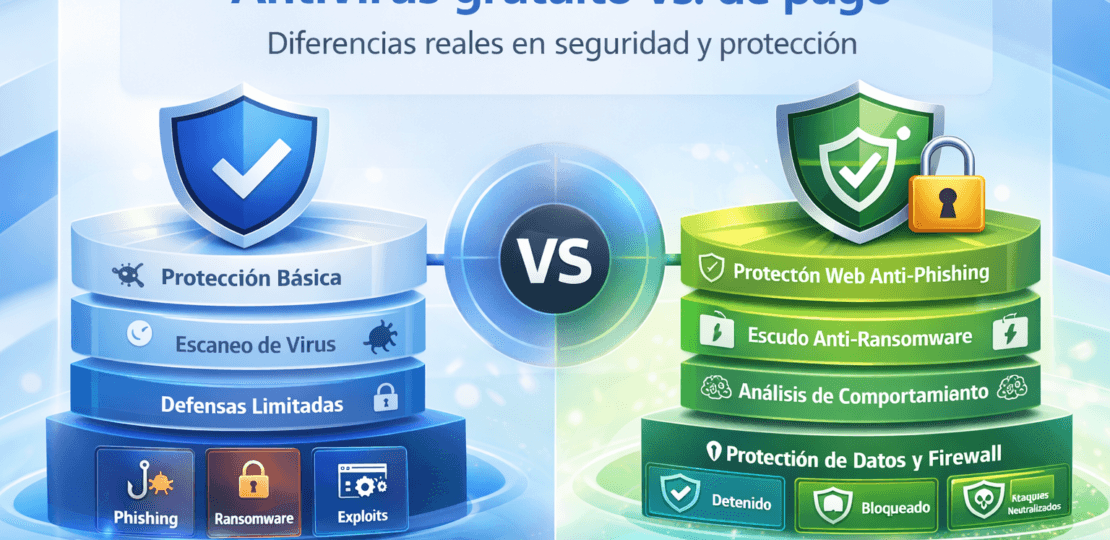
Choosing between a free antivirus and a paid antivirus is not a matter of brands or marketing. The real difference is inwhat threats each one covers,how they reactandWhat risks do you take?by relying only on basic protection.
If you want to see the complete overview of related solutions and guides, here is the hub of your site:Antivirus: offers and guides.
This analysis does not try to sell anything to you. It explains with technical criteria what each type of antivirus really does, in which scenarios they work and in which they start to fall short.
Índice del Articulo
What really protects a free antivirus?
A modern free antivirus usually covers the minimum necessary: detection of known malware using signatures and, in some cases, basic heuristic analysis. If you need a clear basis on what enters “malware” (and why not everything behaves the same), this approach serves you:what is malware and how it is detected in practice.
This means that it reasonably protects well against:
- Viruses and known Trojans
- Accidentally downloaded malicious files
- Some common variants of ransomware (not all)
When we talk about ransomware, the key is not to “detect the file”, but to block the encryption or suspicious behavior before it hurts. A clear example of anti-ransomware approach (on an explanatory level) is here:anti-ransomware protection and what it really does.
Technical limitations of free antivirus
From a technical point of view, free versions often lack critical modules:
- Advanced web protection against phishing
- Real-time behavior analysis
- Defense against exploits and attacks without file
- Protection of identity or credentials
About phishing, the important thing is to understand that real defense happens.beforeHere's a very direct example of anti-phishing approach:how anti-phishing protection works.
What does a payment antivirus that is not visible to the naked eye bring?
The real difference of a payment antivirus is not in the virus database, but in thedefense layers.
They usually include:
- Behaviour detection (not just signatures)
- Blocking of exploits in memory
- Web protection active before you download anything
- Ransomware shield with protected folders
If you want a recent example of “engine + AI + modern shields” (without promising miracles), here is an updated one:modern antimalware protection with AI and anti-ransomware shield.
Resource performance and consumption: myth vs reality
There is the idea that a payment antivirus consumes more resources. Today this is not always true. In fact, the real “consumption” usually comes from what runs in the background and how it integrates with the system. To link it to Windows performance (without diverting from the theme), this type of content fits:browser optimization and protection on Windows.
When is a free antivirus YES enough?
A free antivirus can be valid if:
- The equipment is of very basic use
- No sensitive data handled
- The user has good digital habits
On habits, your website already has an interesting approach to “real safety” applied to ecosystems with risk (lists, links, sources). Even IPTV, the digital hygiene block is reusable as conceptual support:real safety and digital hygiene (typical risks).
When does a payment antivirus seriously work out?
A payment antivirus is no longer optional when:
- You use online banking or manage payments
- You work with personal or work information
- They install software frequently
- You share files constantly
The “online banking” point is key: there the cost of the error is high. This article fits perfectly as a support link:protection for online banking and safe navigation.
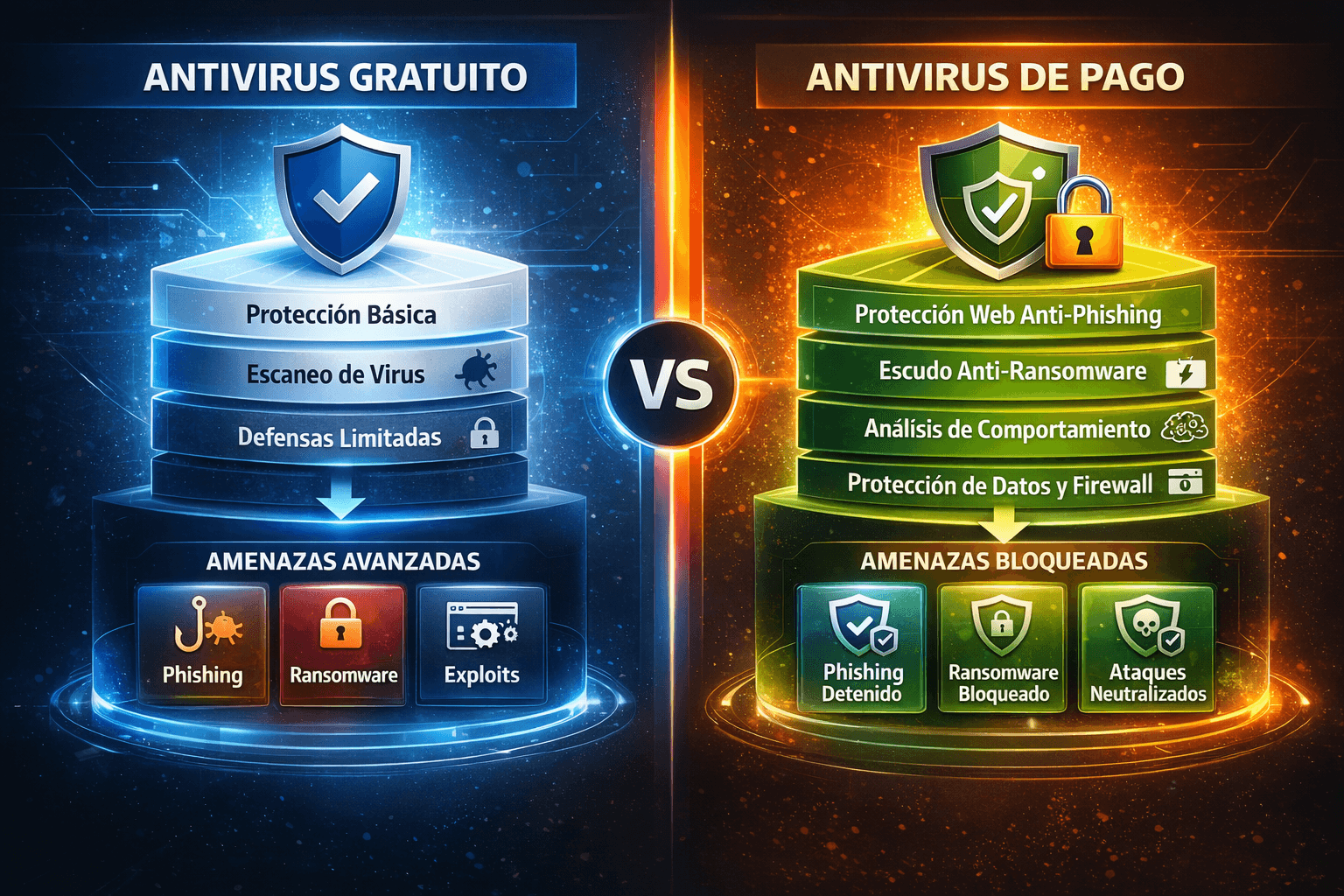
Description: visual comparison between free and paid antivirus showing layers of protection
Common errors when choosing antivirus
Some common errors:
- Trust only the brand
- To think that “free” is equal to “enough”
- Disable performance protections
Frequently Asked Questions (FAQ)
Is Windows Defender enough?
For many users, yes. For environments with greater exposure, it falls short. (Eye: on your site I did not see a post dedicated only to Defender; if you publish it, here is the ideal link.)
Does a payment antivirus guarantee full protection?
It reduces the risk, it doesn't eliminate it.
Is it worth paying if I already have a free one?
It depends on the value of the information you handle, not the price of the software.
Technical conclusion
The real difference between a free antivirus and a payment is not in the name or in the number of viruses detected, but inwhen and how they act.
If your computer is just a basic tool, the free one can serve. If it is a key piece of work or digital life, paying for protection stops being an expense and becomes a logical decision.
RELATED POSTS
View all


Adobe Premiere Pro 8211; Professional Video Editing
febrero 13, 2020 | by Equipo YKCG

DVDFab Blu-ray Ripper: Full License for 1 Year Free
noviembre 27, 2022 | by Equipo YKCG

Heimdal Threat Prevention Home Free License for 1 Year
marzo 21, 2023 | by Equipo YKCG