

Ashampoo Snap 16 Complete Guide: Official Free License and Configuration
febrero 12, 2026 | by Equipo YKCG
Índice del Articulo
Ashampoo Snap 16: capture and edit your screen instantly (full guide)
Ashampoo Snap 16It is an advanced tool to capture screen, record video and edit visual content quickly and accurately. Here you will see what it really offers, how to configure it and when it suits alternatives.
Ideal for:Competitive players, content creators, low-end PC users, laptops and professionals who need clean and fast captures.
Official captures
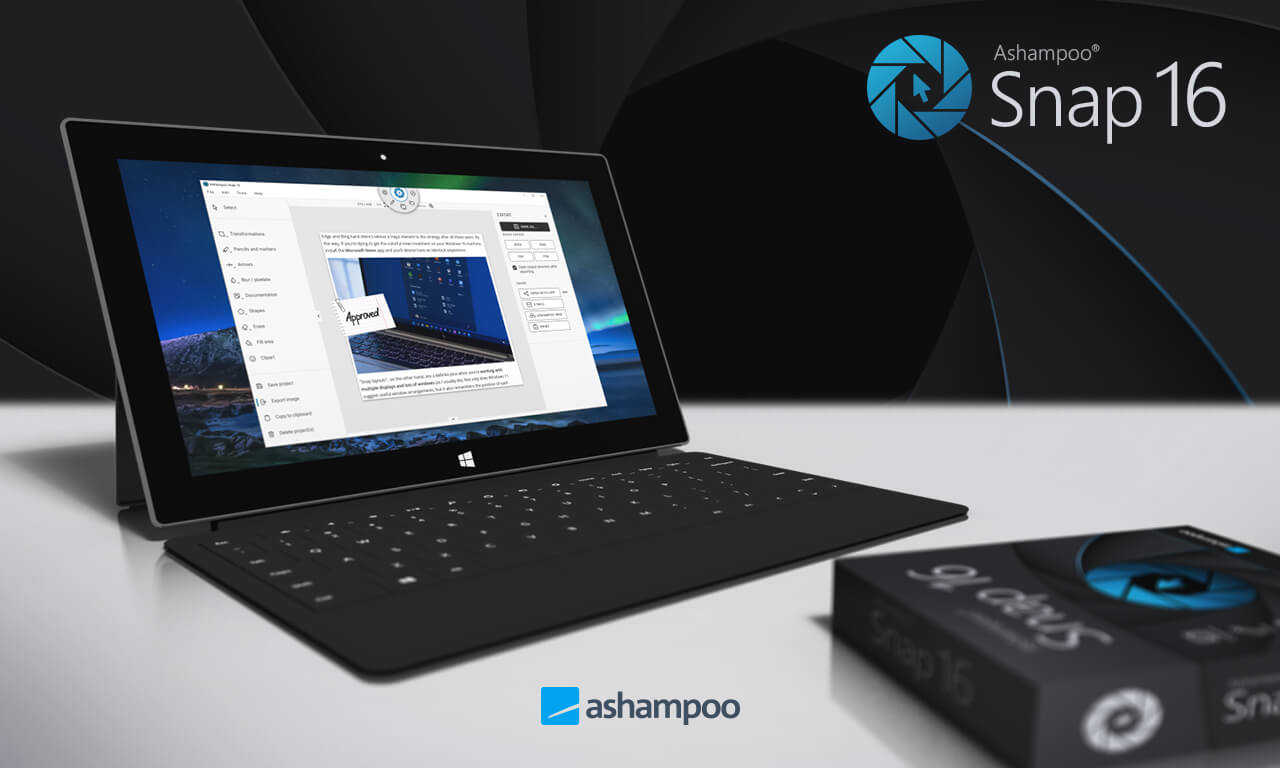
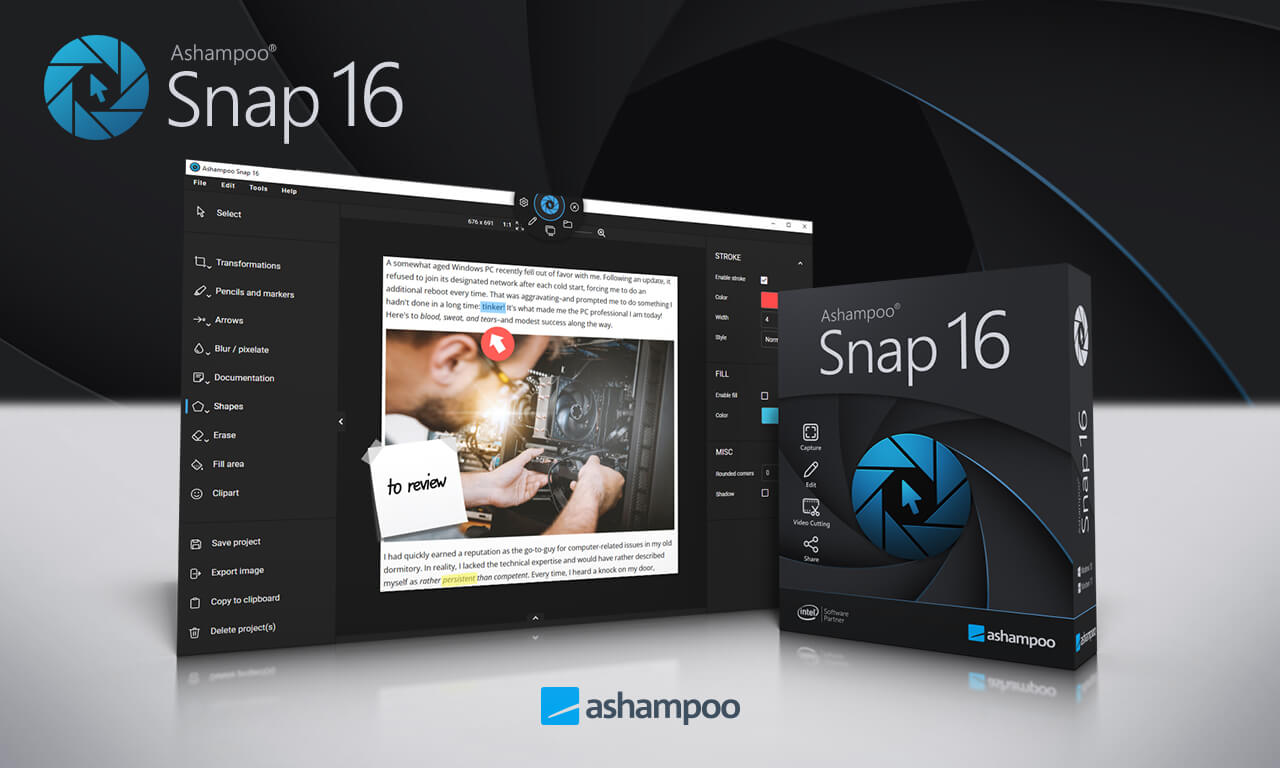
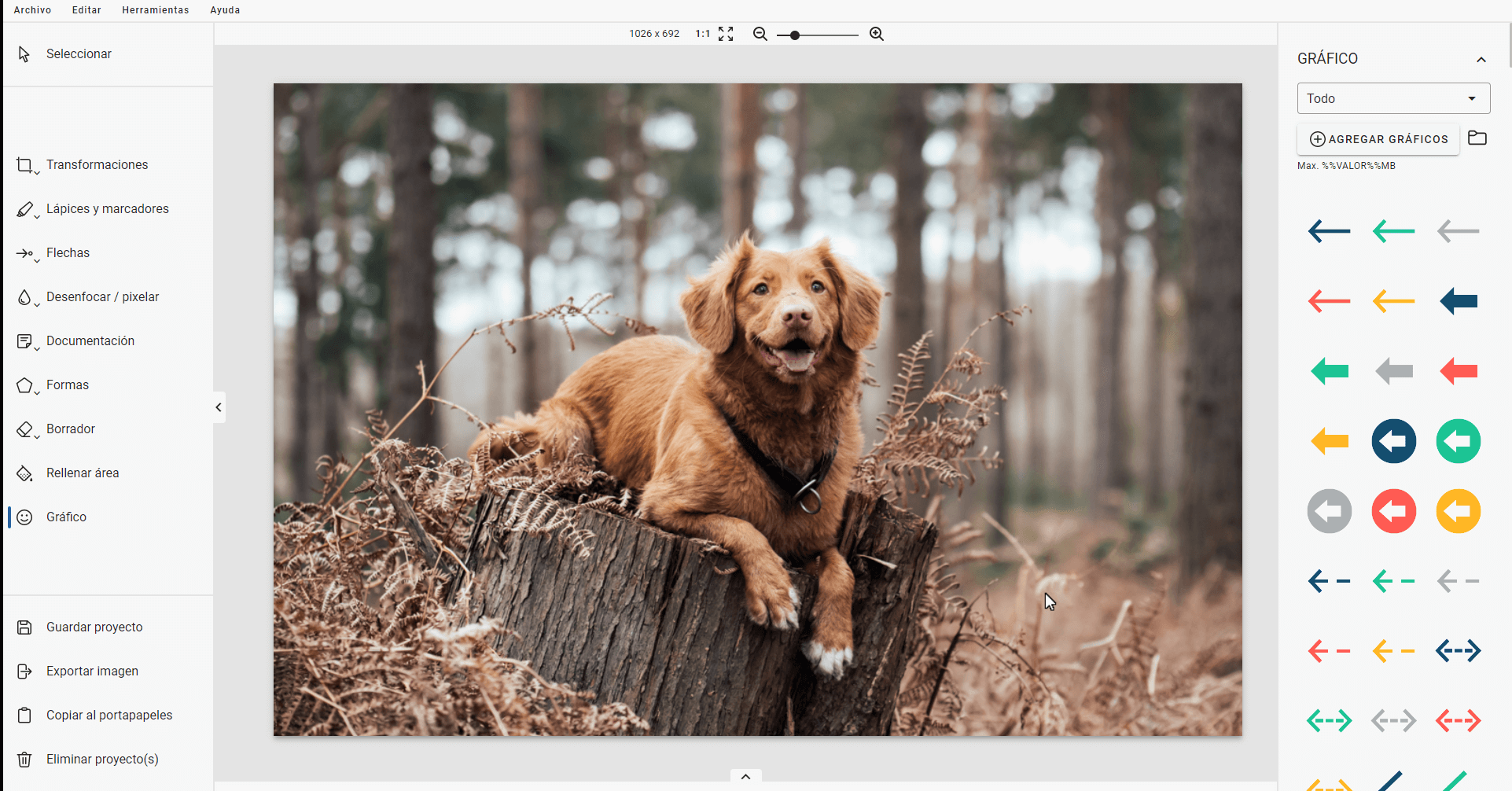
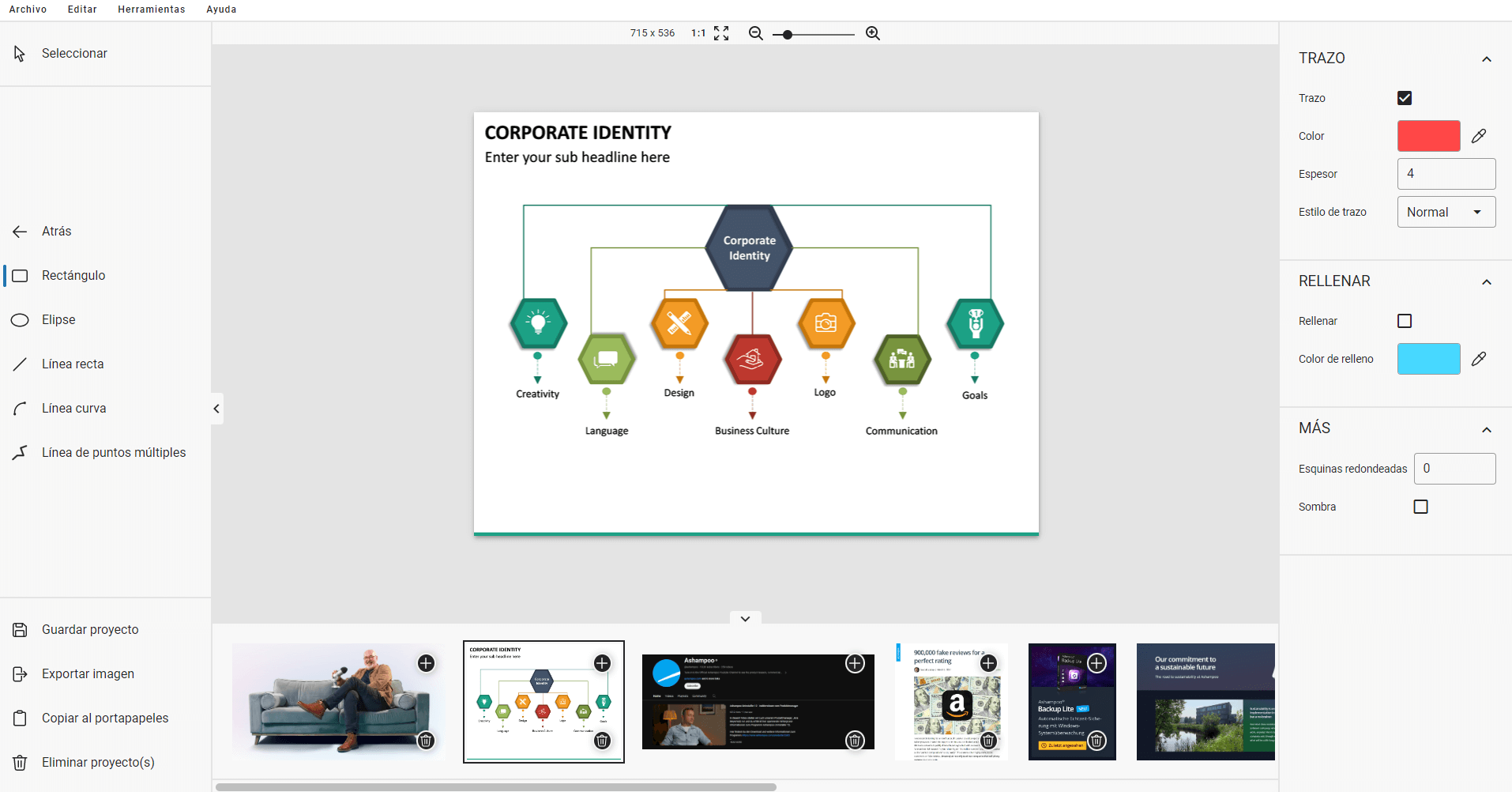
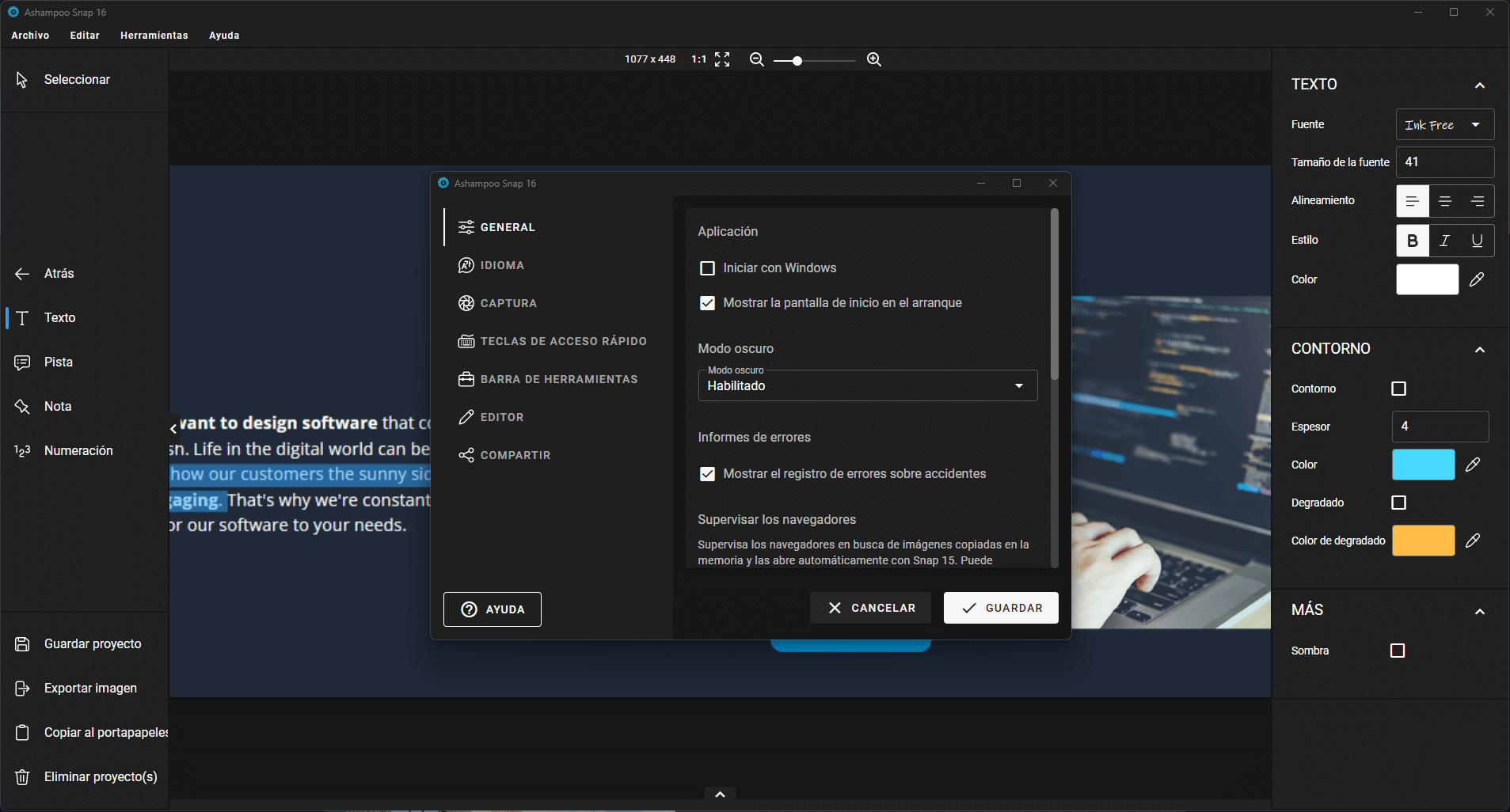
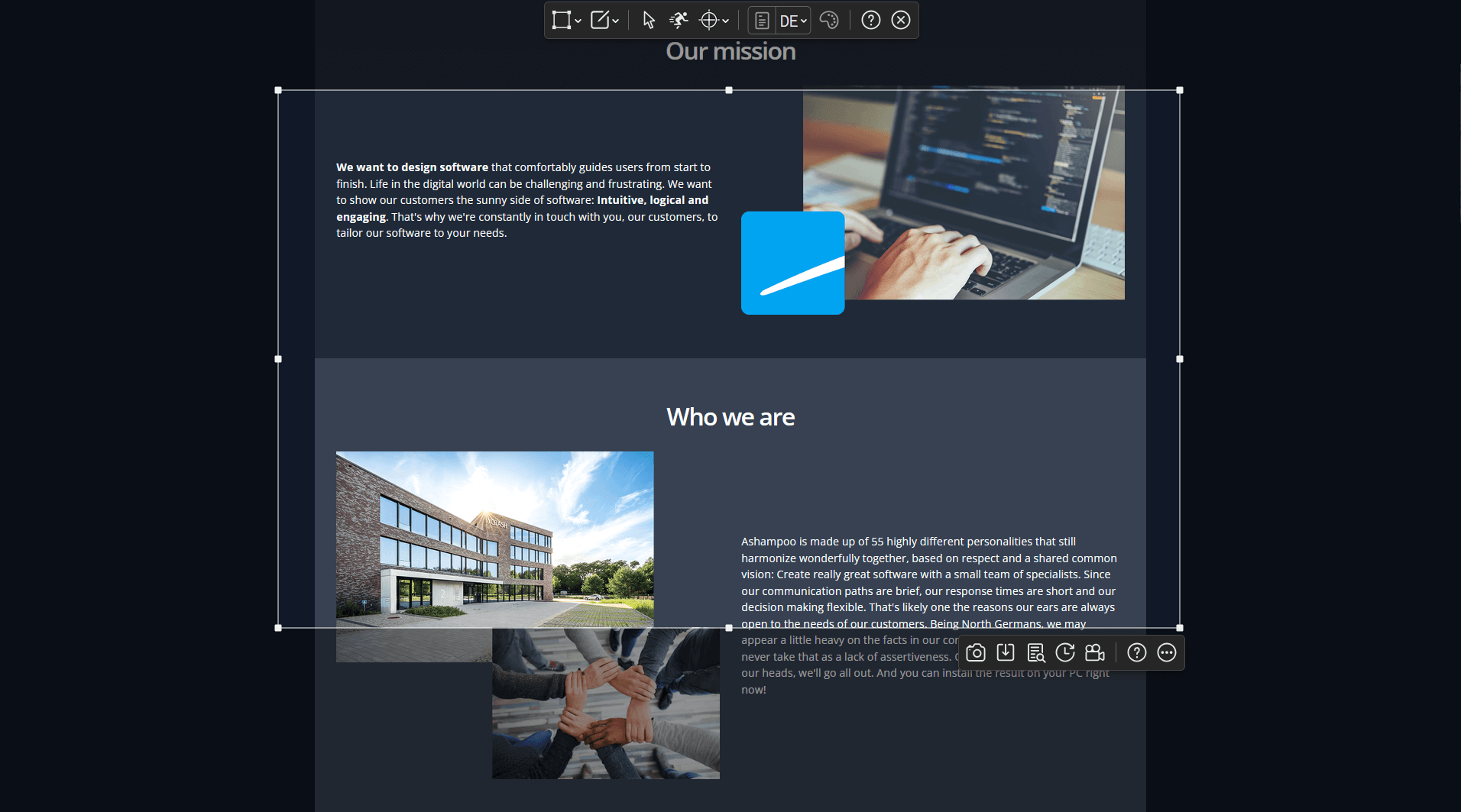
Tip:When you click, you open the image in a new tab to view it in full size.
What does Ashampoo Snap 16 do and what does not
What I KNOW is right.
- Full screen capture, custom window or region.
- Video recording of the desktop with audio.
- Built-in editor with professional annotations (arrows, text, clippings, highlights).
- Scroll capture on web pages and documents.
- Quick tools for tutorials, technical support and documentation.
What you should NOT expect
- It does not replace a professional video editor (timeline, color, advanced VFX).
- It is not a live streaming app (for that it suits OBS).
- It does not improve FPS, ping or game performance.
- The promotional license does not include jumping to Snap 17/18, etc.
Editorial Honesty:Snap 16 is very good forcapture + explain(to communicate visually). If your goal isaudiovisual productionostreamingThere are more specific options.
How to use it correctly (clear and safe steps)
- InstallAshampoo Snap 16.
- Activethe floating bar or configures keyboard shortcuts.
- Choose the mode: full screen, window, region or scroll.
- Capture / Recordas necessary (avoids sensitive on-screen data).
- Edit: trims, blurs private information, highlights key areas, adds brief text.
- Exportin PNG/JPG or video, depending on your use.
Good practices:if you capture emails, passwords, serial numbers or personal data, usedifuminatedbefore saving or sharing.
• Recommended configuration (by scenarios/hardware)
| Scenario | Suggested adjustments |
|---|---|
| Low-end PC | Recording at 30 FPS, 1080p, disables previews/live effects if you notice pulls. |
| Laptop | Capture per region + medium compression; closes apps in the background to avoid heat/throttling. |
| Competitive Gaming | Shortcuts (capture region) + avoids continuous recording during ranked (best spot clips). |
| Tutorials / support | 1080p, soft visible and highlighted cursor; use clear notes (less text, more visual signals). |
Expected results (without promising miracles)
- Clean captures in seconds with less rework.
- Quick editing to communicate “what to do” and “where to click”.
- Clearer documentation for tutorials, guides and support.
- In modest teams, recording at 1080p/30 FPS is usually more stable than 60 FPS.
Important:the actual performance will depend on your CPU/GPU, disk and the resolution/FPS you choose.
Requirements and compatibility
- System:Windows 10 / Windows 11
- Activation:internet connection required (Ashampoo account)
- Recommended:4 GB RAM or more for smooth editing
Official promotion + download links
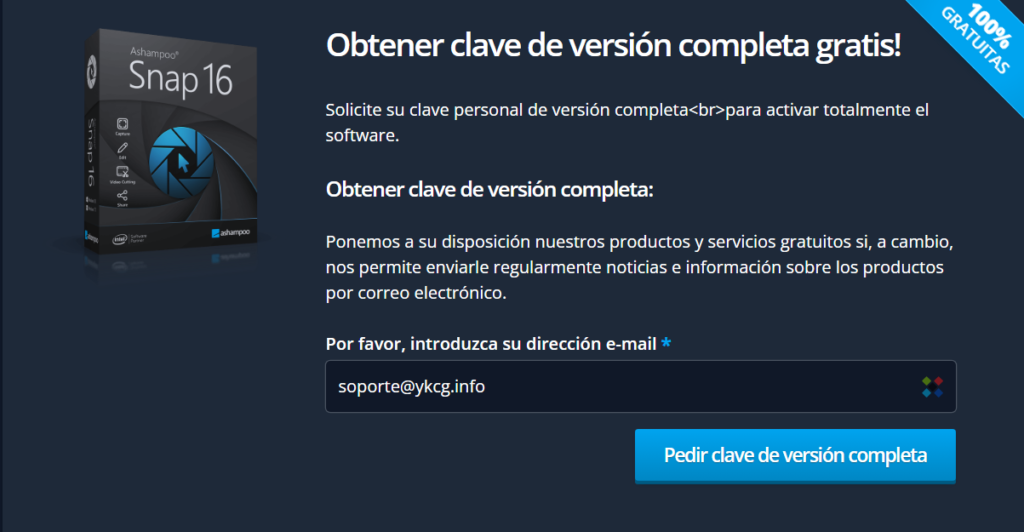
To get aOfficial leave(without sharing keys publicly), follow these steps:
- Create an accountIn Ashampoo.
- Open the promotionand request the password with your mail.
- You can ask: (1)verify the emailor (2)log in.
- Download and installAshampoo Snap 16.
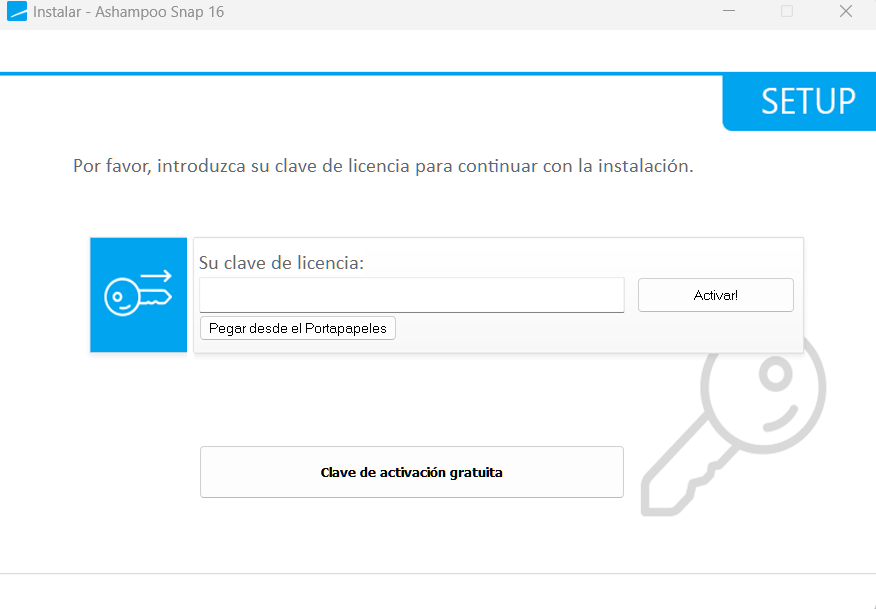
- Activeusing your Ashampoo account or entering the obtained code.
Security:if you use an alternative download, check the file with your antivirus and compare the installer with the one obtained from the official website when possible.
Verified conditions:
- Lifetime leave forAshampoo Snap 16free in1 PC(domestic use).
- Valid if you install for the first time in your current system.
- Noincludes free updates to newer versions (only16.0.9).
- Free technical support by email.
- Reinstallation allowed using your Ashampoo account.
Alternatives (and when other)
- ShareX (free):if you want advanced automation and you don't care about a major learning curve.
- Snagit:if you work in a company and need more “corporative” annotation/plant flows.
- OBS Studio:if your priority is recording/streaming games with total control.
- Windows clippings:if you only need fast captures without advanced editing.
• Frequently Asked Questions (FAQ)
Ashampoo Snap 16 is free?
The product is usually paid for, but there is aofficial promotionallows you to obtain a free license under specific conditions.
Is the license legal and official?
Yes, as long as you get it from theofficial promotionand activate it with your Ashampoo account.
What if I change PC?
The condition indicates1 PC. If you change equipment, check your account and official support options to see what applies in your case.
Does it include updates to Snap 17 or higher?
No. The promotion covers only theversion 16.0.9(no upgrades to future versions).
Does it serve to record competitive games?
You can record screen, but if you're looking for minimal impact and fine control,OBSIt's usually better for gaming.
What format is appropriate for catches?
PNGfor quality (guides/tutorials),JPGfor reduced weight (fast publication).
Can I blur sensitive information?
Yes. It is a recommended practice to protect emails, IDs, keys, numbers and personal data.
Recommended internal links
Want more real promotions and useful software?
Join the official Telegram: @YKCG2Quick updates, warnings and new guides.
Editorial transparency and legal disclaimer
Editorial transparency:This article is informative. It may include reference or third-party links. We do not publish keys or promote unauthorized methods.
Disclaimer:the availability and conditions of the promotion may change. Always check the terms on the provider's site.
Last update: 12/02/2026
RELATED POSTS
View all


iTop Screen Recorder: complete guide, free license and safe use in 2026
abril 18, 2026 | by Equipo YKCG
Batch Picture Resizer: Resize batch images on Windows (free license)
febrero 6, 2026 | by Equipo YKCG

Cómo mejorar fotos borrosas con Ashampoo Sharpen #5
marzo 5, 2026 | by Equipo YKCG