

SoftOrbits AI Photo Editor: photo editor with free AI for Windows
febrero 6, 2026 | by Equipo YKCG

Índice del Articulo
SoftOrbits AI Photo Editor: What You Offer and How to Get Free License
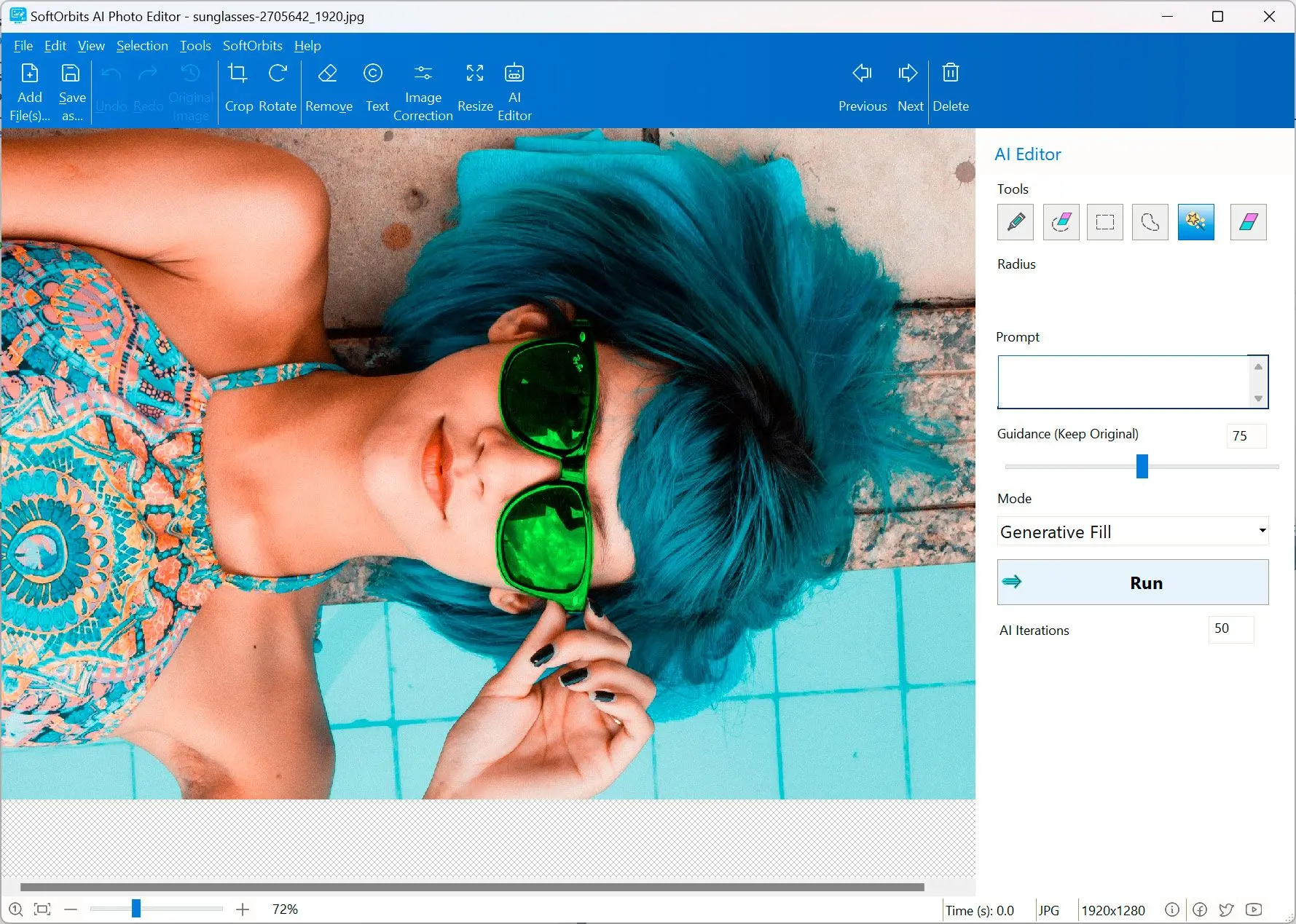
SoftOrbits AI Photo Editoris an image editor forWindowsaimed at users who want to improve or retouch photos without getting into complex tools. Its approach combines classic editing with AI-assisted functions, where you can indicate changes by text instructions and an area selection.
If you usually work with images for networks, miniatures, school jobs or product photos, this type of editor is useful when the priority issave time. And if you are also interested in complementing with specific tools (e.g.removing fundsocreate sketch-like effects), on ykcg.info there are already related guides that you can consult:SoftOrbits Photo Background RemoverandSoftOrbits Sketch Drawer.
What this editor is and what it’s for
This software fits well when you need quick results: simple retouching, visible fixes, general aspect adjustments and spot changes in a particular area of the image. The goal is to reduce steps and simplify the work so that it does not depend on mastering professional tools.
If you have advanced editing (complex composition, layered design flows, fine color control for printing), you're likely to require a high-end professional editor. Instead, if your priority is to edit and improve photos in a practical way, this approach is usually enough. For more useful software ideas (including promotions), you can review:Promotions in ykcg.info.
How editing works with AI by prompts
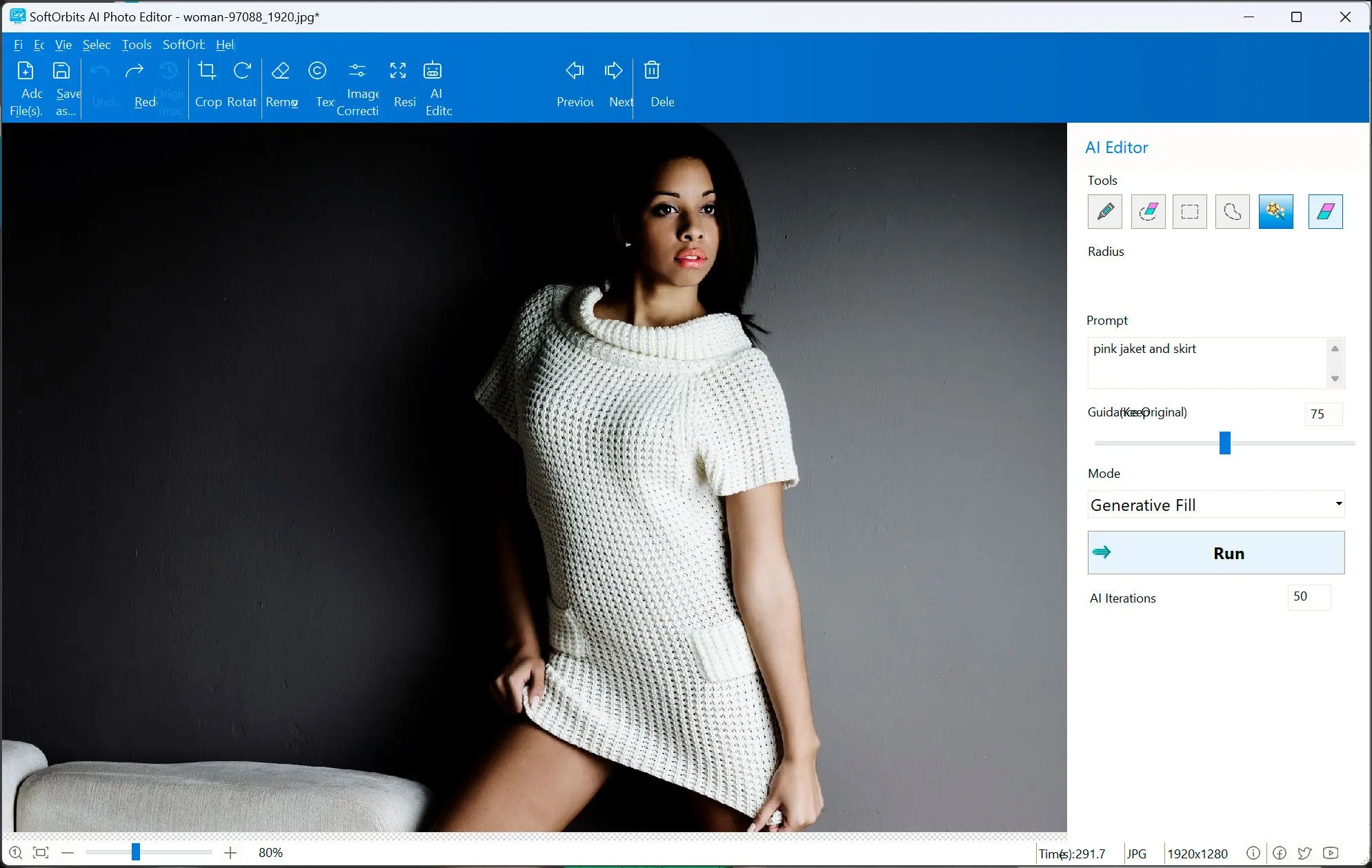
The AI-assisted edition is based on a simple flow: you select the area to be modified, you write an instruction (e.g. “remove object”, “soften skin”, “clean background”, “change style”) and the system tries to apply the change while respecting the context of the image.
This is usually especially useful in tasks where manual editing would take time: removing items, retouching small areas, improving appearance or making creative changes guided. Final quality depends a lot on two things: a precise selection of the area and a clear prompt.
Visual workflow guide
The typical flow is direct: open the image, select the area, indicate the change and export the result. In many cases, this reduces the time compared to a traditional editor when you only need spot modifications.
Useful functions on a day-to-day basis
Although the main attraction is editing with AI, the program is designed for typical tasks: quick retouching, visible fixes and ready-to-share export.
- Text-guided edition:changes via prompts in a selected area.
- Quick retouching:Point corrections without heavy learning curve.
- Visual improvements:photo appearance settings with imperfect lighting or detail.
- Simple flow:import → edit → export, without relying on cloud services.
For whom is it recommended?
This editor fits especially well if you are looking for quick results without going into complex professional flows:
- Basic–intermediate useryou want to improve photos without learning advanced tools.
- Content Creatoryou need quick editions for publications.
- Entrepreneurship/e-commercerequiring frequent retouching of product photos.
If your goal is to edit quickly and with few steps, the “selection + prompt” model is usually more efficient than a traditional editor for spot changes.
How to get the free license (step by step)
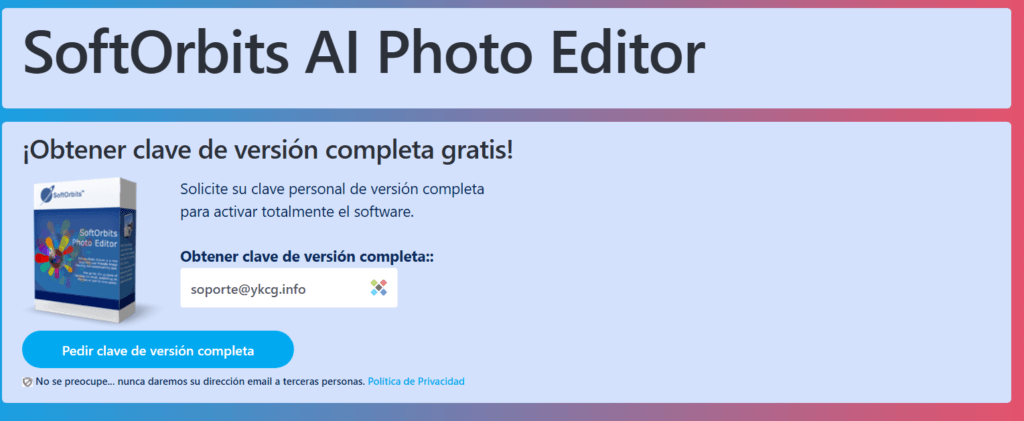
The promotion is managed from the official website by registering and sending key to mail. Follow these steps:
- Visit the promotion page on the official SoftOrbits Privacy Protector website.
- Enter your email in the form and click"Get Full Version Key".
- Check your email.
- Complete the form provided.
- You will receive your personalized activation license.
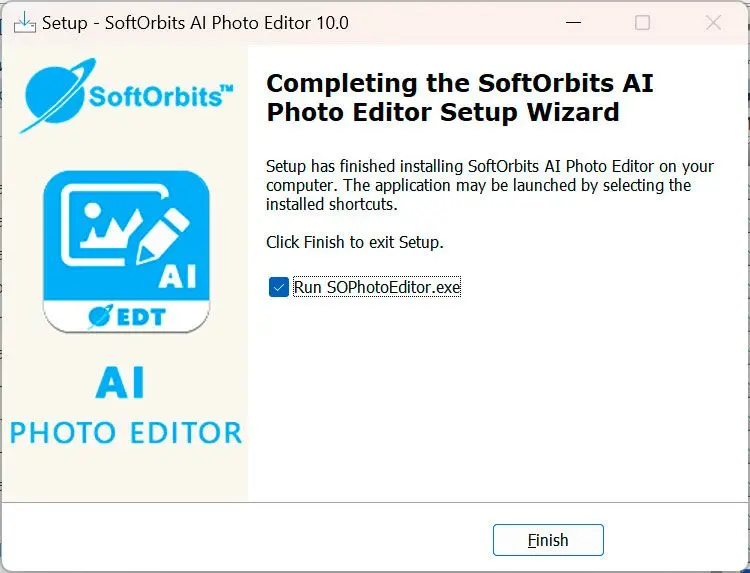
- Download, install and activate the program using your activation key.
Official promotion in Spanish.
Terms and conditions of the promotion
- The license isfor life.
- Does not includefree updates.
- Does not includefree technical support.
- You must register the productbefore the end of the offer.
Related articles on ykcg.info
Conclusion
SoftOrbits AI Photo Editor is a practical option if you want to edit photos with a modern approach, based on selection and prompts, and with a lighter learning curve than a professional editor. Time changes and quick tweaks are usually enough, especially if your priority is to save time.
RELATED POSTS
View all


iTop Screen Recorder: complete guide, free license and safe use in 2026
abril 18, 2026 | by Equipo YKCG

Improve your videos with Tipard Video Enhancer: Features, Strong Points and Highlights
enero 6, 2025 | by Equipo YKCG

Batch Picture Resizer: Resize batch images on Windows (free license)
febrero 6, 2026 | by Equipo YKCG