

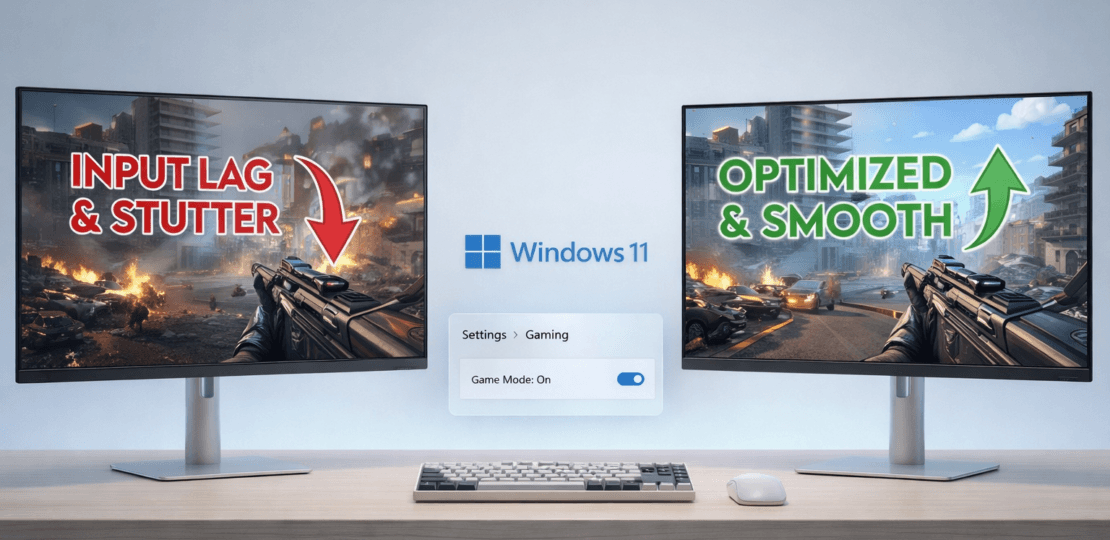
How to reduce input lag and pulls in games (Windows 11)
enero 27, 2026 | by Equipo YKCG
Índice del Articulo
Master your PC: Advanced strategies to minimize latency and maximize fluidity in your favorite games.
Learn step by step how to optimize Windows 11 to eliminate input lag and annoying micro-cuts that ruin your competitive experience.
What is Input Lag and why is it your worst enemy?
Theinput lagis the time it takes to perform a physical action (such as clicking the mouse or pressing a key) until that action is visually reflected on your monitor. In competitive fast-paced games like Valorant, CS2 or Apex Legends, milliseconds of delay can mean losing a crucial duel.
On the other hand, thepulls or stuttering.are irregularities in frame delivery. You can have 144 constant FPS, but if a frame takes twice as long as the previous one to render, you will notice a micro-cut that breaks the dive and affects your aim.improve PC performancedeep down is the only real solution.
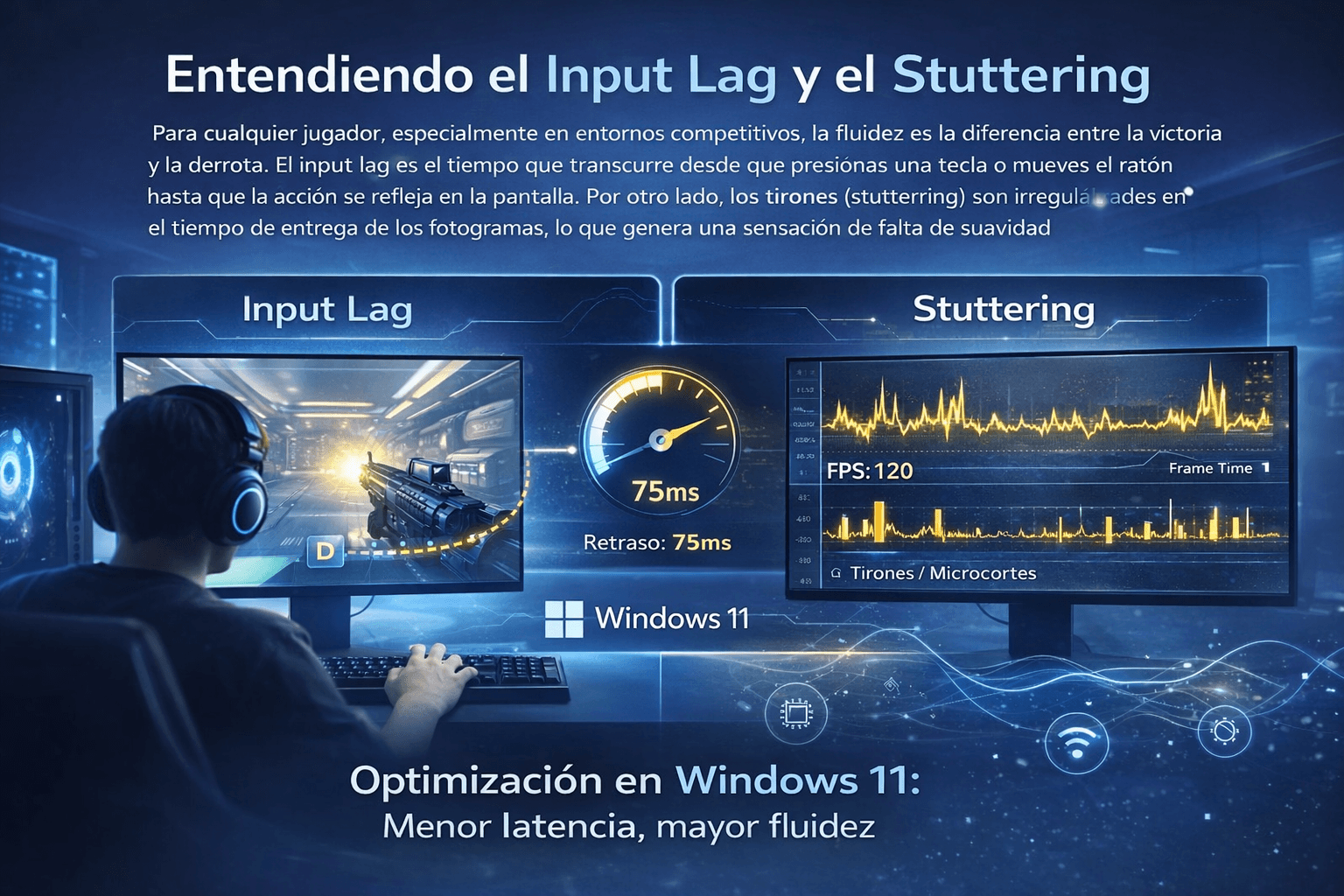
The difference between a standard system and an optimized system can be tens of milliseconds in the total system response.
Step 1: Windows 11 Critical Configuration for Gaming
Windows 11 is a robust operating system, but its default configuration looks for a balance between energy and performance, not the maximum pure speed. We must adjust this.
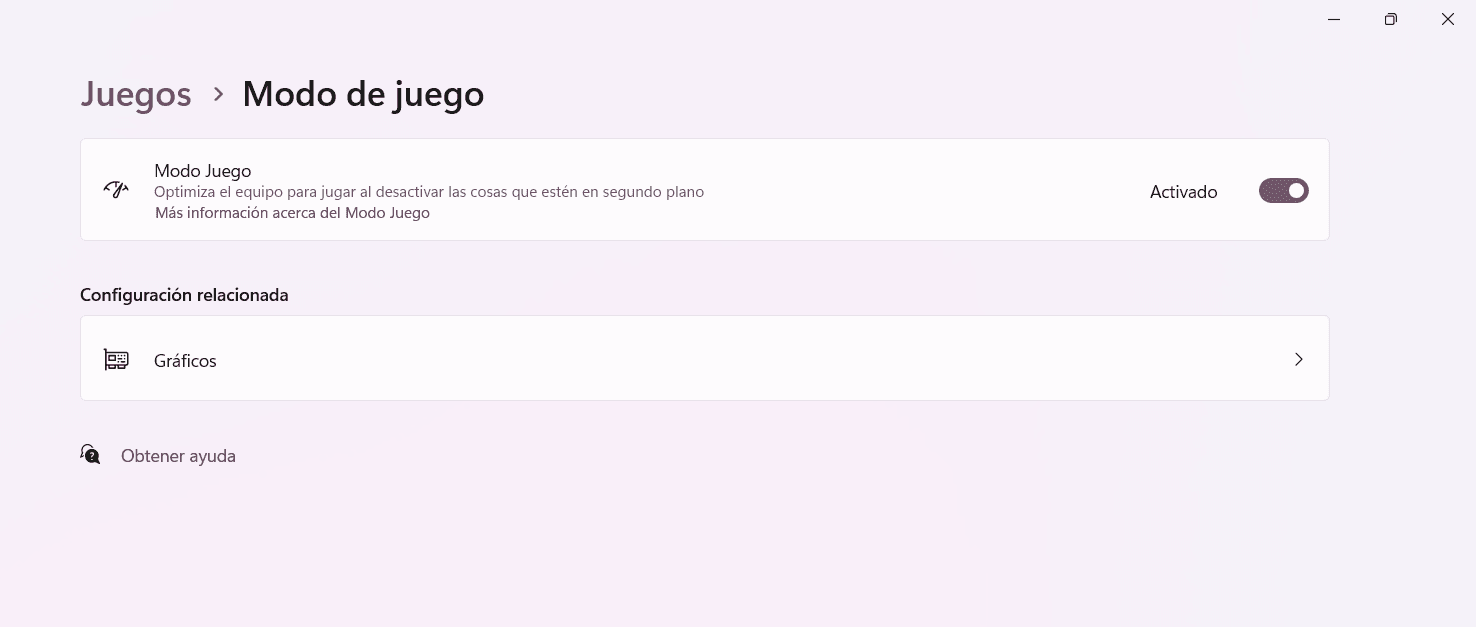
Go toSettings > Games > Game modeand make sure it is enabled. This Windows feature prioritizes CPU and GPU resources for the game in the foreground and prevents services like Windows Update from running while you play.
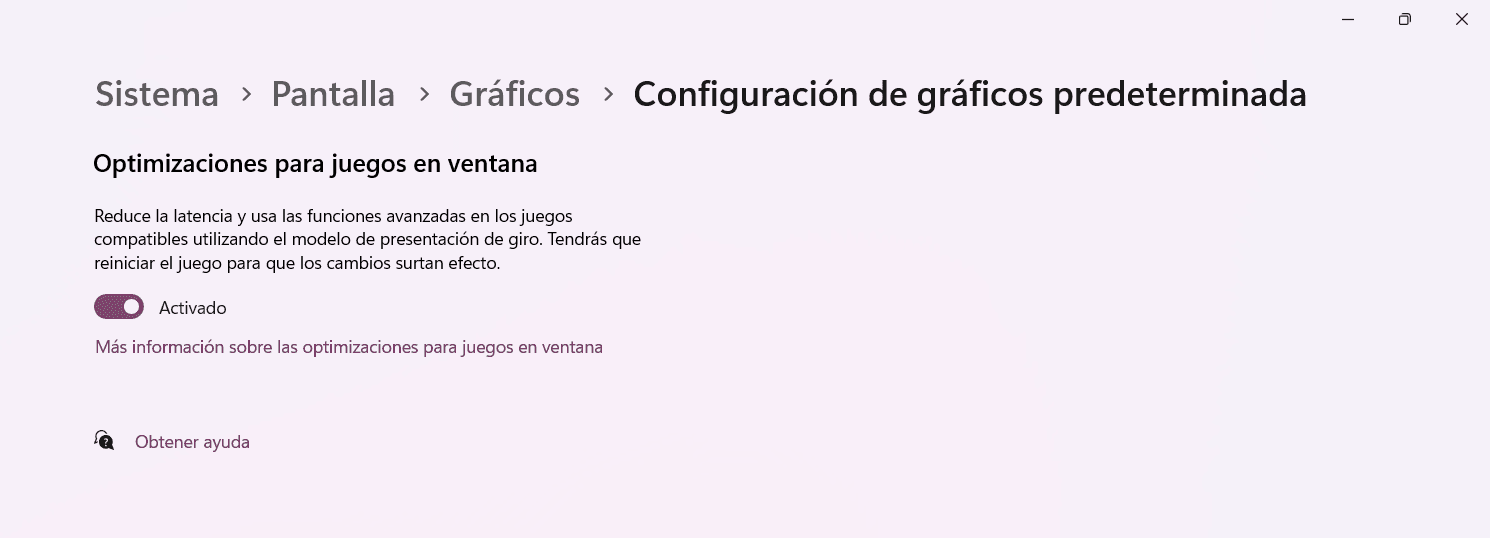
This is perhaps the most shocking option in modern equipment. Go toSettings > System > Display > Graphics > Change default graphics settings. Activate theHardware-accelerated GPU programmingThis allows the graphics card to manage its own memory (VRAM) directly, reducing the processor's workload and decreasing latency.
Step 2: Energy and Processes in Second Plane
Constant changes in processor speed to save power are a common cause of micro-throwing. To avoid this, we need an aggressive energy plan. In addition, it is vital to clean up unnecessary services; we recommend reviewing our guide on howclean Windows 11 from bloatwareto free up valuable resources.
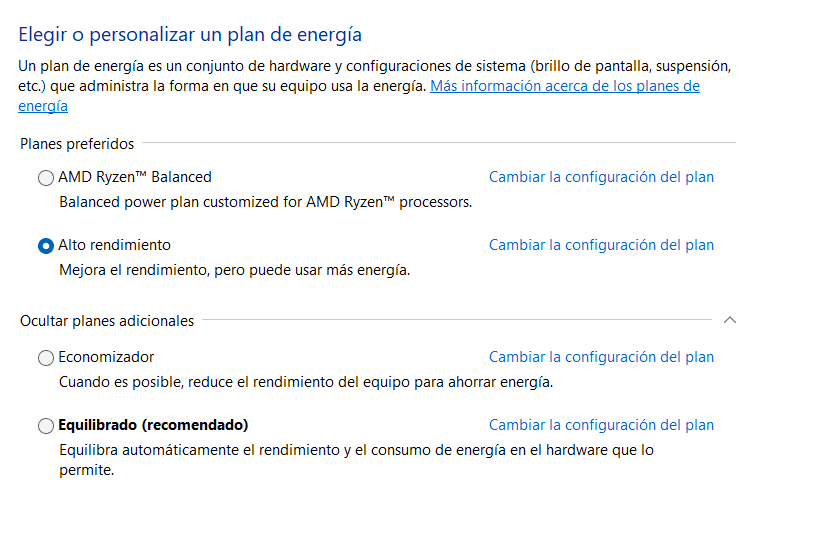
Always select "High Performance" or "Maximum Performance" when you go to play.
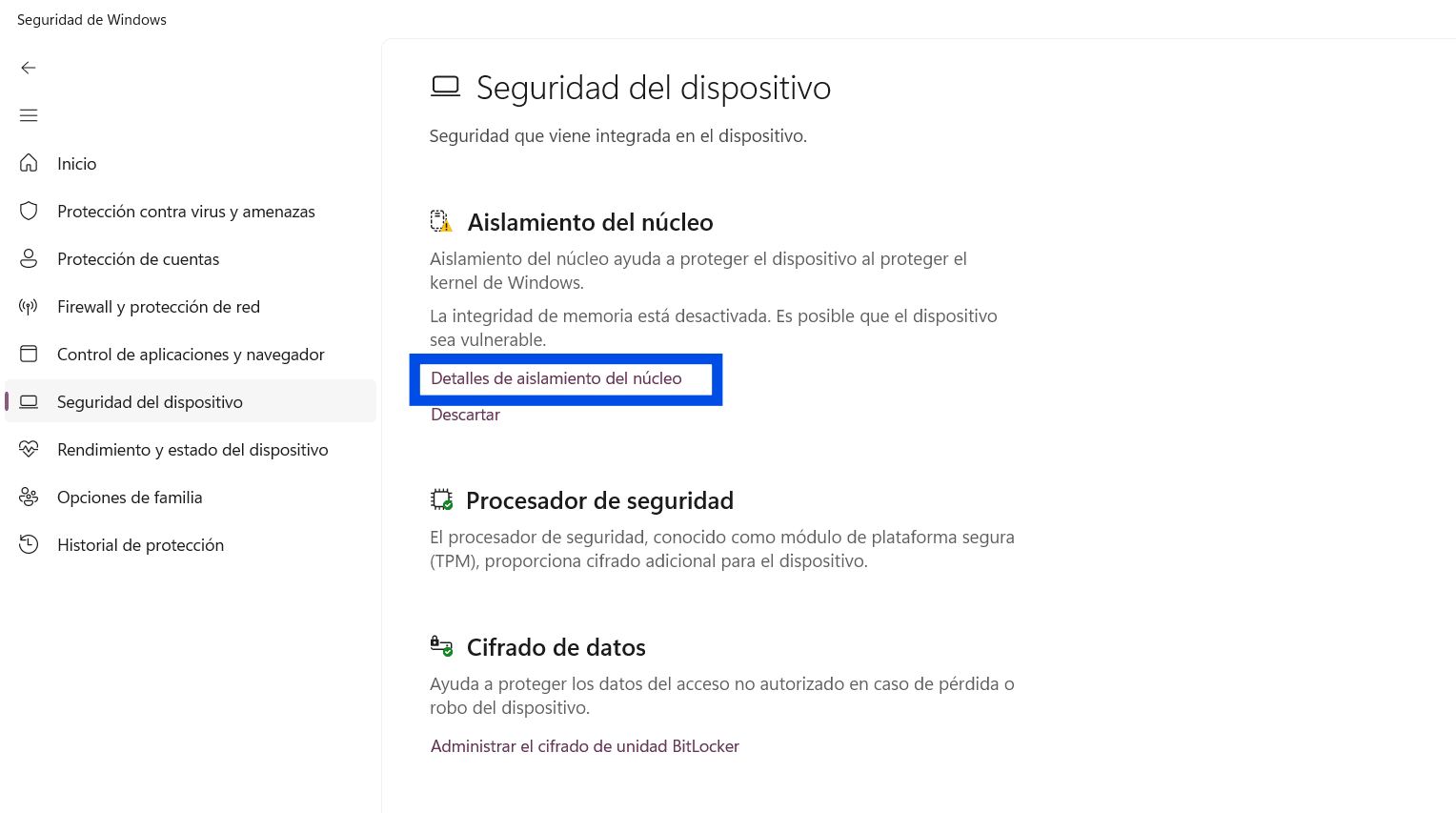
Virtualization-based security (VBS) is a security feature of Windows 11, but it can cause a loss of performance of up to 15% in games. If your priority is the maximum FPS, consider deactivating it inWindows Security > Device Security > Core Insulation Details.
Step 3: Graphic Control Panel Optimization (NVIDIA/AMD)
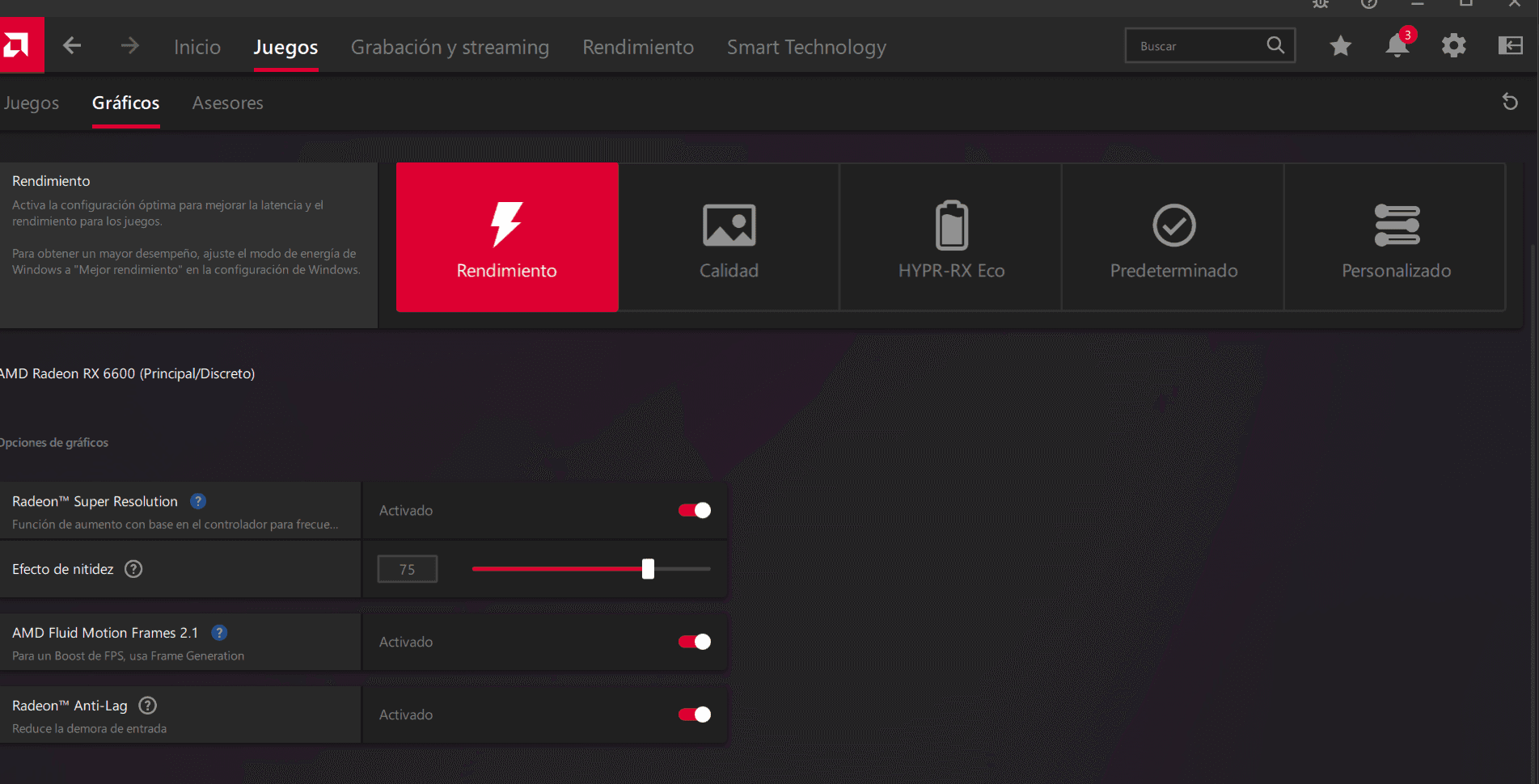
Having theUpdated graphics driversThe control panel of your GPU hides the most important latency settings:
- Low latency mode (NVIDIA):Set it to "Ultra". This limits the queue of pre-rendered frames to 0 or 1, forcing the processor to send data just when the GPU needs it.
- Radeon Anti-Lag (AMD):The AMD counterpart activates it in Adrenalin software to reduce input lag in scenarios limited by GPU.
- Power control mode:Always select "Prefer maximum performance" to prevent the graphics card from reducing its frequencies.
Step 4: Don’t forget the Latency of Red (Ping)
Sometimes, what feels like "lag" is not your PC, but your connection. For online games, optimize your network toreduce ping in gamesalways use Ethernet cable connection instead of Wi-Fi and consider switching your DNS servers for faster options such as Cloudflare (1.1.1.1).
Key Benefits of Complete Optimization
Instant Response
Your movements feel directly connected to the game, improving your tracking of goals and reaction time.
Absolute Visual Fluidity
Removal of annoying micro-cuts by turning the camera quickly or entering new areas of the map.
Competitive advantage
By watching and reacting to the events of the game milliseconds before your unoptimized rivals, you gain a real advantage.
Do you want to apply all these optimizations automatically?
Download our professional tool pack and bring your Windows 11 to maximum performance with few clicks.
Frequently Asked Questions (FAQ)
Does V-Sync (vertical synchronization) increase input lag?
Yes, the traditional V-Sync is one of the major causes of input lag because it forces the game to wait for the monitor. If you have a compatible monitor, always use G-Sync or FreeSync, which eliminate the training without adding perceptible latency.
Which peripherals cause the most delay?
Old or office wireless mouse and keyboards usually have a low sounding rate (125Hz). For gaming, make sure to use modern wired or wireless peripherals with low latency technology and at least 1000Hz of polling rate.
Is it safe to disable core insulation (VBS)?
VBS is an extra layer of security. Deactivating it slightly reduces the theoretical security of the system against certain advanced attacks, but it is a common practice in PCs dedicated exclusively to gaming to recover lost performance.
RELATED POSTS
View all

Windows Data Recovery: An iBeeSoft Data Recovery Review
abril 7, 2025 | by Equipo YKCG

Ashampoo Home Design 5 >=8211; Design your own home
julio 19, 2020 | by Equipo YKCG
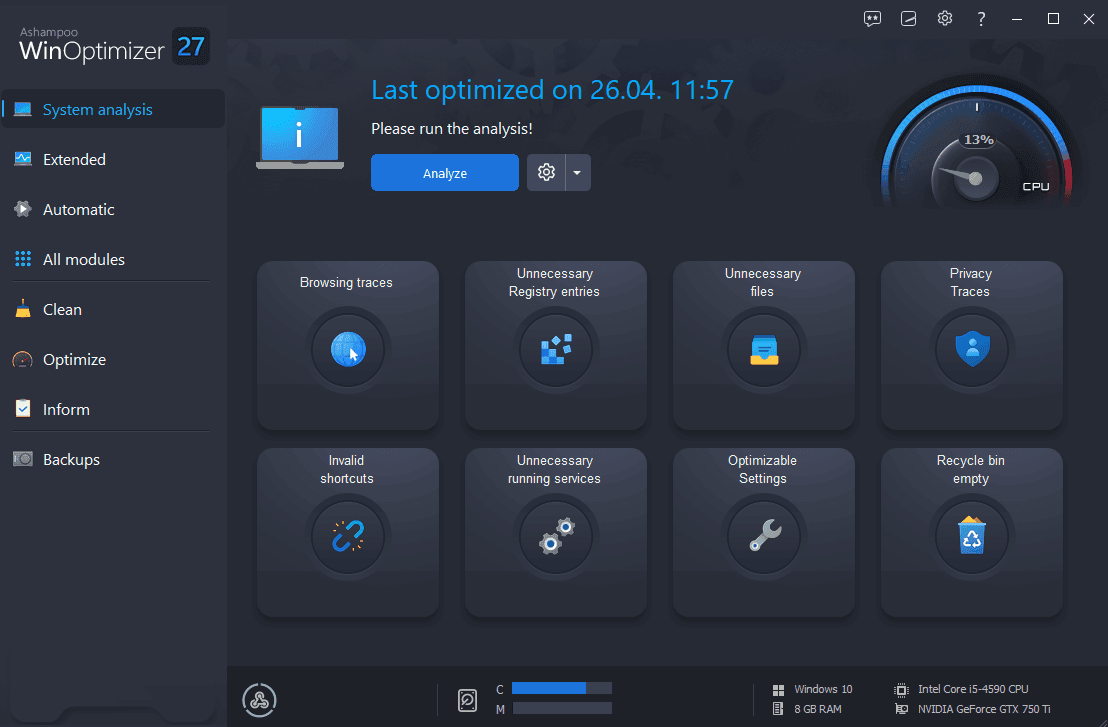
Optimize your PC to the fullest with Ashampoo WinOptimizer 27!
julio 16, 2025 | by Equipo YKCG