

How to fix internet errors step by step (Slow WiFi, offline and DNS)
enero 21, 2026 | by Equipo YKCG
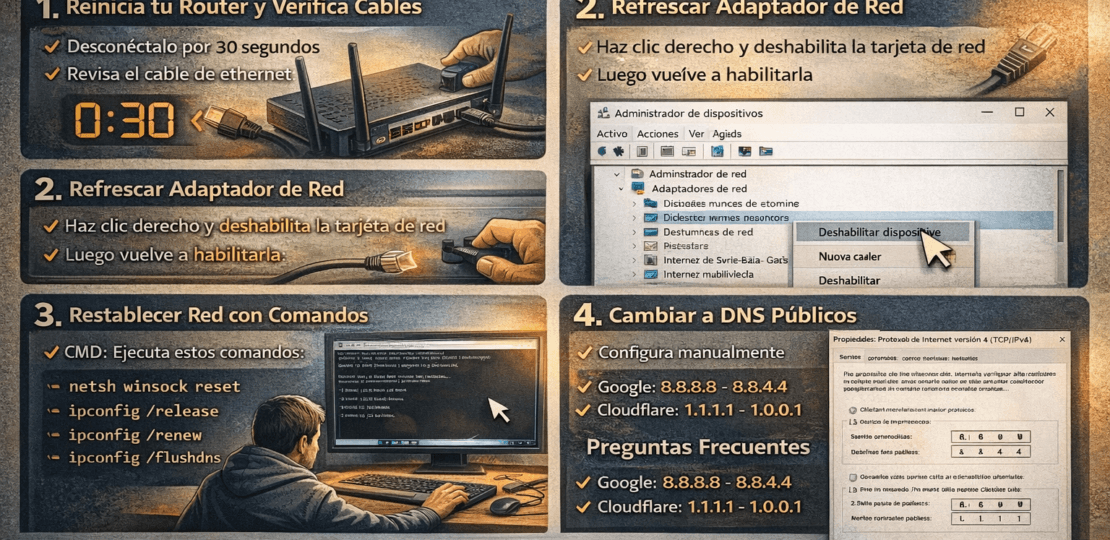
Losing the connection at the least opportune time is one of the most frustrating experiences. However, most of the time it is not a serious breakdown, but a small conflict of software or hardware.fix internet errorsstep by step will allow you to restore your workflow without relying on third parties.
Índice del Articulo
1. The energy cycle: More than turn off and on
Even if it looks like a cliché, the restart of the router solves 70% of latency and microcut problems. Network hardware accumulates errors in your temporary memory that are only cleaned when the current is cut.
- 30 seconds disconnect:Unplug the power cable. This time is necessary for the electrical components to be completely downloaded.
- Cable verification:Make sure that the network cable (RJ45) is well adjusted. A "luggish" or bitten cable is the main cause of intermittent disconnections.
2. Refresh the Network Adapter
Sometimes, your Wi-Fi or Ethernet card driver crashes. Before looking for external solutions, try to force hardware restart from Windows:
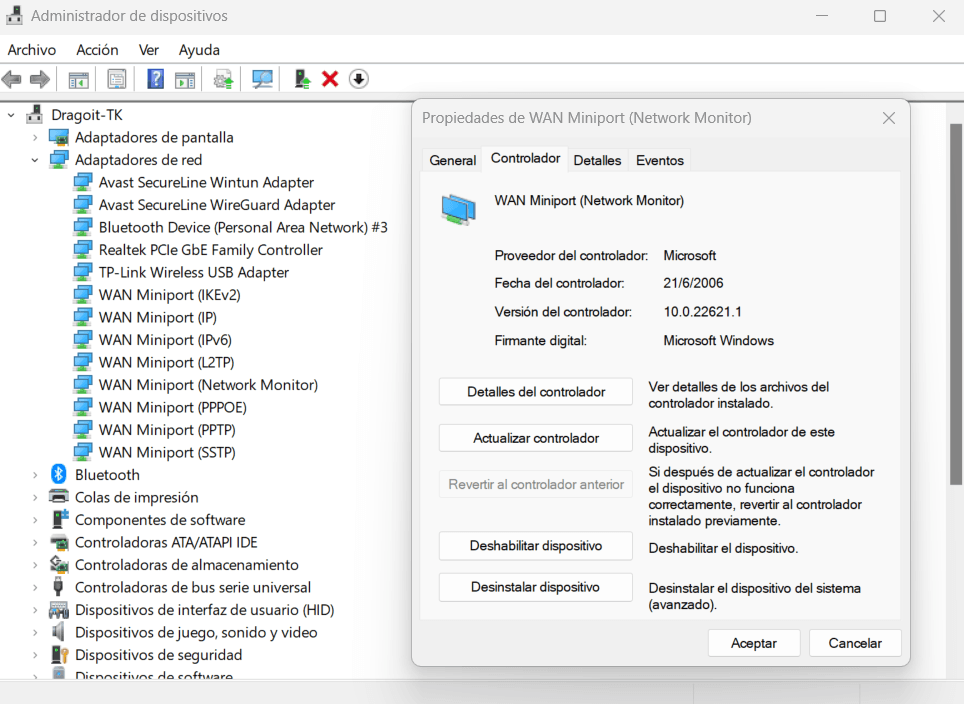
- Right-click the Start button and open theDevice Manager.
- Deploy "Network Adapters".
- Right click on your network card and selectDisable Device.
- Wait a few seconds and go back toEnable. This will force the system to search for a new IP address.
3. Reset the Network Stack by command
If the visual menus do not work, the command console is the most powerful tool. These commands clean the cache and reset the connection protocols to their original state:
netsh int ip reset
ipconfig /release
ipconfig /renew
ipconfig /flushdns
The commandflushdnsIt is especially useful: it erases the web address history your PC has saved, forcing it to search for the fastest and most up-to-date route to your favorite sites.
4. Switch to Public DNS
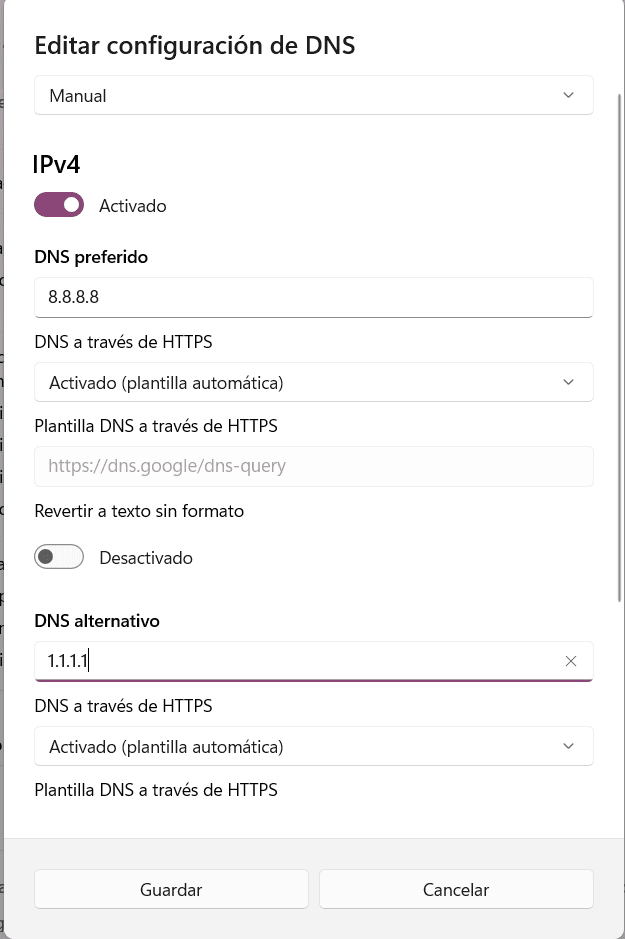
Many internet errors are due to the fact that the servers of your service provider (ISP) are saturated.Google (8.8.8.8)oCloudflare (1.1.1.1)He usually immediately removes the error of "Page not found".
Also, make sure you don't have a setProxyby mistake. Go to Settings > Network and Internet > Proxy and check that the "Use proxy server" option is disabled, as this can completely block web traffic.

Frequently Asked Questions
Why do I have the internet but it's going too slow?
It can be interference with the Wi-Fi channel or background processes by downloading updates. Try connecting an Ethernet cable to rule out wireless signal failures.
Can my antivirus block the internet?
Yes, especially if the firewall is misconfigured. Deactivate it temporarily (only one minute) to check if you recover the connection.
RELATED POSTS
View all


Media Player 4K: PlayerFab Ultra HD Player in Action
agosto 13, 2023 | by Equipo YKCG

Clear Wave Water Exact Pro for free: how to eject water from speaker on Android
febrero 23, 2026 | by Equipo YKCG