

How to detect a virus on Windows (without being expert) + real signals
enero 23, 2026 | by Equipo YKCG
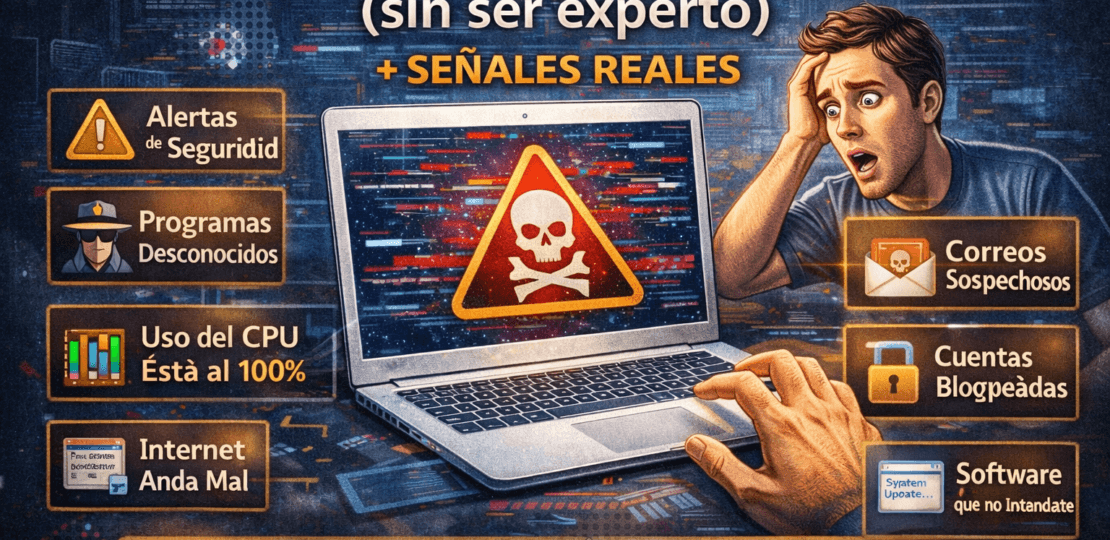
Does your computer behave erratically or do you feel that it does not respond as before? In the 2026 technology landscape, malicious software has evolved: it no longer seeks simply to "break" the system, but to remain hidden to collect data.detect viruses in Windowsmanually is an essential skill for any user.
Índice del Articulo
Real signs of infection (without “myths”)
Forget the myths of screens flashing in red.PC securitymodern is compromised through much more subtle symptoms that can go unnoticed if you don't know where to look:
- Changes in the search engine:If you open your browser and, without notice, the default search engine has changed to an unknown one, it is a clear sign ofadware.
- Pop-up windows outside the browser:Getting notifications or advertising on your desktop even when you don't have open programs is one of themalware symptomsmore common.
- Inability to update Windows:Many viruses block Microsoft servers to prevent security patches from removing them.
What to check in 10 minutes
You don't need to be a technical expert to make a quick diagnosis. Windows integrates native tools that reveal exactly what's happening in your processor's "entrails."
Rare task and process manager
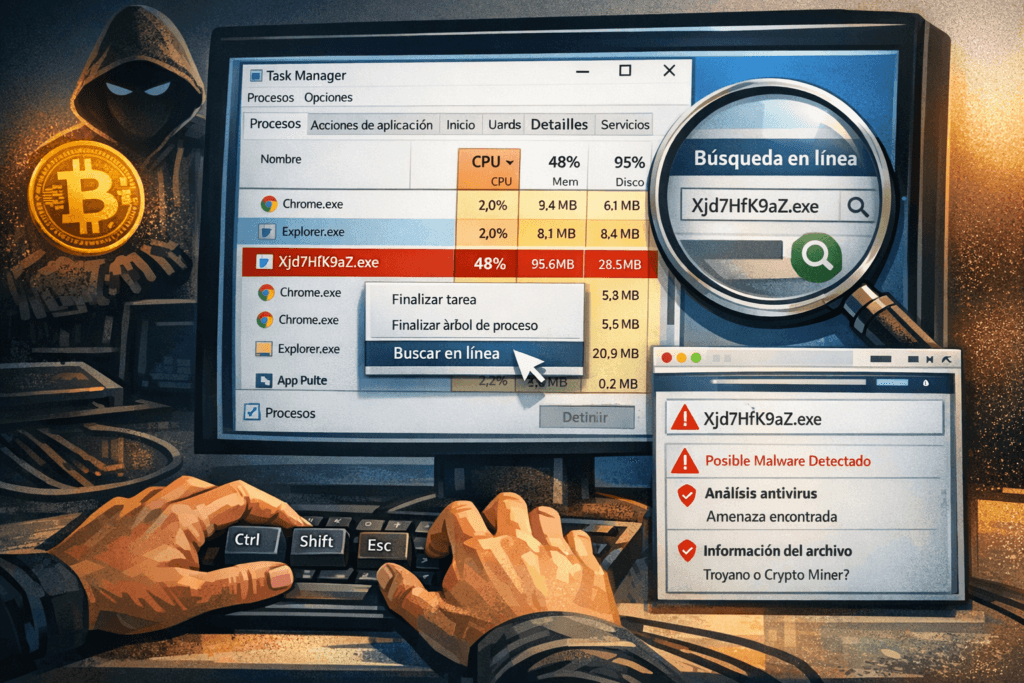
Access by pressingCtrl + Shift + Esc. In the Process tab, sort the list by "CPU" or "Disco." If you notice that a process with a strange name (combinations of letters and meaningless numbers) keeps a high consumption constantly, you might be facing a hidden cryptocurrency miner or remote access trojan.
A useful technique is to right click on the process and select "Search Online". This will redirect you to databases ofantivirus toolswhere you can confirm if the file is legitimate.
Windows Home (Suspicious Programs)
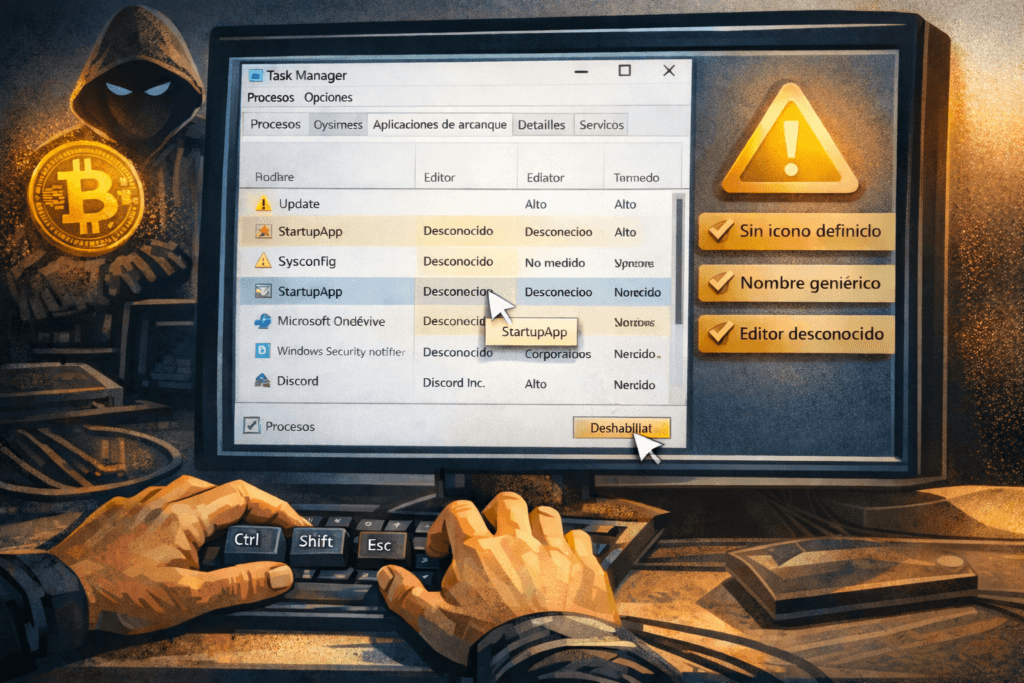
Many viruses make sure to "relive" every time you turn on your computer. To detect this, go to the tab"Start applications"in the Task Manager.
It deeply distrusts any entry that does not have a defined icon, has a generic name like "Update" or does not mention a verified manufacturer. Disabling these elements not only improves safety, but significantly accelerates system ignition.
What to do if you confirm infection (without formatting)
If you have verified that there is an active threat, you do not need to delete your entire hard drive immediately. Follow these steps to tryremove Windows 11 viruseffectively:
- Microsoft Defender offline exam:This function allows Windows to analyze the files before the operating system is fully loaded, preventing the virus from "hide" into RAM.
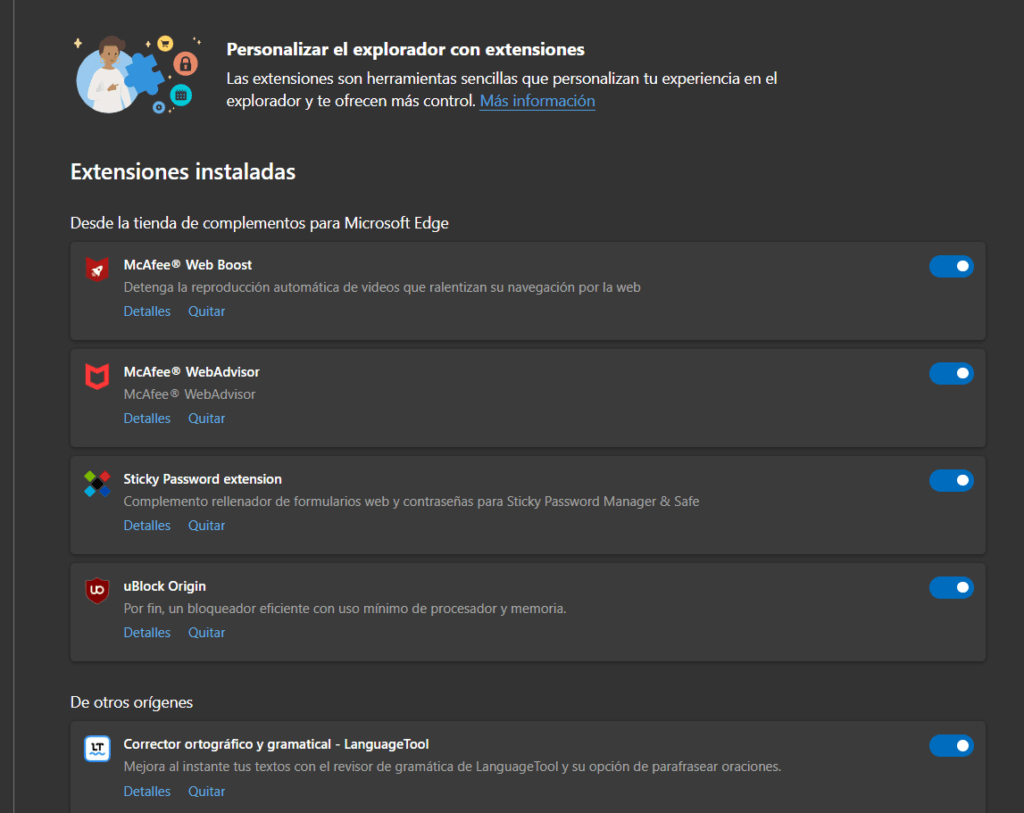
- Clear browser extensions:Access your browser settings and remove any extension you don't recognize; often the problem lies there and not in the operating system.
- Reset Network Settings:Consult guides inykcg.infoto ensure that your DNS hasn't been altered to redirect you to fraudulent sites.
FAQ
If my PC goes slow, is it always a virus?
No. It can be a lack of maintenance, a full hard drive or too many legitimate processes in the background. It always discards hardware problems first.
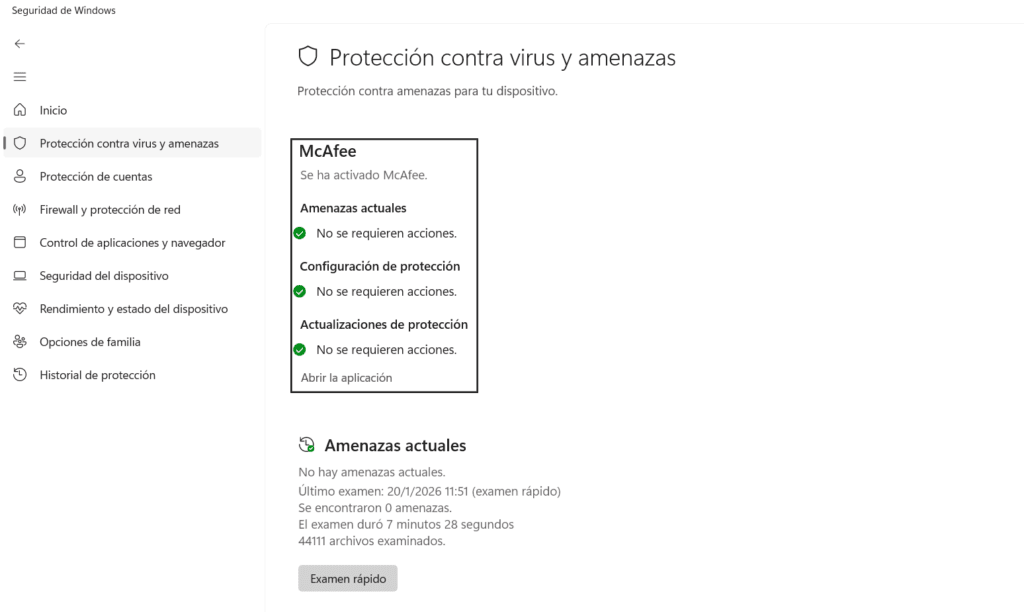
Is it safe to use Windows Defender only?
Today, Windows Defender offers enterprise-level protection. However, for peace of mind, performing periodic scanning with specialized tools is an excellent practice.
RELATED POSTS
View all


Norton 360 for Gamers Threat protection
julio 30, 2022 | by Equipo YKCG

IObit Smart Defrag 11 Pro Free: License and Guide 2026
junio 28, 2026 | by Equipo YKCG

Nero TuneItUp PRO: Optimize and Accelerate your PC to Maximum
octubre 22, 2024 | by Equipo YKCG