

DVDFab Blu-ray Ripper: Full License for 1 Year Free
noviembre 27, 2022 | by Equipo YKCG
Índice del Articulo
Convert any Blu-ray to more than 1000 video and audio formats
Remove any protection to make the conversion possibleBlu-ray
Commercial Blu-rays are protected against copying to avoid illegal backups. Here are common Blu-ray copying protections: AACS (Advanced Access Content System), BD +, BD-J (Blu-ray Disc Java), RC (region code), etc. If you plan to copy Blu-rays to digital format, the first priority is to remove such protections. Any reliable Blu-ray protection removal tools?
Here it comes withDVDFabBlu-ray Ripper to fix your problem. Thanks to the cloud decryption service exclusive to DVDFab, this best Blu-ray Ripper software can remove the protection of newly purchased encrypted Blu-ray disks on the cloud server in a timely and fast way. That’s why you can open the disks in 5 to 10 seconds. That means you don’t need to wait for the newly released installation package.
Remove Blu-rays to quality video and audio without losses for home cinema
Unlike other Blu-ray extraction software, DVDFab Blu-ray Ripper can copy Blu-rays to lossless video (MP4 / MKV / M2TS. Passthrough) and audio (DTS-HD, TrueHD, TrueHD Atmos, DTS:X), leading to quality playback for home cinema.
When running this best free Blu-ray extraction software, you will be asked to set the preference for playback mode, whether mobile, theater, AI or web. Anyone you choose, will ensure the best viewing experience.
Compress video size but keep quality for any mobile device
Smartphones are needed for connectivity and entertainment. If you are interested in watching Full HD movies or videos on mobile devices such as smartphones or tablets, DVDFab Blu-ray Ripper will be your best choice. It is the best Blu-ray converter that allows you to convert Blu-ray movies to conventional video formats that can be played on all mobile and portable devices.
For example, MP4 is the most compatible video format with a smaller but better quality file size, which can be played on all devices. Feel comfortable to watch 1080p videos on your smartphone whenever you want.

Extract any Blu-ray to more than 1000 video and audio formats through custom configurations
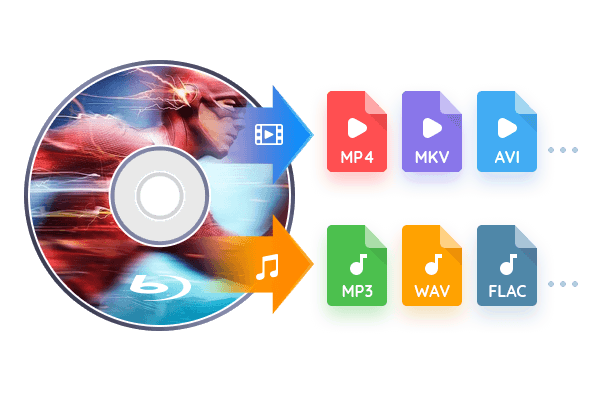
As the best free Blu-ray extraction program, DVDFab Blu-ray Ripper can convert Blu-rays to more than 1000 video formats (MP4, MKV, AVI, MOV, WMV, FLV, M4V, TS, DivX, WebM, 3GP, etc.) and audio (MP3, WMA, AAC, M4A, FLAC, OGG, etc.) to play on multiple devices. When it comes to device compatibility, this Windows and Mac Blu-ray Ripper software can copy Blu-rays to more than 245 preset devices such as Apple, Google, Huawei, Microsoft, Samsung and Sony.
To customize the output videos, you can use the profile filter (3D, Passthrough, 4K / 5K / 8K, H265, 10/12 bits, etc.) and advanced settings (codec, frame rate / sampling, resolution, quality, channels, subtitles, etc.). All these custom options are intended for various needs.
Get a Blu-ray extraction speed 50 times faster with GPU acceleration
How long does it take to copy a Blu-ray? Usually, it takes about as long as the video duration. What if you choose the right Blu-ray extraction software? Do you find any reliable Blu-ray Ripper on the market?
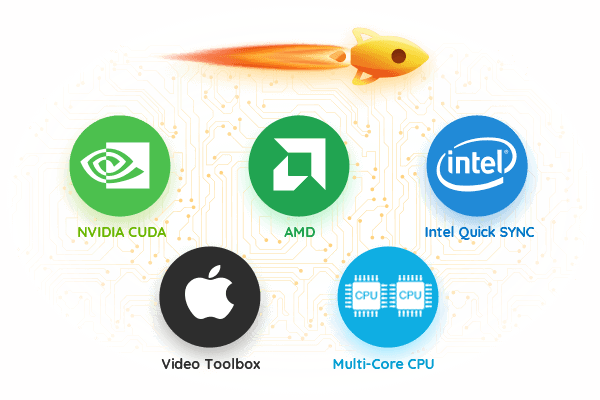
Here comes DVDFab Blu-ray Ripper which features the latest advanced GPU acceleration technologies, including the multi-core CPU, NVIDIA CUDA, AMD, IQS (Intel Quick Sync), Video ToolBox (macOS), which allows you to copy a standard Blu-ray movie in 15 minutes.
Convert Blu-rays to digital files via multitasking mode
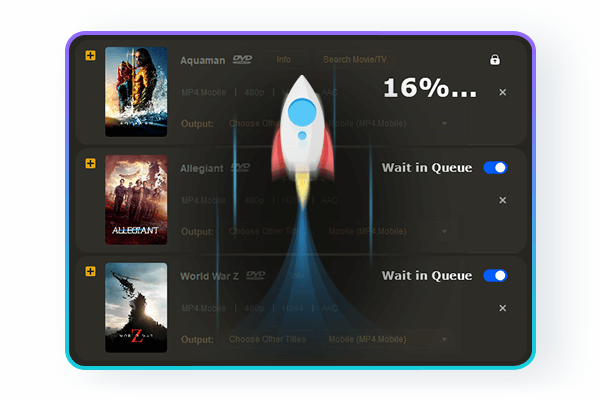
Do you get tired of copying Blu-rays one by one? Why not make the most of the task queue? If you add multiple extraction tasks to this best free Blu-ray extraction software, all tasks will be completed one after the other, which saves you a lot of time for other issues.
The task queue, so to speak, is an important highlight of DVDFab products, which is designed to greatly improve the user experience. Never let go of such a personalized service!
The built-in video editor makes your video different
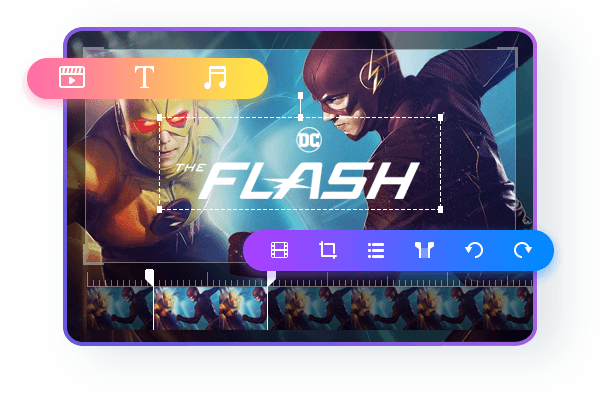
DVDFab Blu-ray Ripper features a built-in video editor capable of creating stunning videos while Blu-rays are being extracted. It allows you to crop, trim, rotate, merge video, add watermarks and subtitles, and even adjust the color of the video. Do you want to make your videos stand out from the crowd? This best Blu-ray Ripper will be your first choice because of its user-friendly interface and wide features.
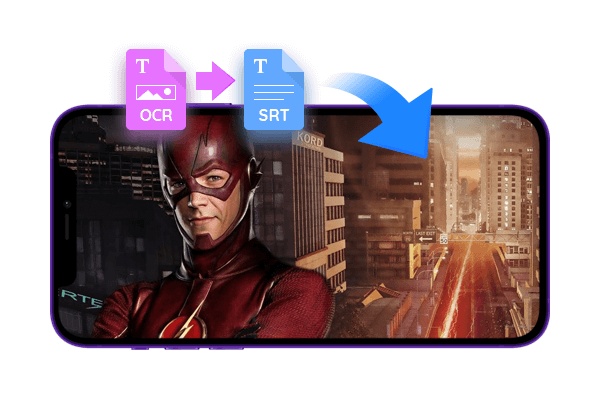
Convert Blu-ray subtitles to SRT file via OCR Tech
Looking for the best way to copy Blu-rays for free while converting subtitles as you wish? You have reached the right page. DVDFab Blu-ray Ripper gives you total freedom to customize subtitles according to your personal preferences.
It allows you to set subtitles in several ways, including direct video representation, remuxing in the file, extracting to an IDX/Sub file or extracting to an SRT file. In addition, this best Blu-ray extraction software, based on OCR technology (optical character recognition), can convert Blu-ray subtitles to SRT format for perfect playback on TVs or mobile devices.
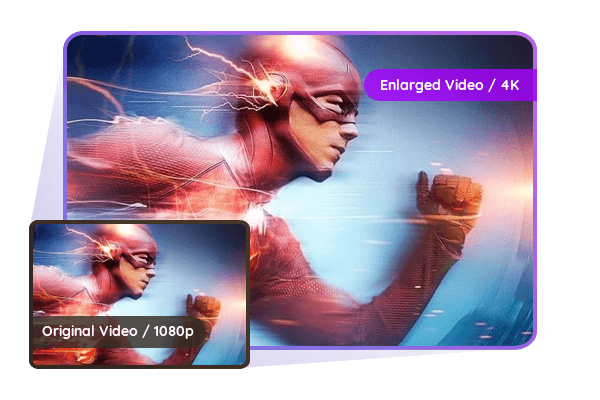
Exclusive 1080p to 4K video with AI enhancement
Do you want to extend the video to 4K while extracting Blu-rays to digital files? Here comes the optimal solution. DVDFab Blu-ray Ripper works perfectly with DVDFab Enlarger AI to improve the video from 1080p to 4K without losing quality. Therefore, the image details will be clearer and sharper. No visible film grains, artifacts or distortions.
The best Blu-ray extraction software can generate two formats (MP4.AI and MKV. AI) for quality playback on 4K Ultra HD or 4K multimedia player. It is always wise to kill two birds with one stone. Act now to convert your Blu-ray movies to 4K resolution for a visual cinematic effect.
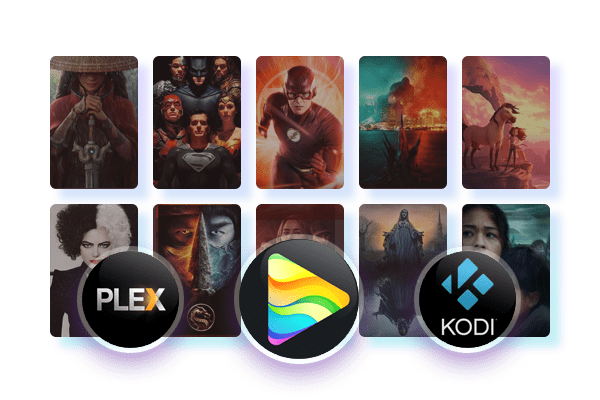
Meta output info and .nfo file for media server
Do you want to see the latest metainfo of your Blu-ray movies on media servers such as PlayerFab, Plex and Kodi? Fortunately, DVDFab has the exclusive Meta Info feature that aims to automatically synchronize the target source database information, such as the movie title, cast and cover.
In addition, you can generate a .nfo file by default so that all the meta information is clearly displayed on the media server. You can get a full picture of the attachments associated with the database source while enjoying exciting plots.
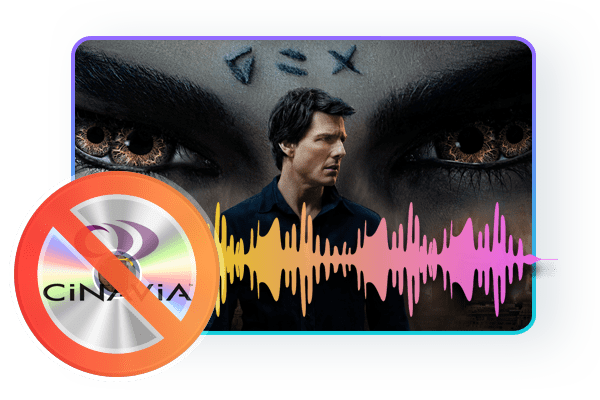
Remove Blu-ray Cinavia and create clean audio
Cinavia works to prevent illegal copying through the detection of a watermark recorded in analog audio media such as theatrical films and Blu-ray discs. Are you distressed by Cinavia’s watermark when you start ripping Blu-rays? How to remove that audio watermark completely?
Here is the optimal solution to address the problem. DVDFab Blu-ray Cinavia Removal works with DVDFab Blu-ray Ripper to remove Cinavia protection completely and permanently. You can create a backup other than Cinavia with lossless AAC/AC3 audio (up to 2.0 or 5.1 channels) that works perfectly on all affected playback devices. Take action now to spin it.

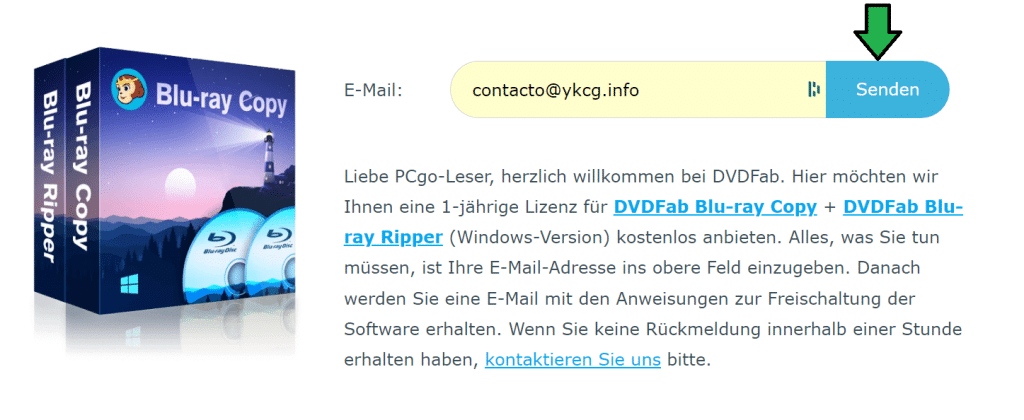
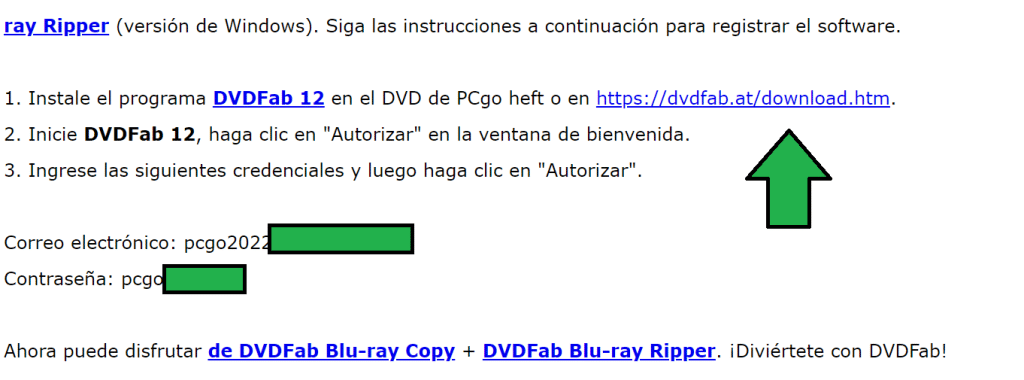
To get a license follow these steps
- Go to the promotion page.
- Enter your email and click on ‘Senden’.
- You will receive an email with activation data and download links.
- Download the program and install it on your PC.
- Log in with license data.
| DVDFab Blu-ray Ripper | Regular price: $49.99 USD Today: $0.00 USD |
|---|---|
| Promotional link: | Click here to go to the promotion |
Terms and conditions
- 1 year license for personal use.
- Free updates during the duration of the license.
- It does not include free technical support.
- Activate before end of promotion
RELATED POSTS
View all

Ashampoo Photo Card 2: Personalized greeting cards
mayo 26, 2023 | by Equipo YKCG
RecMaster PRO License Key Genuine FREE 1 Year License
junio 17, 2025 | by Equipo YKCG

Get an Advanced SystemCare Pro 17 License
agosto 25, 2024 | by Equipo YKCG