

AnyViewer Professional: Advantages and Key Features
septiembre 24, 2025 | by Equipo YKCG

Índice del Articulo
Introduction to AnyViewer
AnyViewer is a remote desktop software solution that stands out for being free, secure and fast. This software has been designed to facilitate remote access and control of computers, which is useful both for technical support and for remote work. AnyViewer technology allows users to connect to their devices from any location, which considerably improves flexibility and efficiency, crucial aspects in an increasingly globalized work environment.

One of the most notable features of AnyViewer is itsapproach to securityRemote connections are protected with advanced encryption protocols, ensuring that data is kept secure during transmission. This is essential, taking into account the increasing prevalence of cyber threats, and allows users to use the software confidently when performing critical tasks on their computers.
In addition, the software has been designed with user experience in mind. AnyViewer’s interface is intuitive and easy to use, minimizing the learning curve for new users. This is especially important in a world where many people need to access their systems remotely without advanced technical training. The functionalities are organized so that users can start and manage sessions efficiently, ensuring that they can focus on their tasks without being distracted by technical issues.
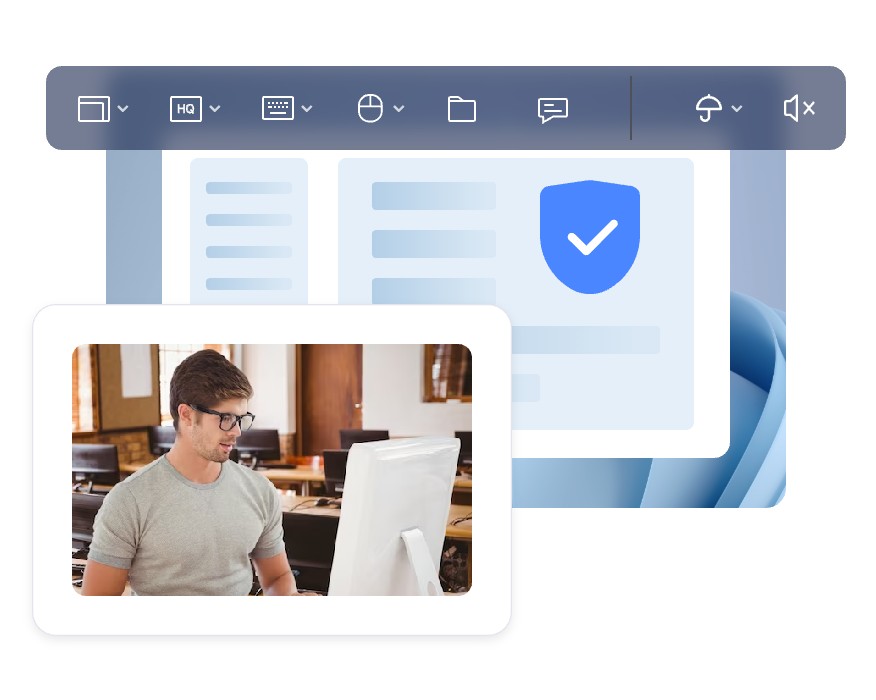
In short, AnyViewer presents itself as an integral tool for those who require remote access to their computers, combining security, ease of use and efficiency in remote work. Its ability to support remote sessions without complications makes AnyViewer an attractive option for individual users and businesses alike.

Main Features of AnyViewer
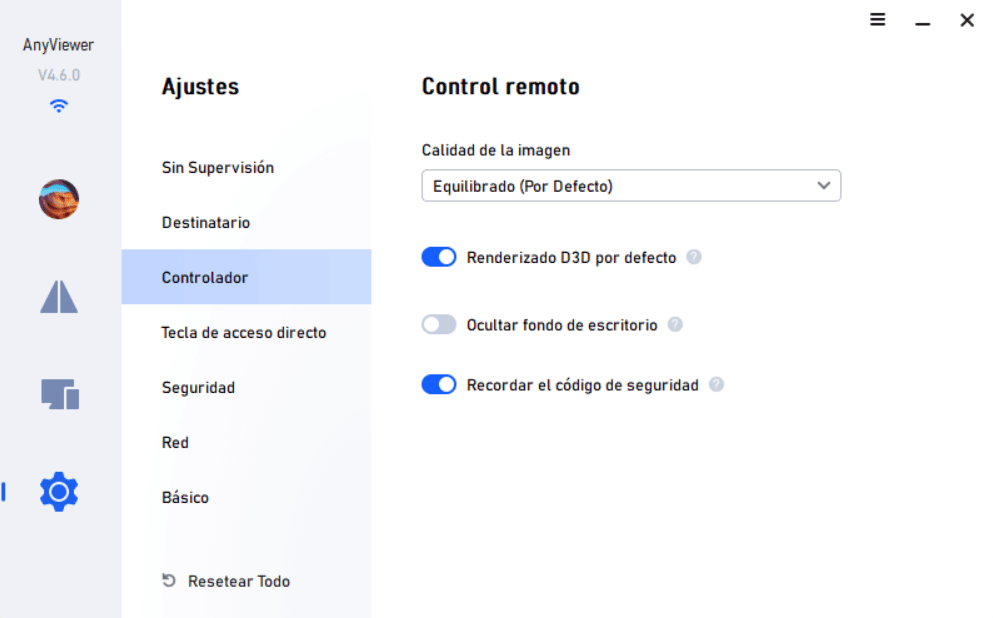
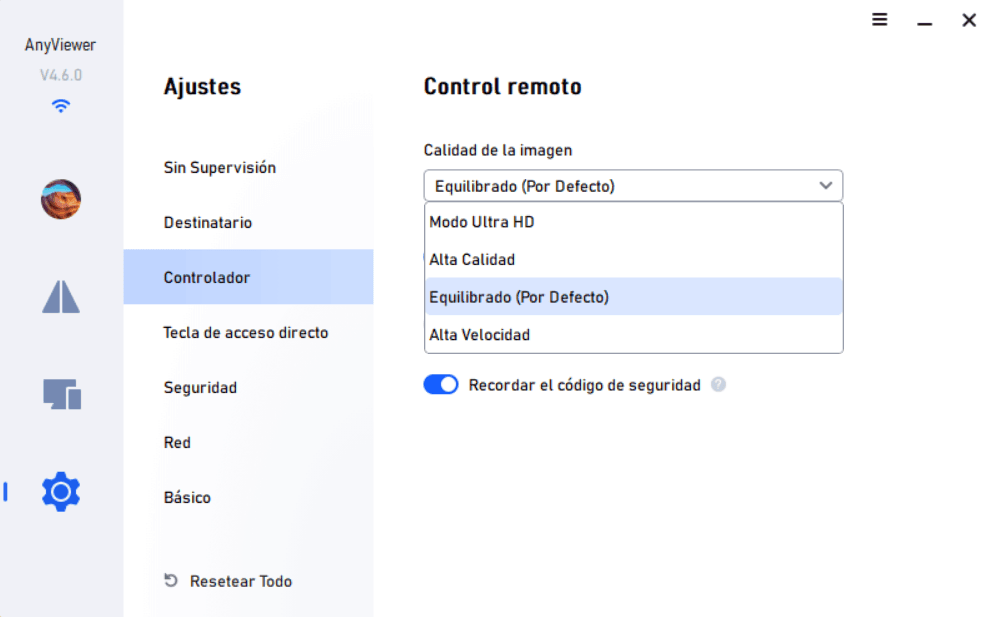
AnyViewer is distinguished by its multiple features that enhance the user experience by managing remote control sessions. One of the most notable aspects of AnyViewer is its ability to handle high-speed connections, which translates into high-quality images. This functionality ensures that users can see every detail of their remote screen without the distortion that is often experienced with other similar tools on the market. In addition, the platform ensures low latency, allowing almost real-time interaction between computers, which is crucial in situations that require immediate attention.
Another outstanding feature of AnyViewer is its ability to control multiple computers simultaneously. This feature is especially useful for professionals who need to manage multiple devices at the same time, whether for administrative tasks, technical support or project management. This multiple control not only saves time, but also facilitates the monitoring and execution of complex tasks with greater efficiency.
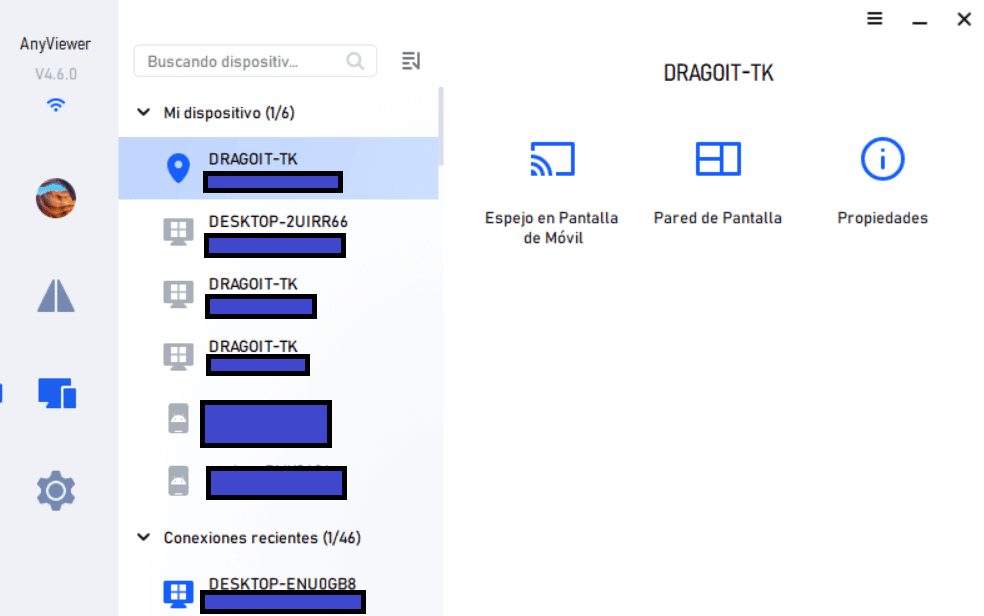
AnyViewer also offers an instant chat feature that allows users to communicate effectively during their remote sessions. This element is critical for real-time troubleshooting, as it allows collaboration between the user and the remote operator. In addition, quick access to tools such as the task manager provides additional control over running processes, which improves resource management during each session.
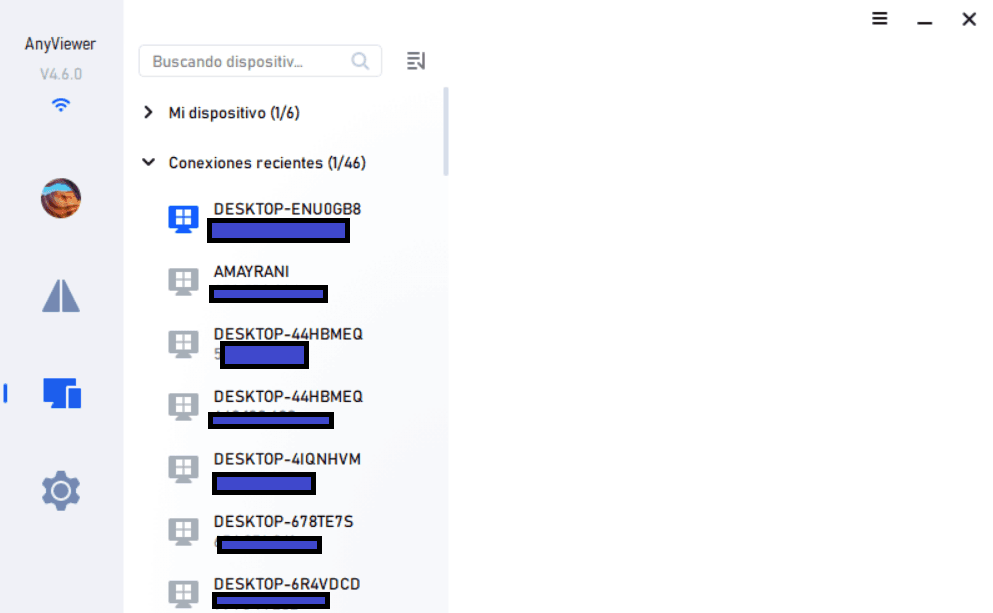
Finally, it is important to mention the encoding and decoding of images implemented in AnyViewer, which optimizes the visual experience. This means that users experience superior image quality, regardless of the speed of the connection, thanks to advanced algorithms that reduce the size of the data without compromising the visual quality.
Benefits of Using AnyViewer
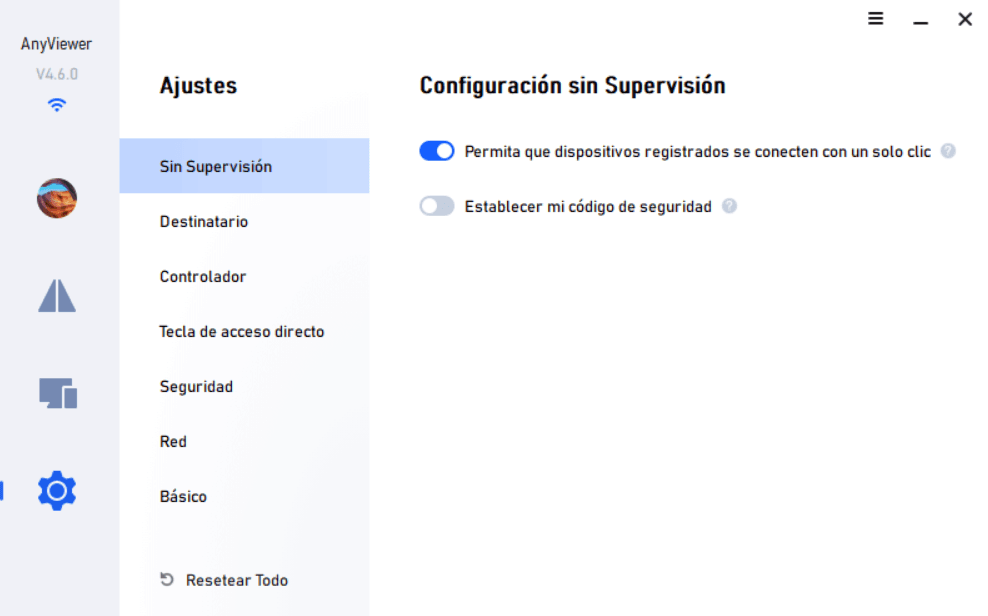
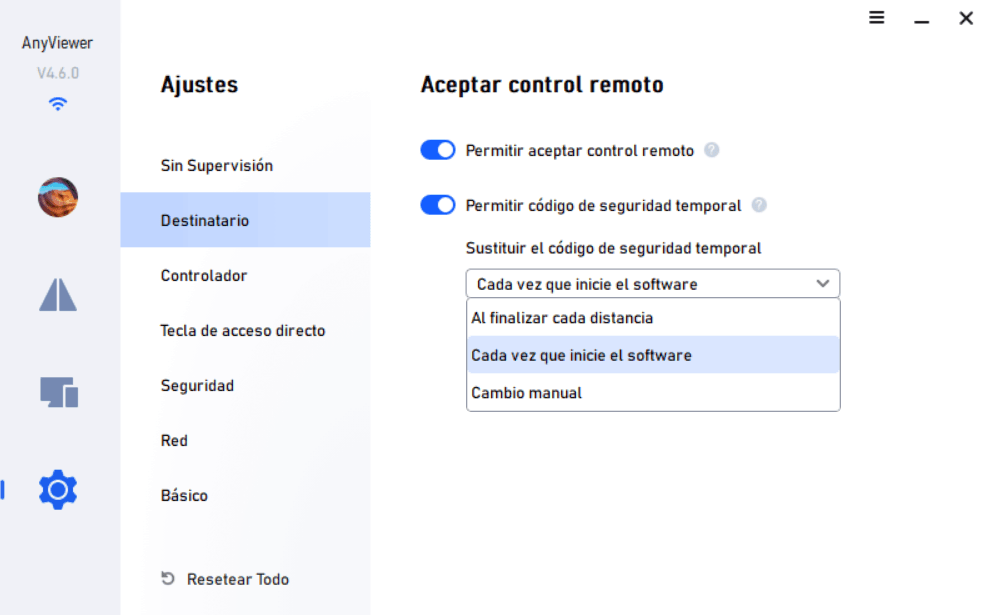
AnyViewer stands out in the market forremote access softwareOne of the most relevant features is the security it provides during remote access sessions. Using end-to-end encryption, AnyViewer ensures that the connections made are protected against unauthorized access, which is essential in an increasingly digital and vulnerable world.Security is a crucial aspect, especially for those who manage sensitive information or confidential data.
Another notable advantage is the speed of file transfer. AnyViewer facilitates the exchange of documents, images and other types of files efficiently. This software allows users to send and receive files with agility, which is especially useful in work environments where collaboration and fluid communication are essential. In addition, it supports different file formats, ensuring that users can work without restrictions and maintaining the integrity of their content.
Beyond business functionality, AnyViewer also becomes an attractive option for gaming enthusiasts as it provides fluid gaming experiences. The ability to virtualize a gaming environment allows users to enjoy their favorite titles from different locations, without compromising the quality of performance. In addition, the ability to duplicate mobile screens to a computer further expands software applications, allowing users to display or share content from their mobile devices in an obviated manner.
In short, AnyViewer combines security, file transfer efficiency and functionality tailored to contemporary needs, providing users with a comprehensive tool for remote access and collaboration.
Security and Privacy in AnyViewer
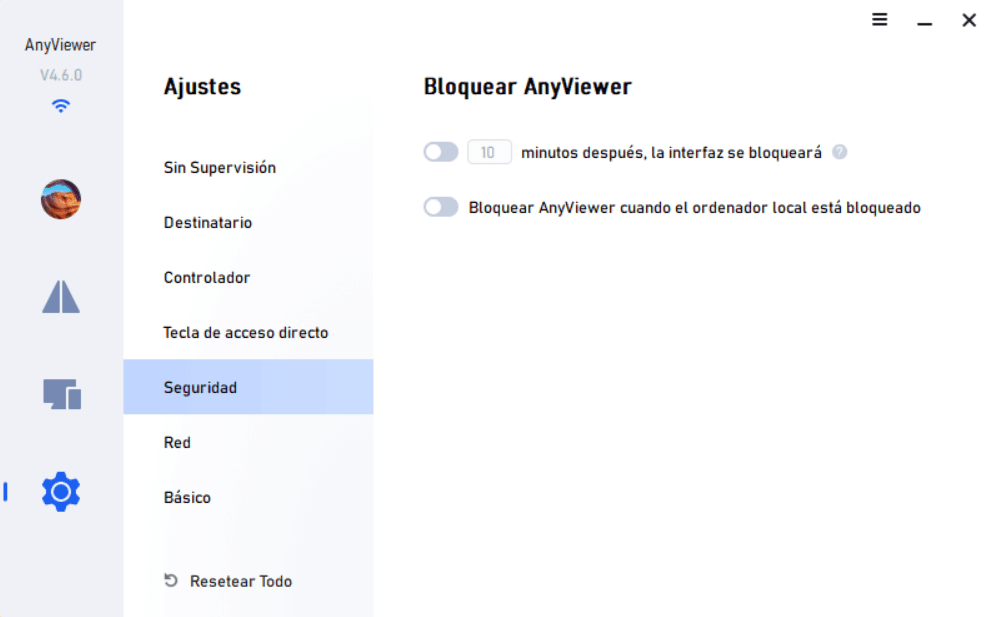
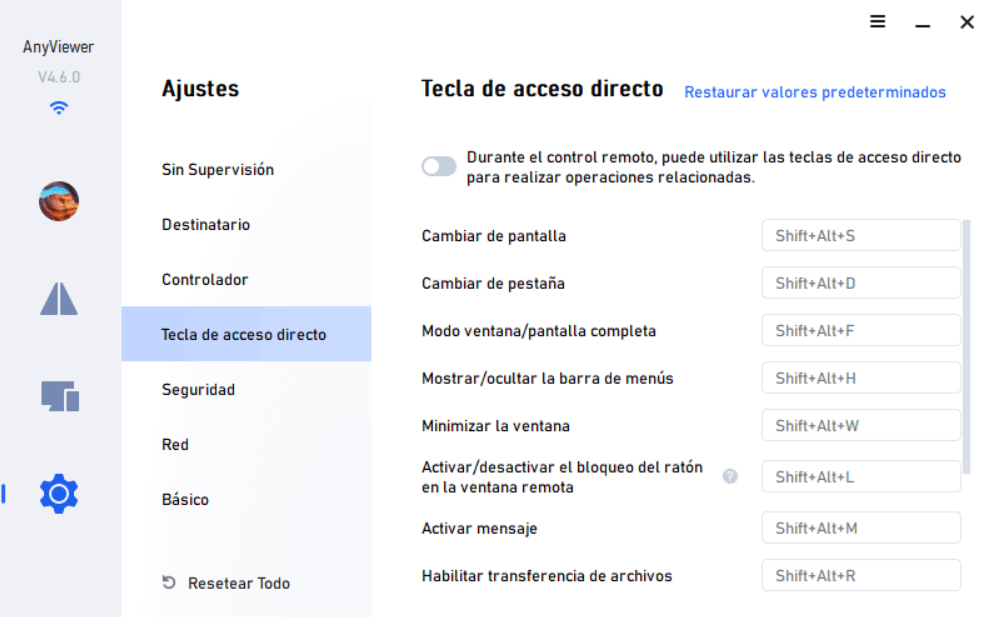
Security and privacy are fundamental aspects of AnyViewer, a tool designed to provide secure remote access. One of the most prominent features is its use of end-to-end encryption, based on 256-bit elliptical curve cryptography (ECC). This level of encryption ensures that all information transmitted between the user's device and the AnyViewer server remains protected against unauthorized access. By implementing these state-of-the-art security measures, AnyViewer ensures that user data is always protected.
In addition to the robustness of encryption, AnyViewer incorporates two-factor authentication (2FA) as an additional layer of protection. This feature requires users to verify their identity using a second method, usually a code sent to a reliable device. Thus, even if someone gets access credentials, they will not be able to log into the account without also having access to the second factor. This protocol significantly increases security, offering users a more reliable experience.
It is important to note that AnyViewer also adheres to the regulations of the General Data Protection Regulation (GDPR), ensuring that personal user information is handled with the highest level of respect and care. Compliance with GDPR not only demonstrates AnyViewer's commitment to user privacy, but also provides peace of mind, knowing that your data is processed in a legal and ethical manner. With these measures implemented, AnyViewer is positioned as a safe and efficient option for those who require remote access with strong guarantees of security and data protection.
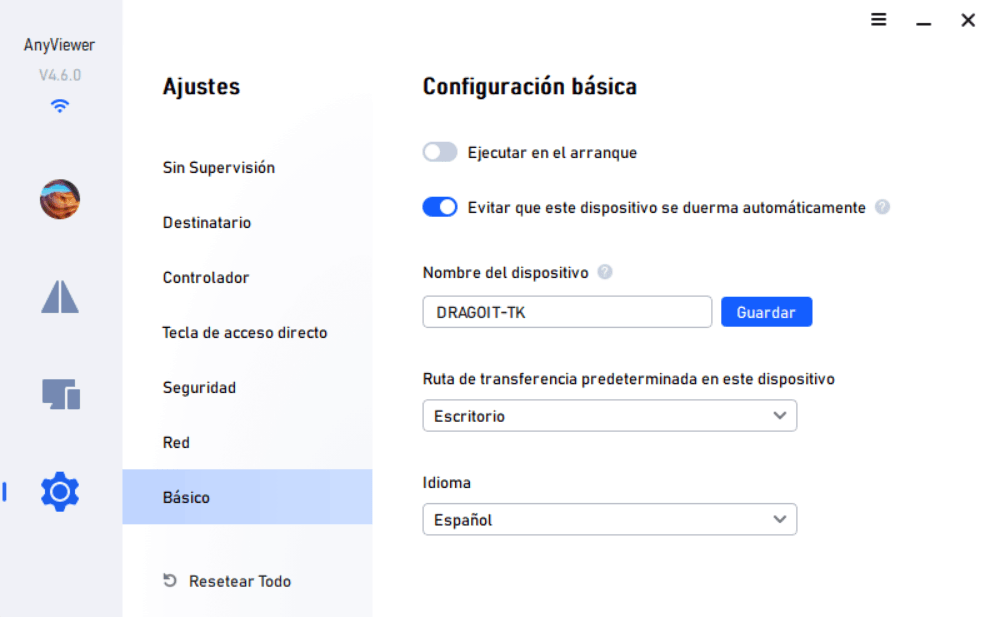
Get AnyViewer Professional FREE for 1 Year
Follow these steps to get it:
- Create an account in AnyViewer.
- Download the installation software and activation license.
- • Install AnyViewer on your device.
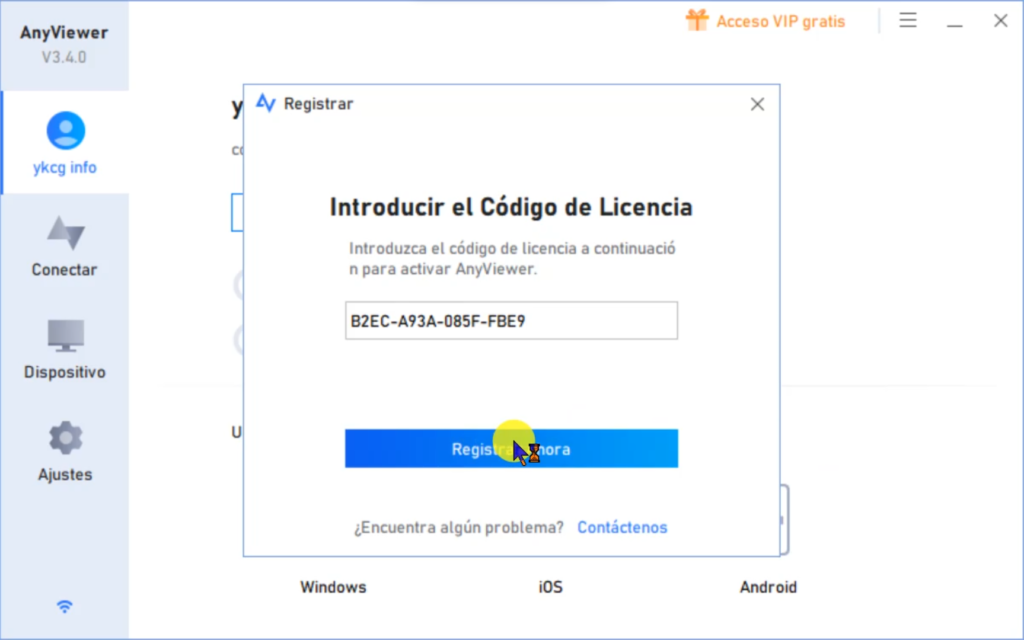
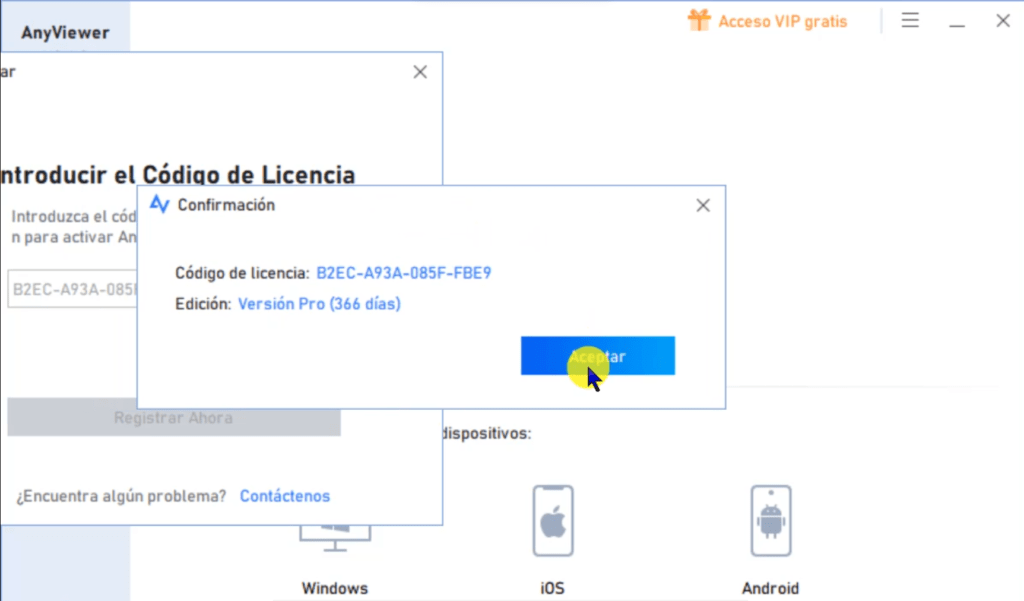
- Log in and redeem one of the following activation codes:
Terms and Conditions:
- License is valid by1 year.
- Personal use only.Nomust be disclosed or sold.
- For queries, contact[email protected].
RELATED POSTS
View all


IObit Malware Fighter 12 PRO 8211; Advanced Antimalware Protection
mayo 11, 2025 | by Equipo YKCG
AOMEI Backup Pro 6.4: Backup Software
marzo 15, 2021 | by Equipo YKCG