

Video and Audio Capture with Fast Screen Recorder #8211; Free 1 Year Promotion
septiembre 23, 2024 | by Equipo YKCG

Índice del Articulo
Fast Screen Recorder: Record your screen activity easily
Are you looking for a solution to record your screen and capture important moments?Fast Screen Recorder, you can record all kinds of activities on your PC, from online meetings to gaming sessions. This software is the perfect tool to record classes, lectures, and more. In addition, it is very easy to use.
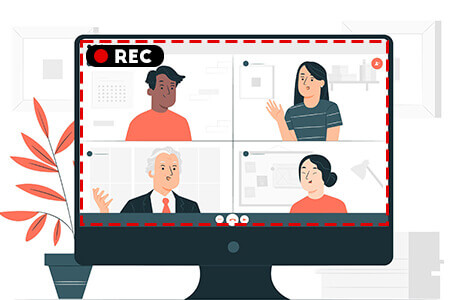
Why choose Fast Screen Recorder?
Fast Screen Recorder is ideal for recording everything that happens on your screen, including tutorials, educational activities and gaming sessions. You can easily share your recordings with friends or colleagues, and the best thing is that you can record both audio and video simultaneously.
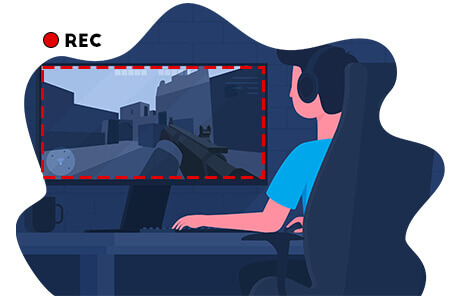
Highlights of Fast Screen Recorder
- Record any area of the screen:You can choose between recording the entire screen or just a specific part, allowing you to customize your recordings.
- Record with microphone:Add your voice to your videos to create more complete tutorials or presentations.
- Record audio only:Perfect for capturing lectures, music or any sound without the need to record the video.
- Auto Stop Recording:Set up automatic recording time and let the software stop it for you.
- Recording without watermark:The recorded version of Fast Screen Recorder allows you to record without watermarks, ideal for professional videos.
- Automatic video optimization:Save space without compromising the quality of the video.

Recording without limits
With Fast Screen Recorder, you can record without worrying about the length or number of recordings. Capture your games, conferences and any other activity on your screen for as long as you need it.
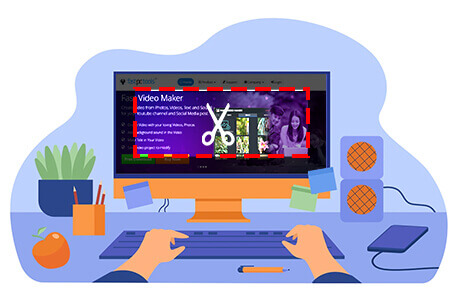
More features that improve your experience
- Memory optimization:Fast Screen Recorder handles memory usage efficiently so that your videos take up less space.
- Immediate reproduction:After recording, you can watch your videos or audios without having to open other programs.
- Screenshot:You can also capture images from the full screen or custom areas with ease.
- Automatic updates:Keep your software always up to date with new features and constant improvements.
Explore more recording options
If you want to know other alternatives to Fast Screen Recorder, we recommend you take a look atiTop Screen Recorder, an excellent tool that also offers multiple features. In addition, you can explore more recording software options in ourCollection of programmes.
Fast Screen Recorder is a complete solution to record and capture any activity on your screen. From lectures and classes to game sessions, anything is possible with this software!
Fast Screen Recorder Free License: Take advantage of this limited offer!
Fast Screen Recorder offers you the opportunity to get a1 year free licenseto record your PC screen without limitations. This tool allows you to easily capture lectures, games, tutorials and more. Follow the steps below and get your license today!
| Regular Price | Promotion Price | Duration of leave |
|---|---|---|
| $39.90 USD | $0.00 USD | 1 Year |
Steps to get the free license
- Visit the page of thepromotion here, enter your email and clickNext.
- You will receive an activation code in your email.
- Download the program and install it on your computer.
- Open the program and go to the log menu by clickingRegister.
- Enter the activation code and clickRegister.
Terms and conditions
- License valid for 1 year, for domestic use only.
- Free updates during the license period.
- Free technical support is not included.
- You must activate your license before the offer expires.
Take advantage of this unique offer and get Fast Screen Recorder for free for a year!It is an ideal tool for recording and sharing your activities on screen.Click here to get the promotion.
RELATED POSTS
View all


Magoshare Data Recovery for Mac: Recover Your Data
junio 26, 2023 | by Equipo YKCG
Ashampoo Backup Pro 15: Optimal backups
agosto 10, 2022 | by Equipo YKCG
AnyVid for Windows – Free download with 1 year official license
noviembre 11, 2025 | by Equipo YKCG