

Screenshots and Smart Editing with Ashampoo Snap
marzo 9, 2021 | by Equipo YKCG

Índice del Articulo
Screenshots and Editing of anything that happens on the screen
There is no easier way to create screenshots and videos than using Ashampoo Snap 10. Capture and edit anything you see on the screen in an easy and simple way.
Ashampoo Snap capture application screens and games so you can insert them into documents and edit them. It’s like having a camera on Windows, but with sophisticated editing tools. Most amazing? Text recognition, which allows you to extract text from an image so you can use them in your documents.
Flexibility and accuracy for your catches
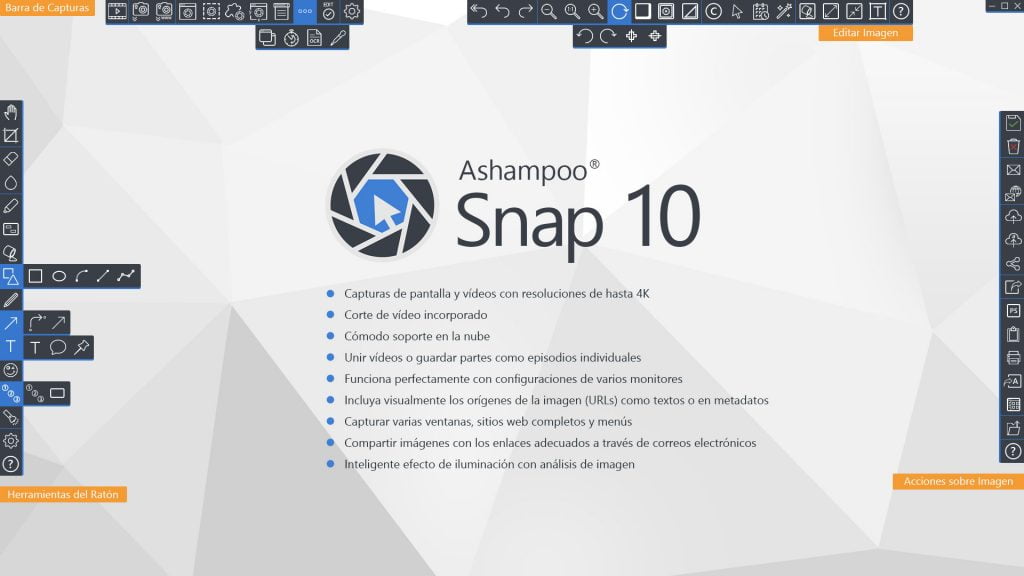
Use pixel accuracy in your screenshots. Full screen, individual websites or individual sections - turn them into images or videos with Snap. Work with timers, automatically scroll through websites or use smart text recognition, the possibilities are endless. A single click or a shortcut key is all you need to get Snap 10 into action!
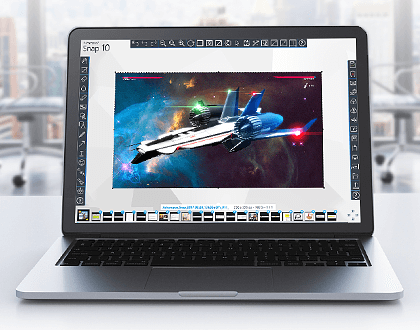
All the information you need in a single image
Snap 10It makes it easy to share relevant information quickly with others. Use arrows, graphics, automatic numbering and many more options to convert your images into self-explanatory masterpieces. Save time and effort and remove cumbersome descriptions! Show, not say - fast, easy and to the point.

Create your own videos in real time
Edit your live videos and add text, drawings or voice narrations. Post-processing is now optional! View mouse clicks and live keystrokes in your videos - perfect for tutorials. Don’t forget to use the new watermark to protect your IP.
Works with any screen
When working in a multi-screen environment, you may face a dozen different resolutions and DPI settings. Snap automatically adapts to screen settings for perfect results on any screen!
Perfect for web content
Snap 10 can not only capture images from the Internet but can also include information from the source page either graphically as part of the image or via metadata. Snap keeps things organized. And if you need to share the image, Snap can automatically add the corresponding link, if necessary. Would you like to capture complete web, just text elements or capture multiple windows at once?AshampooSnap 10 makes it possible!
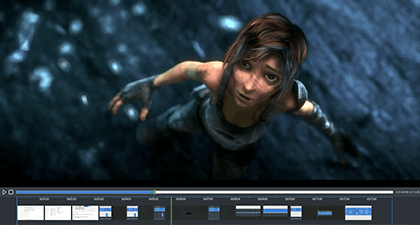
Video editing for the perfect movie
Even good videos can be made better with a bit of polishing: crop unnecessary scenes, delete ads or split your videos into individual episodes.AshampooSnap 10, you don’t need any additional software! The ingeniously easy editor helps you keep only important and prominent parts of your videos. Then, just add another video or export as GIF animations your most precious moments!
Send or upload to cloud securely
Would you like to access your images from anywhere?AshampooSnap 10 has it covered: send images by email, save them to Ashampoo Webspace or upload them to all the most common cloud services (DropBox, Microsoft OneDrive, Google Drive). If necessary, images can be optimized in size before sending them by email or uploading them.
To get a license follow these steps
- Create an account on the Ashampoo page.
- Go to the promotion page.
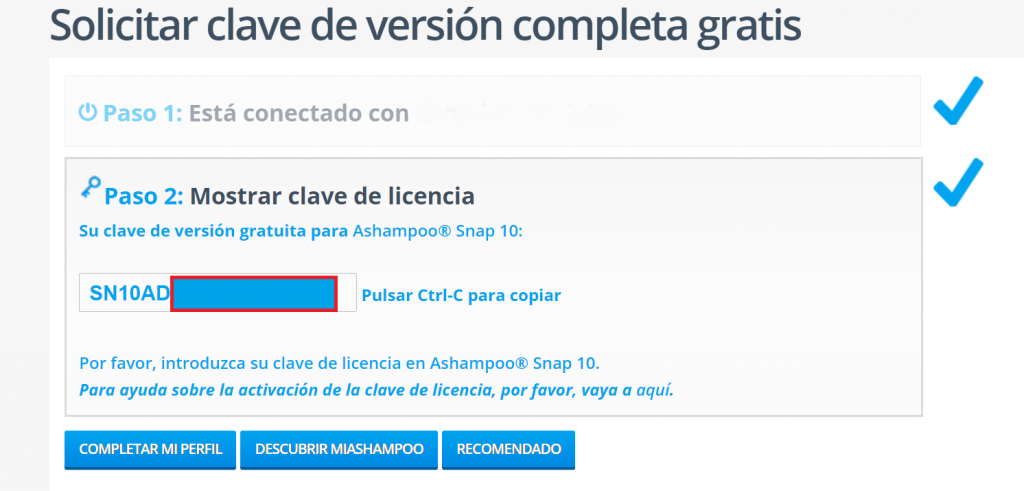
- Enter your email address and click on ‘Ask for full version key’.
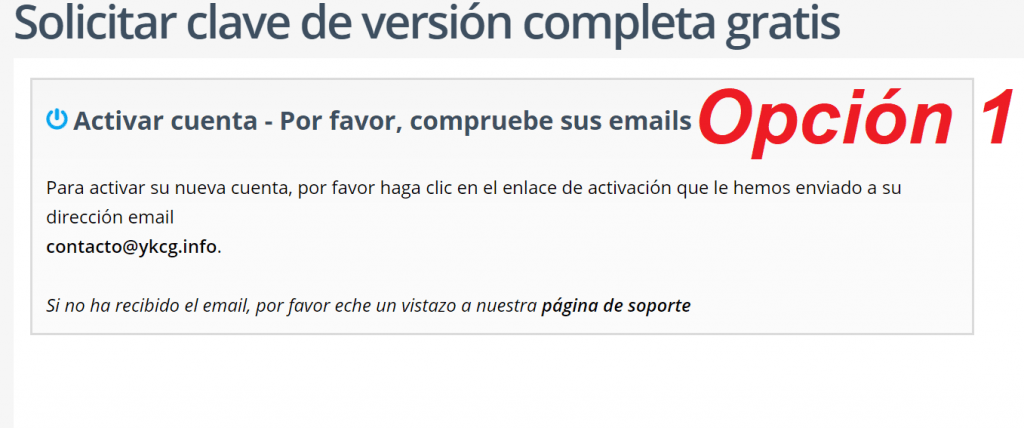
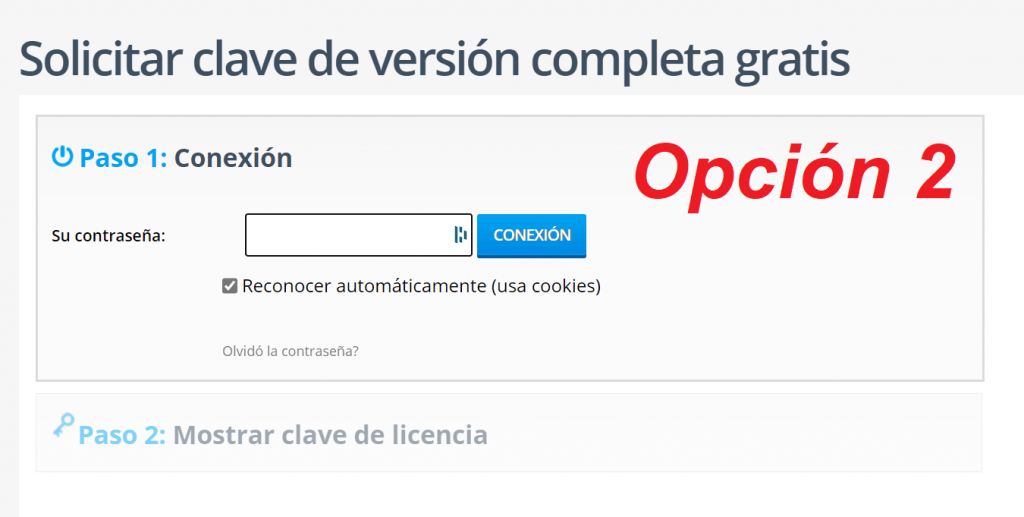
- Here you can pass two cases:
1. You will request to verify your email account.
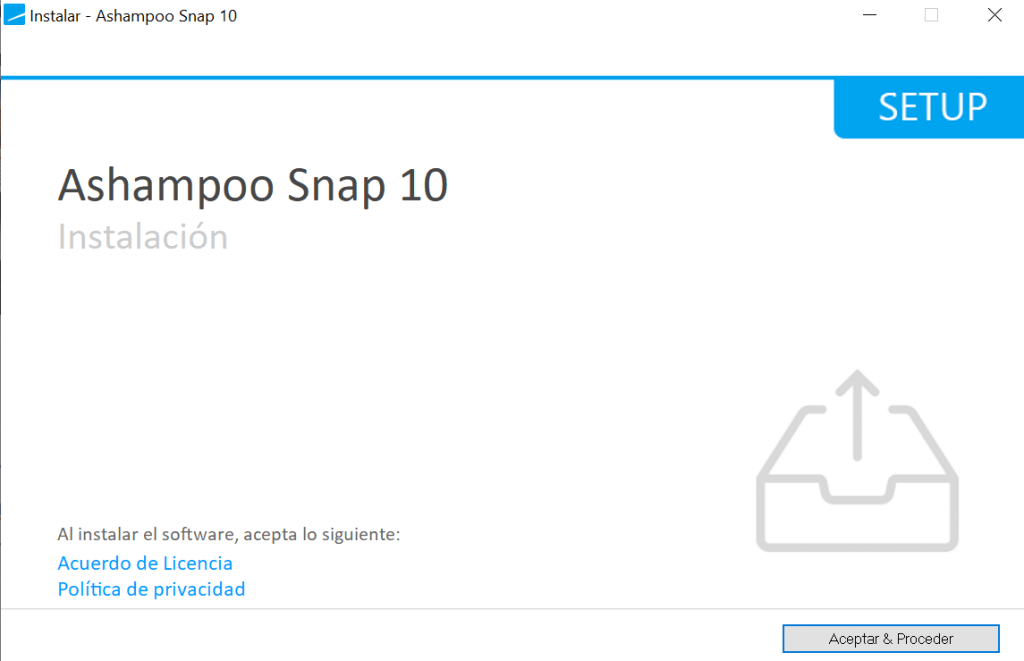
2. Request to log in. - Download and install Ashampoo Snap.
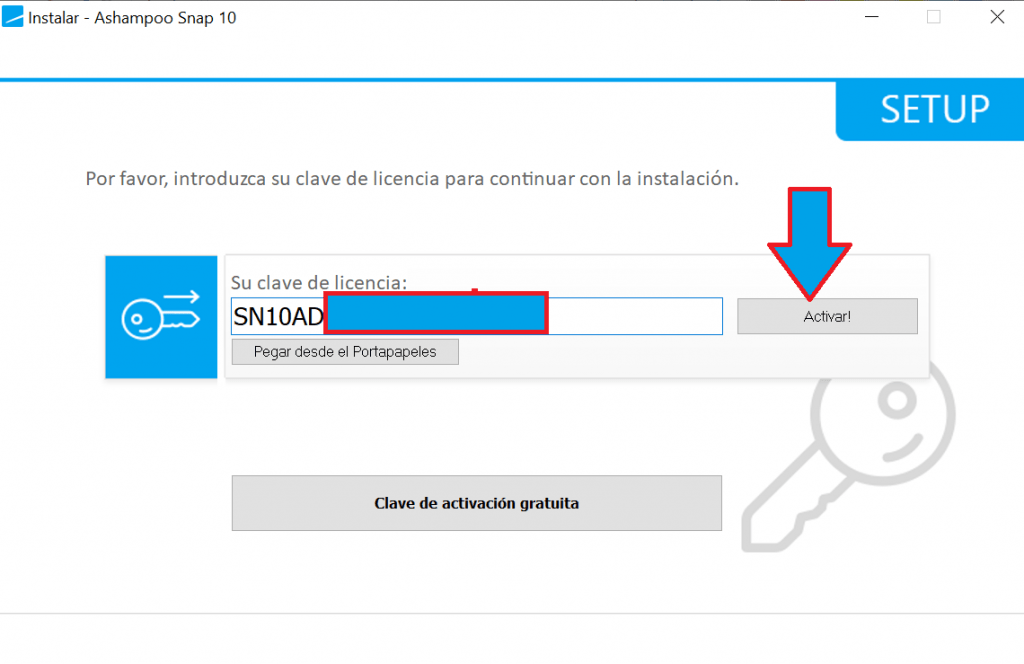
- Enable using your account or by entering the license code obtained
| Ashampoo Snap 10 | Regular price: 39.99 € Today: €0.00 |
|---|---|
| Promotional link: | Click here to go promotion |
| Download link: | Download Ashampoo Snap 10 |


Terms and conditions
- Lifetime license for personal use.
- It does not include free updates.
- It does not include free technical support.
- Activate before the end of the promotion.
RELATED POSTS
View all


DVDFab Photo Enhancer AI – Improve your photos with AI easily
noviembre 4, 2025 | by Equipo YKCG
Design your ideal home with Ashampoo Home Design 8: Free License
octubre 7, 2023 | by Equipo YKCG
System Mechanic >=8211; Fix and Accelerate Your PC Automatically
agosto 4, 2022 | by Equipo YKCG