

Repair iPhone in Apple Recovery Mode or Logo: Easy Solution
enero 20, 2026 | by Equipo YKCG
Índice del Articulo
AnyMP4 iOS System Recovery: Recover your iPhone if it restarts, freezes or does not start
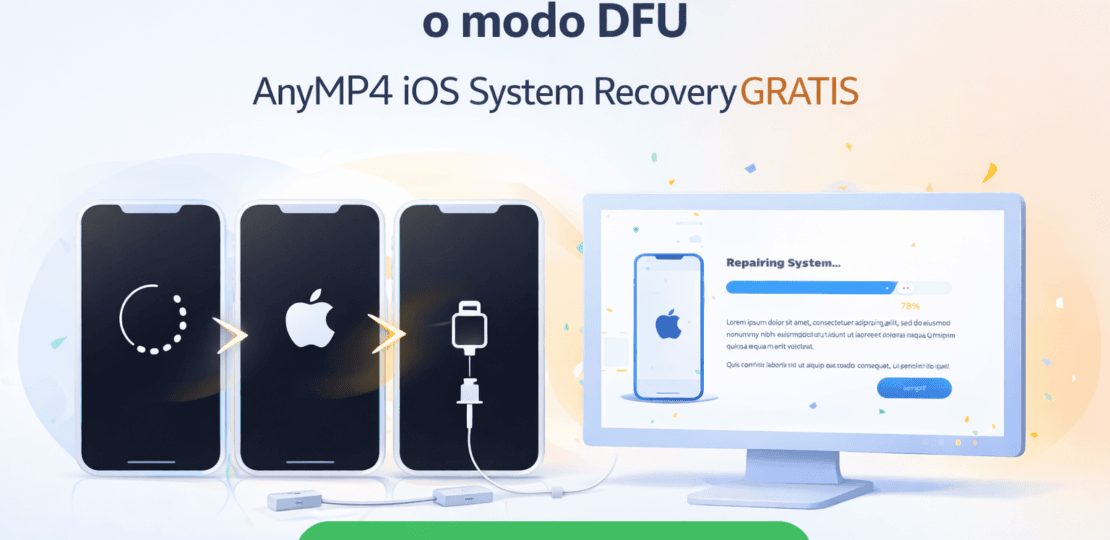
Does your iPhone fit into aRestart loop, stays in theApple logoor ends up trapped inRecovery mode/DFU♪ With ♪AnyMP4 iOS System Recoveryyou can try to repair your iOS system from your PC with a step-by-step guided process.
What is AnyMP4 iOS System Recovery?
AnyMP4 iOS System Recoveryis a software designed to fix iOS system failures when the iPhone does not start, freeze or restart without stopping. It is designed for normal users: it guides you step by step and helps you select the most appropriate repair mode depending on the problem.
Problems that can help you solve
- iPhone that restarts itself (bootloop).
- iPhone stuck in Apple logo.
- iPhone in recovery mode and doesn't come out.
- iPhone in DFU mode and does not start normal.
- Black screen/freezes/mistakes after updating iOS.
Standard vs Advanced Repair
You can usually choose from:
- Standard Mode:recommended to start, useful for common faults.
- Advanced mode:thought for more complex errors if the standard does not work.
How to get the annual license FREE (step by step)
To claim the promotion you only need to register your name and email on the official website:
Come in here: Official promotion page
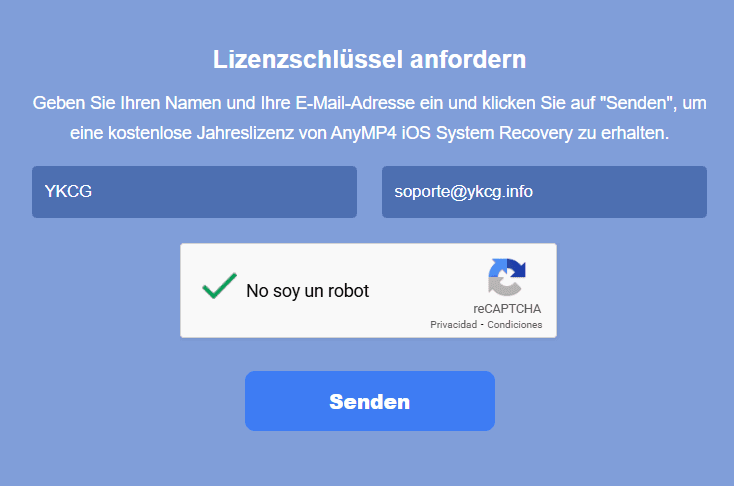
Write yourNameand youE-mailon the form.
Click"Senden"(Send) and check your email for activation information.
Download AnyMP4 iOS System Recovery, install it and activate the license on your PC.
Terms and conditions
- It's a1-year leavefor1 PC.
- Only allowedpersonal use.
- Does not include free updates.
- Does not include free technical support.
- You must register.before the end of the offer.
• Frequently Asked Questions
Does it work if my iPhone doesn't get past the Apple logo?
Yes, this type of tool is designed for boot failures such as frozen logo and constant restarts.
Do I need to be expert at using it?
No. The process is guided and designed for you to follow it step by step.
Is the license permanent?
No. This promotion offers1 yearand is limited to1 PC.
Internal links
More content that may interest you in YKCG:
Conclusion
If your iPhone is failing due to system errors, it restarts alone or gets stuck on startup,AnyMP4 iOS System Recoverycan help you recover it from PC with a guided repair. Take advantage of the promotion and get yourFree annual leave.
RELATED POSTS
View all


Explore EaseUS Partition Master Professional: The Definitive Partition Management Tool
agosto 11, 2025 | by Equipo YKCG

Free Online TV with onlineTV 18 License Key Giveaways
diciembre 4, 2022 | by Equipo YKCG

Ashampoo Photo Optimizer 8 #8211; Lifetime License
junio 13, 2023 | by Equipo YKCG