

G DATA Total Security 8211; Anti-Ransomware Protection 2021
mayo 3, 2021 | by Equipo YKCG

Índice del Articulo
The most important functions of G DATA Total Security for your computer
OPTIMISED Anti-Ransomware Protection
G DATA Total Security: Trojans who hijack their personal information have no chance with G DATA. Anti-ramsomware technology detects encryption malware before it can take their data. It protects you from cybercriminals who encrypt your photos, documents and personal information and ask you for a ransom.
OPTIMISED Password Manager
This function stores all passwords you use on the Internet (online stores, banking, forums, social networks, email, etc.) and automates access to any web service. You just need to integrate it into your browser.
Backups
Perform automatic backups of your files on your own PC or on one of the services offered in the cloud (Google Drive or Dropbox, for example). And prevent unwanted accesses by protecting them with a password.
Data encryption
Protect your information and confidential files, as well as external storage devices (USB memories, for example) with a password and without the need to install additional software. In this way only people of your confidence will be able to access such information.
G DATA BankGuard
Patented and exclusive G DATA technology that protects your browser against data manipulations. Guarantee secure banking and online shopping.
Device Control
Decide who can use USB drives, recorders, hard drives, and other devices on your PC. Keep all your USB ports under control and prevent access to malware hosted on external memory and storage media that connect to your computer.
Browser Cleaner
"Cleaning Module" that removes the add-ons and annoying toolbars from your browser, Internet Explorer, Firefox and Google Chrome.
Performance Optimizer
Keep your PC up-to-date. Remove outdated cache entries, invalid commands, web histories, and similar weights that slow down your computer. Improve your performance with just a couple of clicks.


To get a license follow these steps
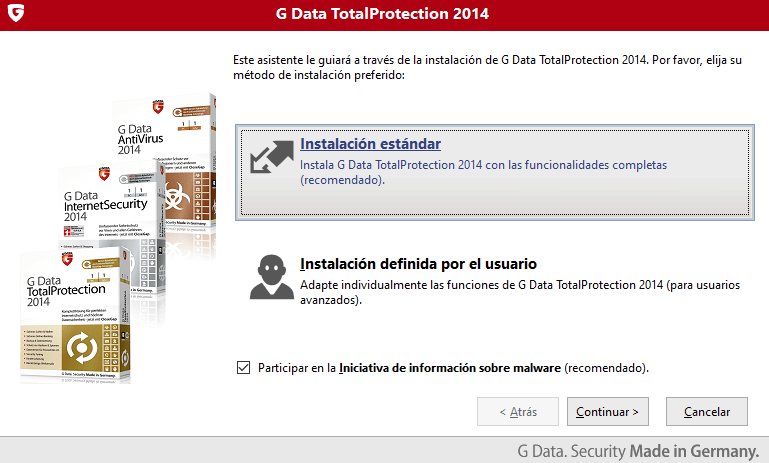
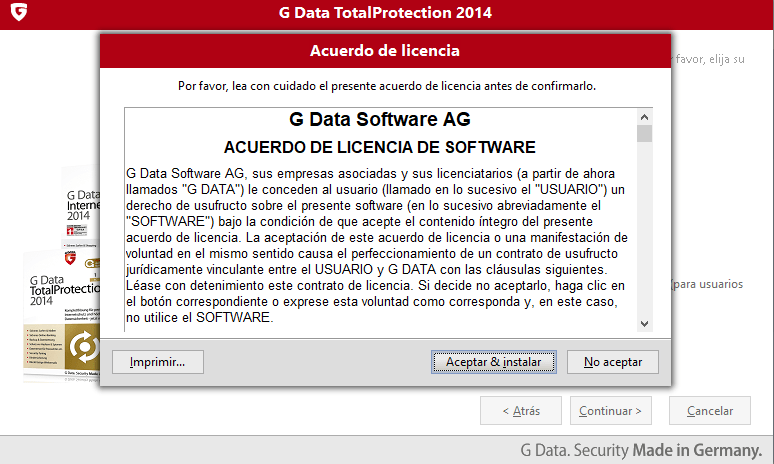
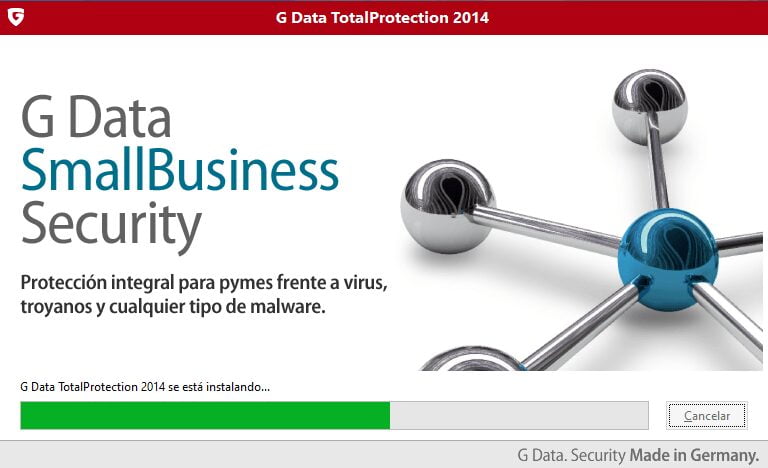
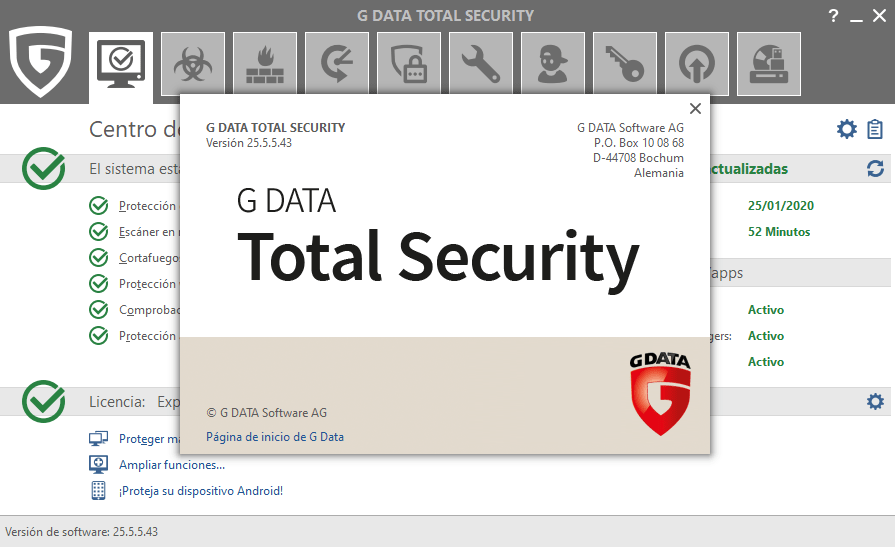
- Download and Install G Data Total Protection 2014.
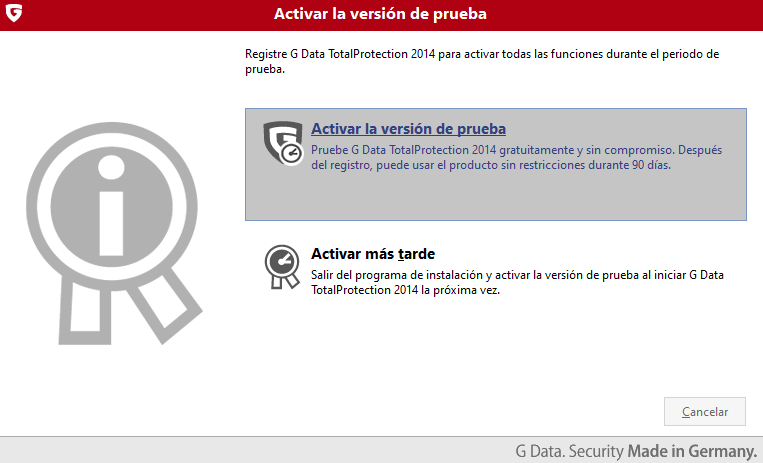
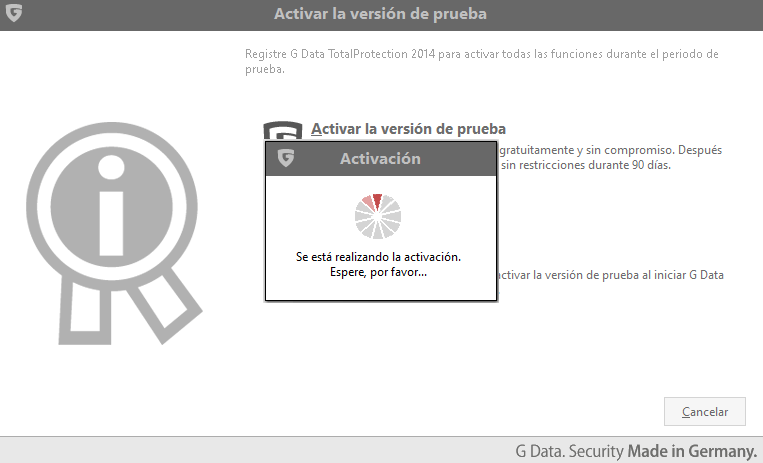
- During installation, select to activate the trial version.
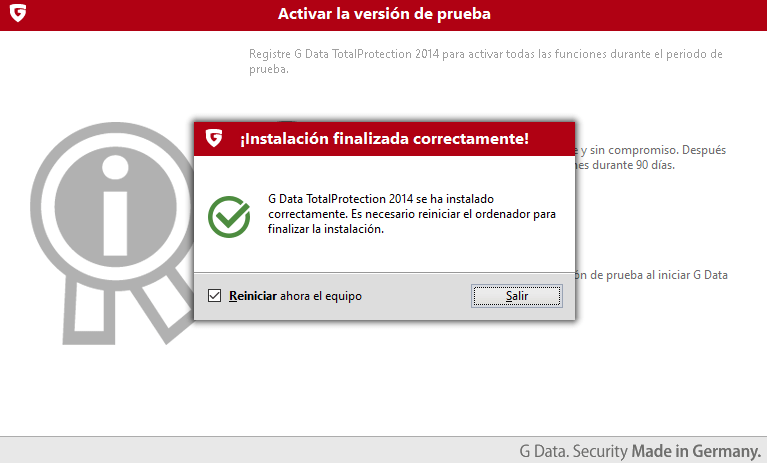
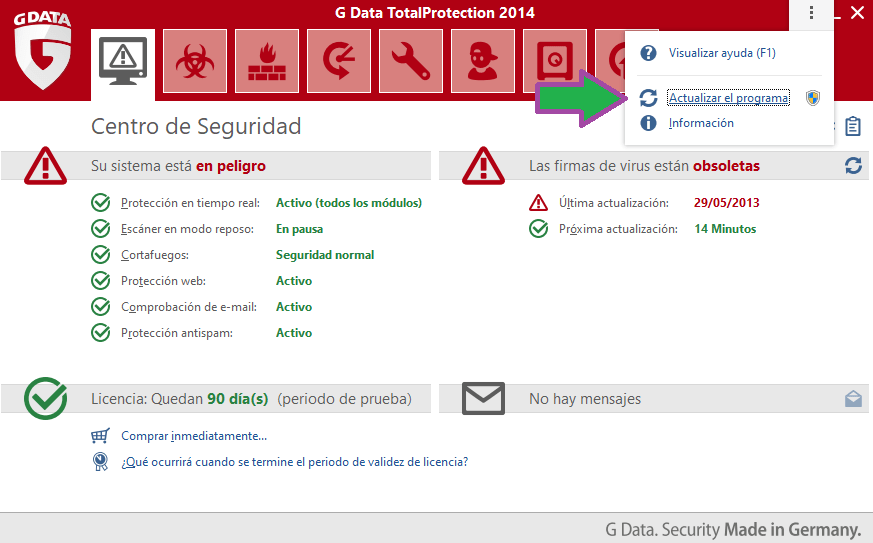
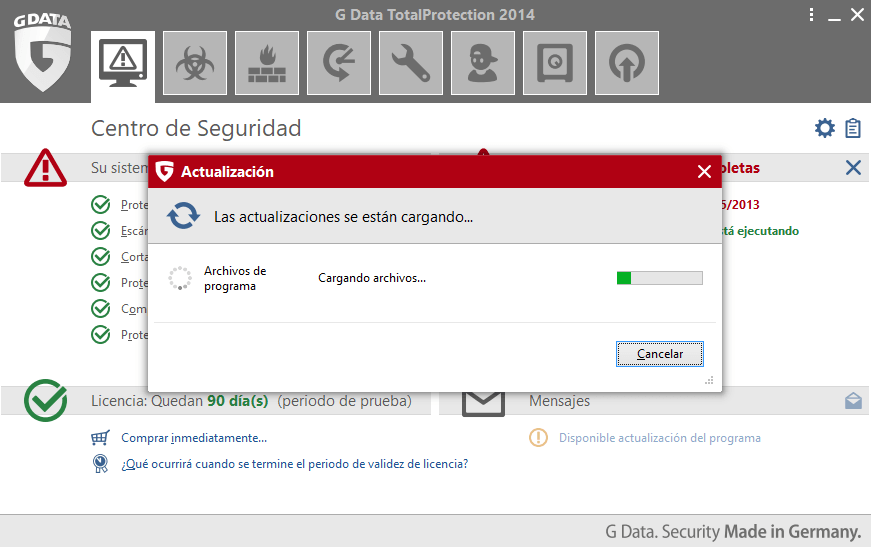
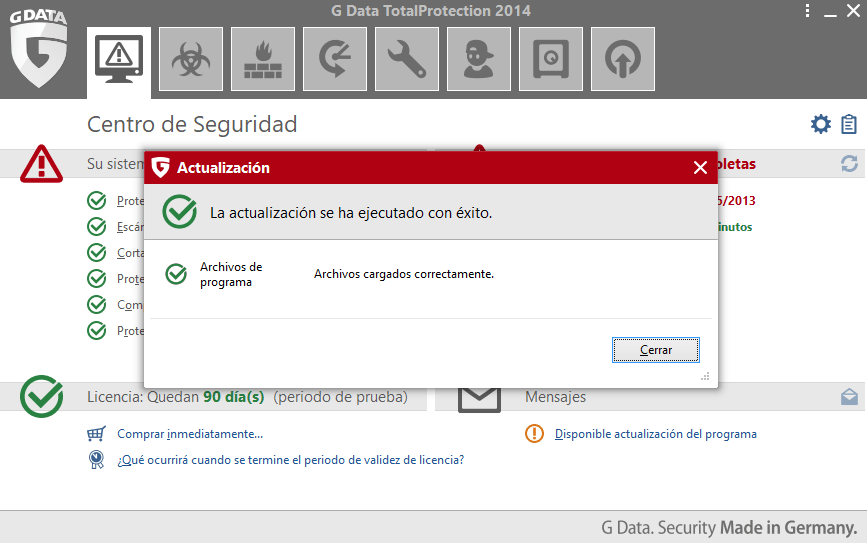
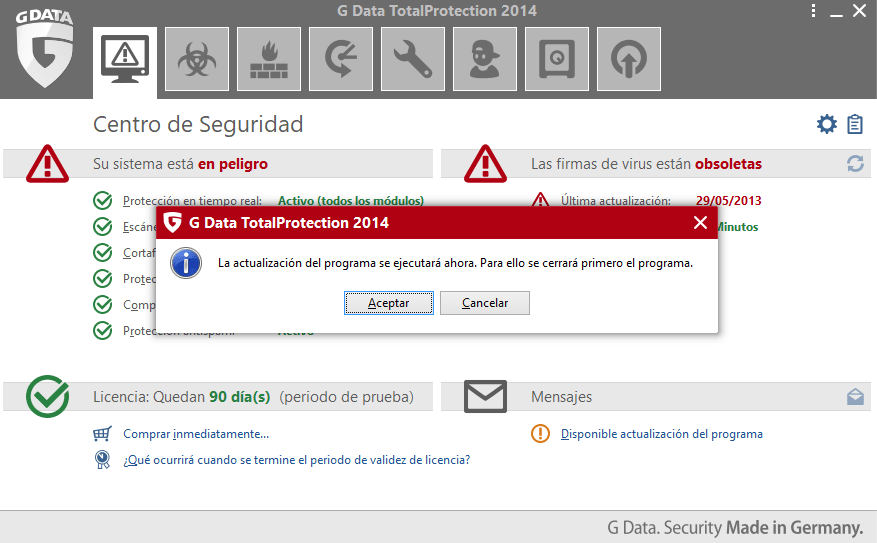
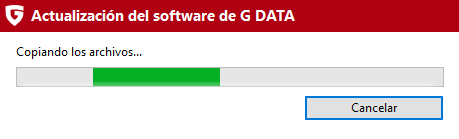
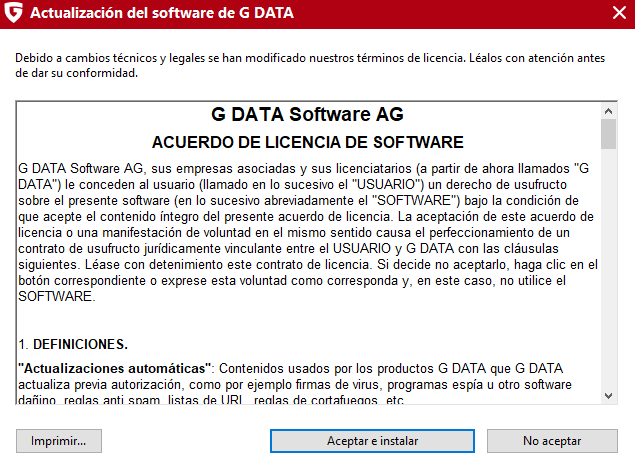
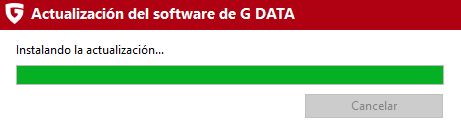
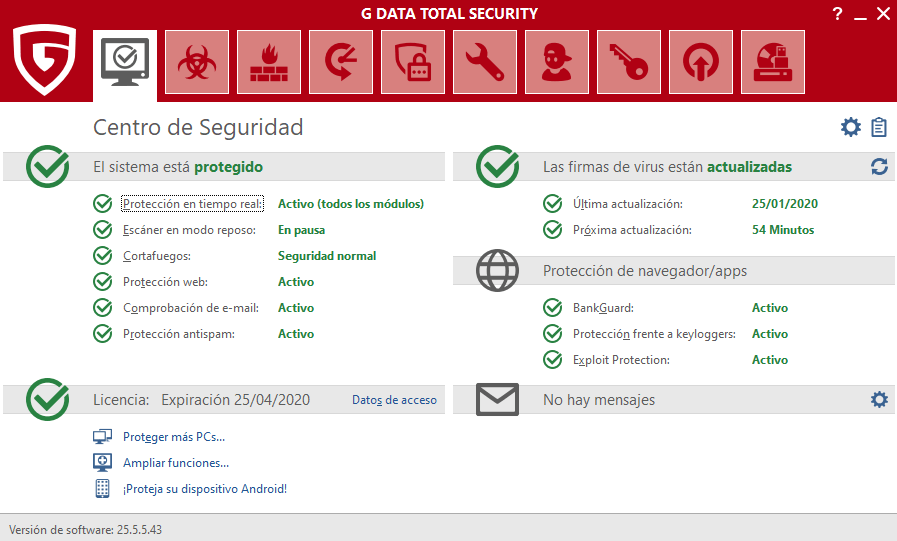
- Once the installation is finished, enter the G-Data control panel and update your antivirus.
- Once the updates have been completed, you will need to restart your computer.
| G Data Total Protection | Regular price: $12.50 USD Today: $0.00 USD |
|---|---|
| Download link: | Download G Data Total Protection |
Terms and conditions
- 3 month (90 days) license for 1 PC with Windows.
- Promotion valid for new facilities.
- The period of validity of the licence starts with the installation of the product.
- You will receive free updates during the period of validity of the license.
- It does not include free technical support.
RELATED POSTS
View all


AnyViewer Professional: Safe and Easy to Use Remote Access
diciembre 4, 2024 | by Equipo YKCG
AweClone for Windows 038; Mac: Disk Cloning License
agosto 12, 2024 | by Equipo YKCG

IObit Smart Defrag Pro 10: Improve PC Performance
abril 4, 2025 | by Equipo YKCG