

Explore EaseUS Partition Master Professional: The Definitive Partition Management Tool
agosto 11, 2025 | by Equipo YKCG

Índice del Articulo
Introduction to EaseUS Partition Master Professional
EaseUS Partition Master Professional is a software tool designed specifically formanage partitionsThis application provides various features that allow users to organize, resize and optimize the use of disk space efficiently. The importance of effective partition management cannot be underestimated, as a correct configuration of the file system not only improves the performance of the computer, but also facilitates data protection and general storage management.
One of the most outstanding features of EaseUS Partition Master Professional is its intuitive interface, which allows both beginners and experts to perform complex tasks without complications. This includes the ability to create, delete and move partitions, as well as to resize them, which is crucial to maximize the use of available space. In addition, the tool offers operating system migration functions, allowing you to transfer an existing system to a new hard drive with ease.
Another relevant aspect of EaseUS Partition Master is its ability to perform partition analysis and restorations in case of failures, which gives users greater security in the management of their data. On the other hand, the application is compatible with a wide range of operating systems and disk formats, expanding its utility in both domestic and professional environments.
In terms of performance, EaseUS Partition Master Professional stands out for its speed in the execution of tasks. This is especially advantageous when working with large disks or when adjustments that significantly affect the file system are needed. In short, this tool has been consolidated as a popular and reliable solution for those looking for an effective approach to partition management, combining accessibility and power in a single package.
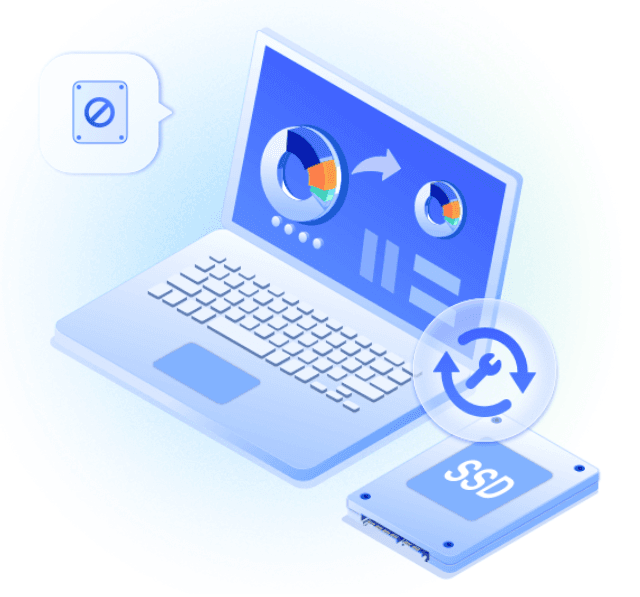
Intelligent Space AI setting with a Click
EaseUS Partition Master Professional stands out for its innovative intelligent space adjustment function, designed foroptimize disk usageThis feature allows users to manage their partitions intuitively, using artificial intelligence to analyze and redistribute disk storage space. With just one click, users can adjust the space between different partitions, thus maximizing storage capacity and ensuring that each data element has the space it needs.
The operation of this tool is quite straightforward. When users initiate the smart space adjustment function, the software automatically examines existing partitions and provides recommendations on how much space can be redistributed. Since the tool employs advanced analysis algorithms, the risks of data loss are minimized. These sophisticated features allow not only disk management experts, but also novice users, to make adjustments to their partitions without complications or prior technical knowledge.
Another advantage of this feature is the time saving that it represents for users. Instead of performing complex manual operations that often require multiple steps, the AI smart space setting allows users to complete the process in a matter of seconds, resulting in much faster and more efficient partition handling. In addition, this simplified approach favors a more enjoyable user experience, as it eliminates the frustrations associated with manual partition configuration.
In short, EaseUS Partition Master's intelligent space setting not only facilitates partition handling, but also empowers users to maximize the performance of their disks, allowing them to manage the space with confidence and without significant effort.
Importance of Conversion from MBR to GPT
The migration of the MBR operating system (Master Boot Record) to GPT (GUID Partition Table) is a crucial step for upgrading to Windows 11. GPT offers a number of advantages compared to MBR, which positively impacts both the performance of the system and its compatibility with modern technologies. The advanced features of GPT, such as support for disks up to 9.4 ZB and the possibility of creating an almost unlimited number of partitions, make it a superior option for users seeking to optimize the management of their partitions and improve the efficiency of their systems.
Migration process
The MBR to GPT migration can be easily carried out using tools such as EaseUS Partition Master Professional. This software provides a simple and direct process that allows users to perform the conversion without the need to lose data. First, it is essential to back up existing information on the disk, since any operation at partition level carries an inherent risk. Through the EaseUS Partition Master interface, users can select the disk they want to convert and choose the MBR to GPT migration option.
Once the migration is complete, it is advisable to verify the integrity of the system, ensuring that all components operate properly. The conversion to GPT not only facilitates the integration of Windows 11, which requires this partition format to fully exploit its advanced features, but also improves compatibility with UEFI (Unified Extendable Firmware Interface) technologies, which are fundamental to modern systems. These improvements can result in faster booting, more efficient management of system resources and greater stability in day-to-day operation.
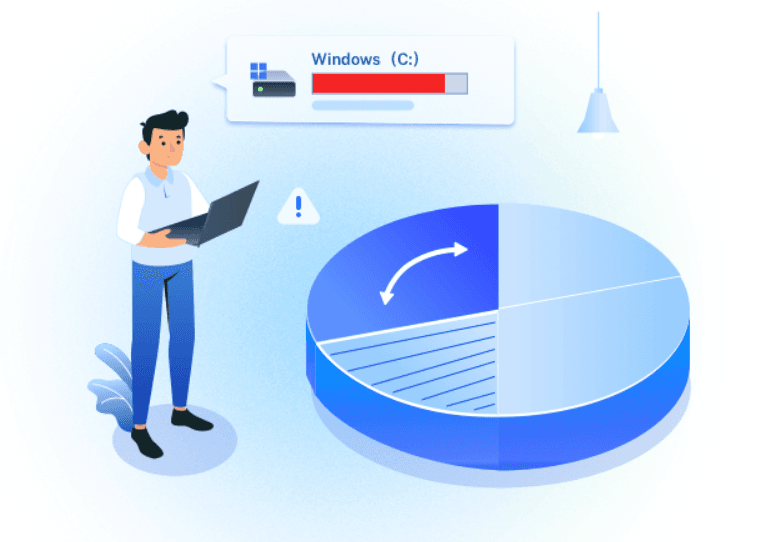
Additional Benefits
In addition to facilitating upgrade to Windows 11, MBR-to-GPT migration provides the user with a more resilient system against potential failures. GPT stores multiple copies of his partition data on the disk, minimizing the risk of data damage and loss. Therefore, this process is not only a necessity for upgrading to recent systems, but also a significant improvement in partition management and overall system maintenance.
Cloning of Hard Systems and Disks
EaseUS Partition Master Professional stands out not only for its ability to manage partitions, but also for providing robust clone features of systems and hard drives. This tool allows users to transfer operating systems and data to new HDD or SSD without the need to reinstall Windows, resulting in a remarkably efficient and convenient process. Cloning is especially crucial in situations where you want to upgrade to a faster or larger disk, as it ensures that the entire system is running as before migration.
One of the most valuable features of the software is its ability to clone complete disks as well as specific partitions. This can be of particular help to users who want to move only part of their system, such as a partition dedicated to data or applications. With EaseUS Partition Master, the process is simple and straightforward: users can select the source, choose the destination and perform the clone in a few clicks. This greatly simplifies the process and minimizes the time and effort required to migrate to a new storage device.
In addition, the tool allows users to schedule clone tasks, which means that it can work even when there is no active monitoring. This functionality is ideal for those who have large volumes of data to copy, where time can be a limiting factor. Users can also benefit from migration from operating systems to new disks, which is relevant when looking to improve system performance or switch to a different hardware. Thanks to these cloning capabilities, EaseUS Partition Master not only facilitates partition management tasks, but also becomes a comprehensive solution for data and system migration.
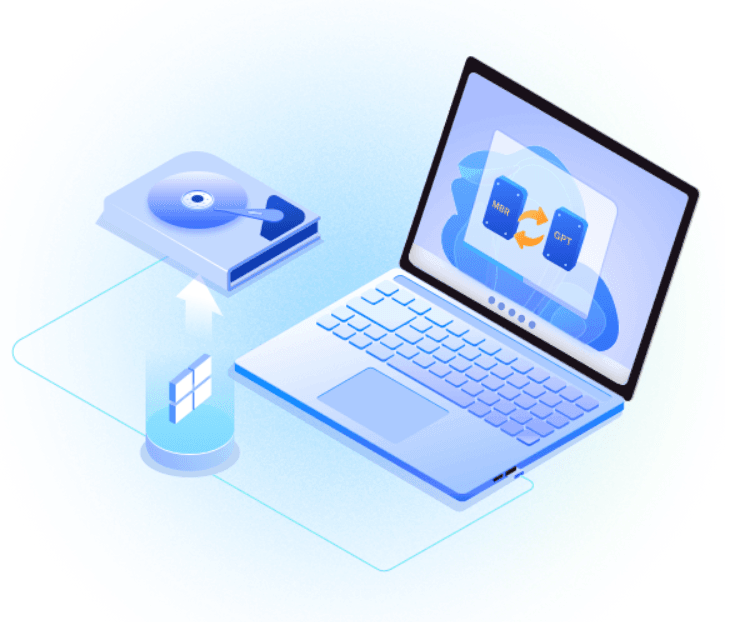
Troubleshooting: Maximization of Unit C
Efficient management of the C drive is essential for the optimal performance of any operating system. Over time, it is common to experience problems related to disk space, which can affect the speed and functionality of the computer. EaseUS Partition Master Professional is presented as an effective solution to solve these difficulties, allowing users to maximize the space available in the C drive without complications.
One of the most outstanding features of EaseUS Partition Master is its ability to expand the C drive in a simple and efficient way. This action is especially beneficial in systems where the C drive has become scarce in storage due to the accumulation of temporary files and programs. The software facilitates the redistribution of space, allowing users to take free or unallocated space from other partitions and use it to increase the capacity of the C drive. This process is carried out intuitively, making users do not have to be experts to handle it.
In addition, a key advantage of this tool is that modifications can be made without rebooting the system, which significantly reduces downtime. Many partition management programs require a restart to apply the changes, which can be inconvenient for those who need to access their data immediately. With EaseUS Partition Master, users can make changes to their C partition directly, contributing to a more efficient and seamless workflow.
In short, EaseUS Partition Master Professional not only solves space problems in the C drive, but also makes it accessible and fast, allowing users to optimize their storage without additional complications. This tool is positioned as an ideal option for those looking to improve the management of their partitions efficiently.
Privacy protection when deleting data
Privacy protection is a critical aspect in the current digital age, where personal and sensitive information is easily exposed to threats. This is especially relevant when it comes to partition management and data storage, where the safe removal of information becomes a primary concern. The use of software such as EaseUS Partition Master Professional not only facilitates partition management, but also ensures that sensitive data is protected after operations such as cloning are carried out.
When users require erasing data from their hard drives or storage devices, it is essential that they are deleted in a way that is not recoverable. EaseUS Partition Master offers various options that allow users to delete data safely, implementing techniques that ensure that original information cannot be retrieved by traditional methods. This is particularly valuable when handling sensitive data, such as financial information or personal records, that could be misused if they fell into the wrong hands.
One of the key features of EaseUS Partition Master is its ability to perform a complete erasure of data, providing multiple destruction methods, including overwriting data and permanent deletion of information. By opting for these options, users may have the peace of mind that their information has not only been deleted, but is also unrecoverable, minimizing the risk of leaks and thefts of information.
In a world where privacy is increasingly difficult to maintain, using tools that offer effective solutions for safe data handling is essential. EaseUS Partition Master Professional is positioned as a highly recommended option for those seeking not only to manage their disk partitions, but also to ensure the protection of their privacy when deleting data definitively.
Improving System Performance
The modernization of an operating system is a crucial aspect for the optimal use of computer performance and effective partition management can be a determining factor in this process. EaseUS Partition Master Professional offers robust tools that allow not only partition management, but also disk cloning, which is vital when upgrading to a larger solid disk (SSD). Cloning is the process of copying all data from one disk to another, including the operating system, applications and personal files. This process ensures that users do not have to reinstall the software or transfer files manually, which can be laborious and error-prone.
Using EaseUS Partition Master to clone a disk, you can maximize the read and write speed that characterizes an improved SSD. By improving hardware features, you can experience faster system booting and a more agile overall response, which translates into remarkable performance in applications and daily tasks. This is especially visible in systems that require fast access to large volumes of data. The software also allows you to redistribute disk space and resize partitions efficiently, which helps to optimize the use of the new SSD.
Additionally, EaseUS Partition Master includes functions for the migration of the operating system to a new disk, ensuring that users can enjoy a clean and optimized system. The ease of use of this tool and its ability to effectively handle partitions make it possible for users to focus more on their productivity and less on technical problems. Therefore, the implementation of EaseUS Partition Master Professional in the process of improving system performance is recommended for anyone looking to maximize the capabilities of their updated hardware.
Additional Features of EaseUS Partition Master
EaseUS Partition Master Professional is distinguished by its wide range of features that make it an integral tool for the handling of partitions. One of the most outstanding features is its ability to create and resize partitions efficiently. This allows users to adjust the allocation of disk space without compromising the integrity of existing data. In addition, the tool supports a variety of operating systems, which facilitates the management of partitions on different platforms.
Another important feature is the ability to convert between different file systems, such as NTFS and FAT32. This conversion is crucial for users who need to maximize the performance of their drives according to the use they give them, thus allowing a more appropriate adaptation to the specific needs of the user. This flexibility in file system management increases the utility of the EaseUS Partition Master.
In addition to these features, EaseUS Partition Master includes features for recovery of lost partitions. This aspect is essential, since data loss is a common fear among users. Through its intuitive interface, users can scan lost disks and reinstall partitions that may have been accidentally deleted or damaged due to system failures. This recovery capability is essential to ensure continuity of access to important data, which provides ease to users.
Finally, the tool also offers efficient formatting functions that allow you to quickly and safely prepare hard drives and USB drives. This is especially useful when you want to permanently delete data or prepare a disk for a new operating system installation. Combining all these features makes EaseUS Partition Master a versatile and effective option for those looking to handle their partitions effectively.
Conclusion: Why Choose EaseUS Partition Master Professional?
Choosing the right software to manage partitions can be crucial for the health and performance of our system. EaseUS Partition Master Professional emerges as one of the most effective and comprehensive solutions on the market, offering a robust set of features that facilitate the handling of hard drives and external drives. Its intuitive interface is one of the most positive points, as it allows users of different levels of experience to navigate the functionality without complications. This results in time saving and minimizing possible errors when performing critical operations.
The variety of tools available, including the ability to resize, move, merge and clone partitions, provides versatility to users. It is not only limited to routine tasks, but also addresses more complex issues, such as recovery of lost partitions or conversion of disk formats. These features are essential for users who want to maximize the use of space on their devices, optimizing overall system performance.
Another significant reason to choose EaseUS Partition Master Professional is its remarkable ability to solve problems that may arise during partition management. The function of repairing damaged partitions is very useful for those who have faced system errors or data loss. By providing a comprehensive solution, it allows users to feel secure and backed up, knowing that any inconvenience can be addressed effectively and quickly.
In short, EaseUS Partition Master Professional not only simplifies the partition management process, but also transforms the user experience throughout the journey. By providing a reliable service with accessible features, it sets a new standard in the handling of disks and partitions, making it a sensible choice for those seeking efficiency and effectiveness in their data management tasks.
Get EaseUS Partition Master Professional FREE for 1 year
To get your license free of charge, follow these steps:
- Download the installer from this link.
- Install the program on your PC.
- Activates the software with one of the following licenses:
Terms and Conditions:
- You get a free 1-year license from EaseUS Partition Master Professional for domestic (personal) use only.
- The free license is valid only for the version19.9.
- Updates to newer versions are not available.
- There is no free technical support.
RELATED POSTS
View all

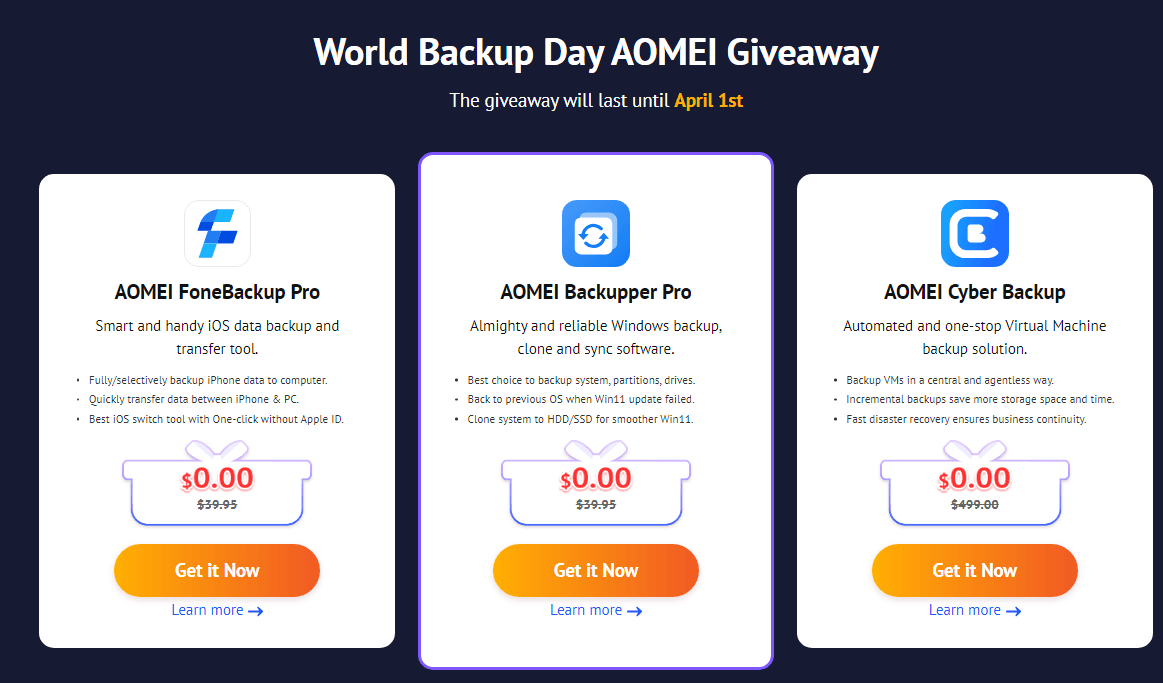
How to participate in the World Backup Day draw: AOMEI Giveaway
marzo 3, 2025 | by Equipo YKCG
Discover the features of WinxVideo AI: Video Enhancement and Images with Advanced Technology
agosto 19, 2025 | by Equipo YKCG

Ashampoo Background Remover: Remove Wallpapers in Seconds
julio 24, 2024 | by Equipo YKCG