

Ashampoo Photo Optimizer 8 #8211; Lifetime License
junio 13, 2023 | by Equipo YKCG
Índice del Articulo
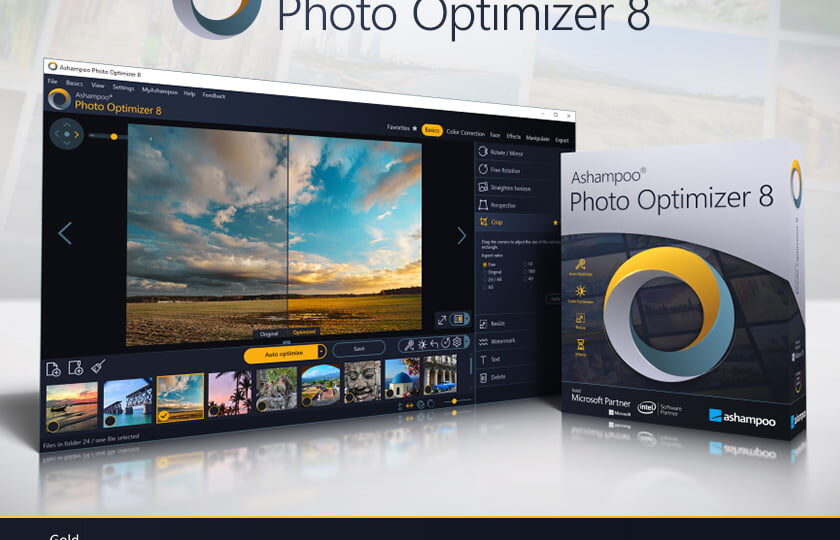
Ashampoo Photo Optimizer 8: Improve your photos with just one click
Discover how Ashampoo Photo Optimizer 8 canimprove your photosinstantly! This powerful software automatically adjusts colors, contrasts and exposure accurately for both individual images and complete collections. Through a thorough analysis of the image, visual stains are detected and corrected. In addition, you have the option to make manual adjustments, such as straightening inclined horizons, correcting distortions of perspective or applying various effects. You can also easily remove minor imperfections such as red eyes, skin spots and other defects. The intuitive user interface allows you to save time and get amazing results without complications.
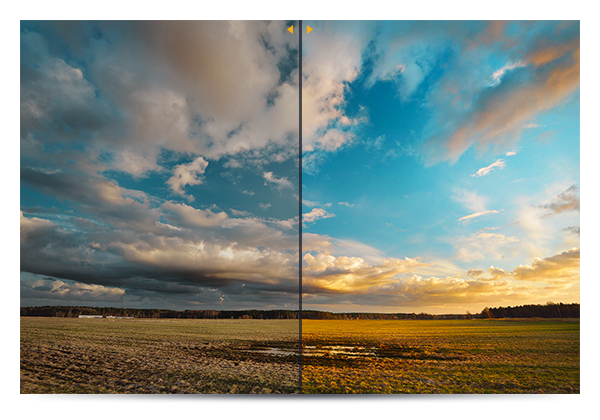
- Brilliant perspective corrections to achieve natural lines.
- Significant improvement in self-optimization of images.
- Super fast access to functions through Favorites.
- Manual color temperature adjustments.
- Tonal curve adjustments for precise control.
- Better memory management for greater stability and speed.
- Optimized to 64 bits.
Improve your photographic perspective with Photo Optimizer 8
When you take photos of buildings, you often encounter unwanted and easily perceptible distortions of perspective due to the photographer’s position. The tall buildings seem to lean, adding an unwanted comic touch to your photos. Also, if you forgot your tripod and did not keep the camera completely straight, the perspective is compromised. But don’t worry! With the new perspective correction from Photo Optimizer 8, you can easily fix the horizontal or vertical distortions in just a few clicks. Don’t let your photos end up in the trash, give it a second chance and get the right perspective in each shot.
Easier to use with the Favorites feature
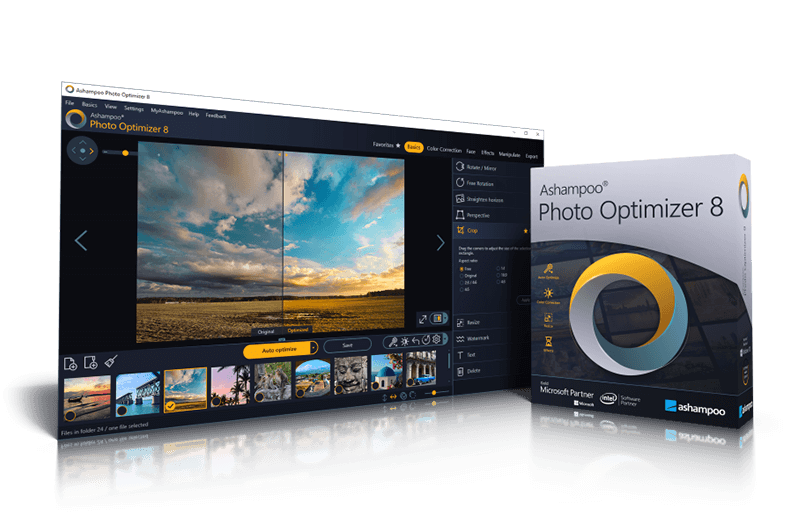
We all have our favorite features that we frequently use. Now, you don't have to browse multiple menus and categories to access them. Ashampoo Photo Optimizer 8 offers a customizable menu of "Favorites" where you can group all your preferred features into one instant access location. Do you need to quickly straighten the horizon after self-optimization, correct the perspective, or make a cut? Now you can do it easily. It's great, isn't it?
Unmatched Auto Image Optimization
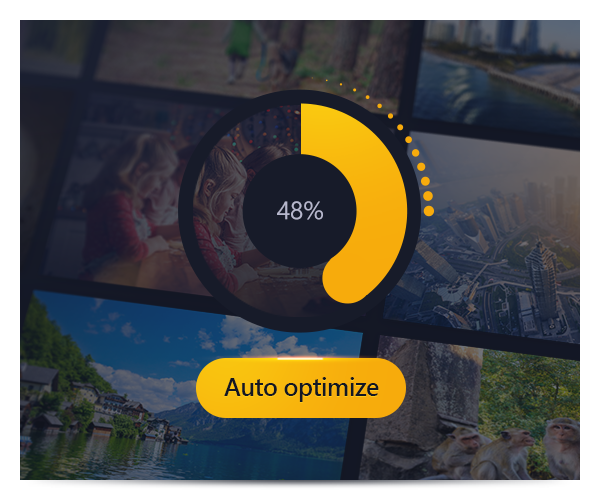
The secret of the new Photo Optimizer lies in its exclusiveimage optimization. Each image is carefully analyzed to detect possible weaknesses and opportunities for improvement. Even photos taken hastily with the camera of a mobile phone can recover easily now! From off colors to unfavorable lighting or lack of contrast, advanced Photo Optimizer algorithms detect everything. After analysis, photos are transformed and acquire vitality and life, just as good photos should be. Ashamploo team has examined thousands of combinations of settings to find those that offer the best results with a high success rate. After 2 years of development and numerous hours in the test lab, the next level of image optimization is presented with Ashampoo Photo Optimizer
More adjustment options to customize your photos
Although self-optimization is excellent, there comes a time when you want to make manual adjustments. With version 8, Ashampoo Photo Optimizer offers even more individual adjustment options. Now you can adjust the color temperature to completely transform the appearance of a shot, giving life to those "cold" images taken with your mobile phone. In addition, tone curves are a safe tool to improve shadows, midtones and lights, especially when working with RAW images. Feel free to experience and let your creativity fly, as the built-in backup system allows you to reverse any changes and restore your original image in an instant.
Improved memory management for higher performance
Ashampoo Photo Optimizer takes full advantage of the memory available on your system to harness the full power of your PC. This means that even high-resolution images and gigantic collections can be optimized at incredible speed. Experience the fastest and most robust photo optimizer of all time.
Improved white balance and increased contrast
The white balance is fundamental to the color temperature of your images. Digital cameras often generate unwanted bluish and off colors. This results in pictures that look lifeless and lack the magic of the captured moment. Another common problem is low contrast images, usually due to poor lighting. With custom white balance adjustments and contrast enhancement, Photo Optimizer can revitalize these photos that would otherwise be lost. Both features are part of self-optimization and will be activated automatically when necessary.
Editing photos in few clicks
The Photo Optimizer user interface is intuitive and easy to use. The features are organized into categories with clear names and are just two clicks away. Unlike other photo editors that require extensive manual reading, Photo Optimizer offers instant results. There is no complicated learning curve. Whether you are a beginner or an advanced user, or if you simply don't want to spend hours retouching images, Ashampoo Photo Optimizer is the ideal program for you.
Versatile export features for sharing your photos
The good photos deserve to be shared. With Photo Optimizer 8, we offer various ways to share your photos with others. You can send them by email, use the free Ashampoo website and even configure them as a desktop background. If you prefer the traditional printing method, you will love the print dialogue with numerous features that allow you to create high quality and low space consumption impressions, as needed.
Functions for perfectionists and creatives
If you are looking to go beyond self-optimization, Photo Optimizer offers sophisticated features for those looking to perfect their images. You can focus or soften individual parts of the photo, reduce unwanted noise, adjust color temperatures or trim your images. In addition, for creative artists, we have included several effects such as waves, swirls, implosions and explosions. You have plenty of space to experience and let your imagination fly.
Improvements in portraits to get a natural look
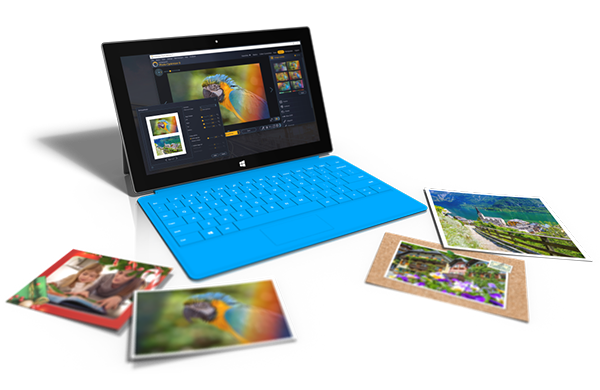
Faces are the main focus in many photographs, but they rarely come out perfect. With Photo Optimizer, you can improve your portraits automatically or manually. Correct your red eyes and whiten your teeth to achieve a dazzling smile. You can also solve small flaws with the cloning tool, eliminating stains and other imperfections like a professional. Create perfect portraits with a natural look in just a few clicks!
Add a touch of color!
Big photos can't exist without stunning colors. This is where the highly efficient color correction of Photo Optimizer comes into play. Add a personal touch or a greater realism to your photos. With just a few sliders, you can improve contrast, saturation and many other aspects. Visualize changes in real time thanks to the built-in preview. In addition, you can explore your creativity with nostalgic sepia effects or apply a threshold for an ingenious color reduction. Don't you like what you see? Go back to the original with just a click of a button!
Convenient batch processing
Since Ashampoo Photo Optimizer 8 performs optimization fully automatically, we have included batch processing to save you time and effort while the program processes your entire photo library at one time. Select individual images from multiple sources or complete folders and allow Photo Optimizer to do its magic. Each image is meticulously analyzed and optimized according to its specific features. Batch all photos from your vacation, enhance your wedding or birthday photos, and rediscover the fun in photography.
Spacious space to experience
Thanks to its robust backup system, you can experience without worry and return to your original images with a single click. The pre- and post-incorporated view function ensures that there are no unpleasant surprises in your search for the perfect photos. It’s like looking into the future, and it’s bright, colorful and vibrant!

Get your license by following these simple steps - Method 1:
- Create an account on the Ashampoo page.
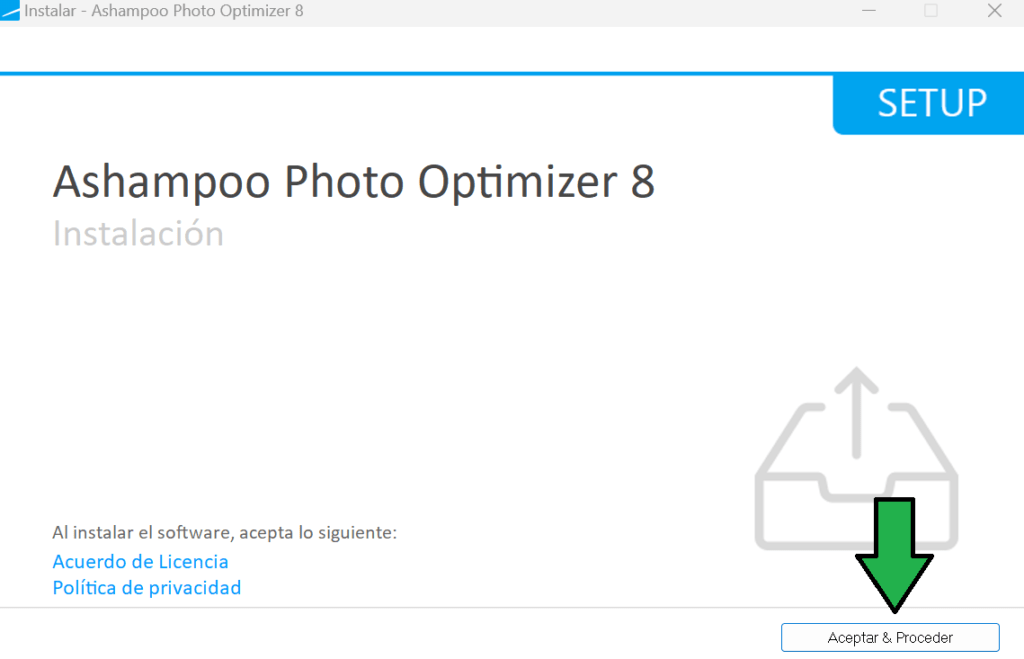
- Download and install Ashampoo Photo Optimizer 8 from the link provided in this post.
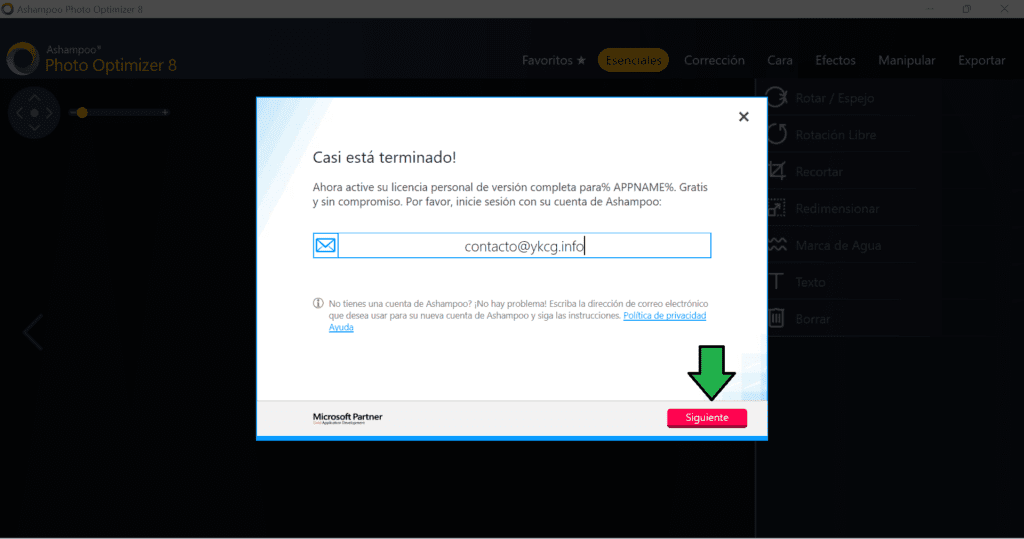
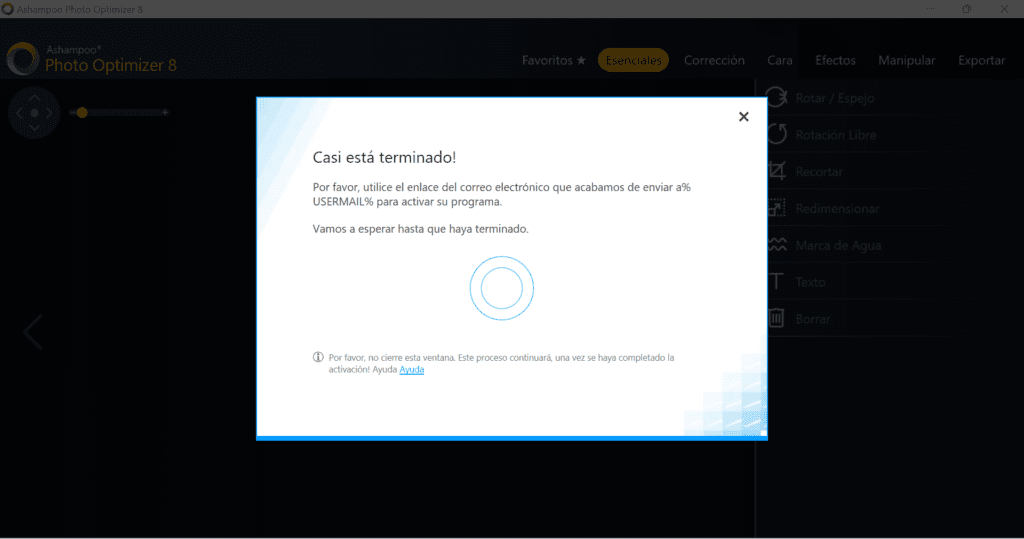
- Open the program and you will be asked to enter your email. Click "Next".
- Depending on the case, two situations may occur:
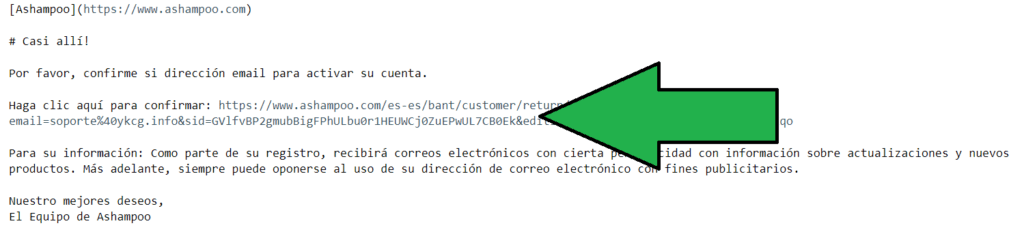
a. If you are asked to verify your email account, follow the instructions to complete the verification process.
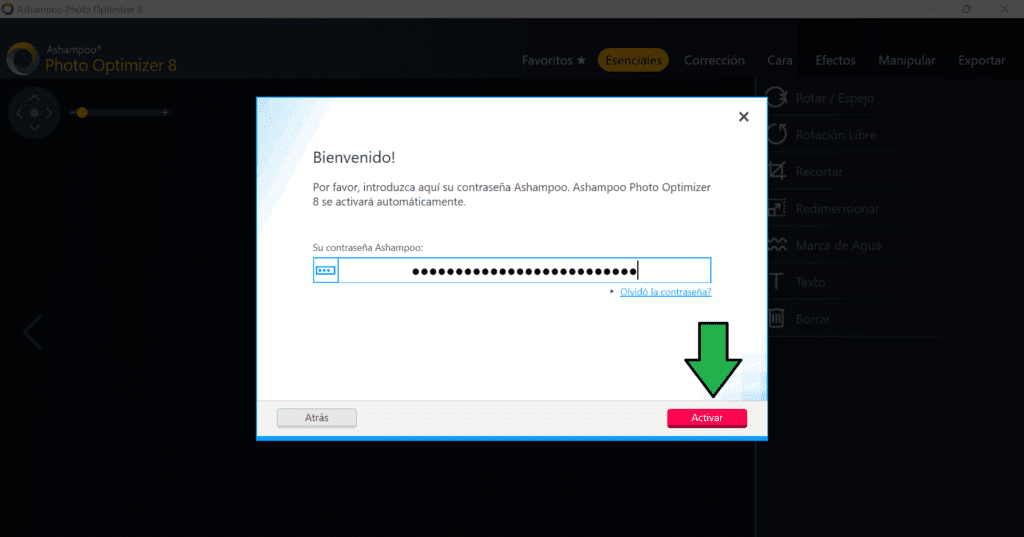
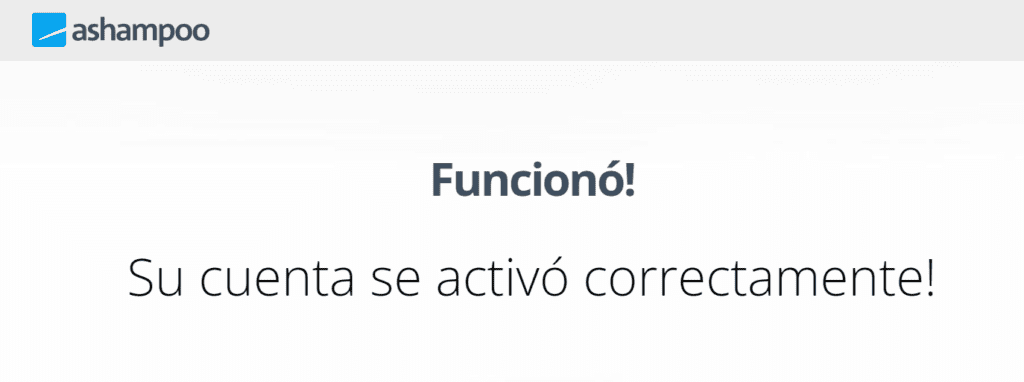
b. If you are asked to log in, enter your account credentials. - Once you have logged in or verified your account, the program will automatically be activated and you can start enjoying all of its functions.
Ready! Now you have your license enabled and you can make the most of Ashampoo Photo Optimizer 8.
| Ashampoo Photo Optimizer 8 | Regular price: 39.99 € Today: €0.00 |
|---|---|
| Link to create an account: | Click here to create an account |
| Download link: | Download Ashampoo Photo Optimizer 8 |


Get your license by following these simple steps - Method 2:
- Create an account on the Ashampoo page.
- Head to the promotion page and provide your email to claim a full license. Click‘Ask for full version key’.
- Download and install Ashampoo Photo Optimizer 8 from the link provided in this post.
- Open the program and enter the license you received.
- Depending on the case, two situations may occur:
a. If you are asked to verify your email account, follow the instructions to complete the verification process.
b. If you are asked to log in, enter your account credentials. - Once you have logged in or verified your account, the program will automatically activate and you will be able to enjoy all the features of the full version.
| Ashampoo Photo Optimizer 8 | Regular price: 39.99 € Today: €0.00 |
|---|---|
| Promotion link: | Click here to go to the promotion |
| Download link: | Download Ashampoo Photo Optimizer 8 |

Terms and conditions
- The leave granted is for life and is intended exclusively for personal use.
- The license does not include free updates. In case new versions of the software are released, they may require an additional upgrade at an additional cost.
- Technical support is not included for free. If you need technical assistance, it can be provided through paid support options or by purchasing an additional support plan.
- It is important to read and understand these terms and conditions before acquiring the Ashampoo Photo Optimizer 8 license.
RELATED POSTS
View all

Steganos Data Safe: Safe Encryption for PC, Network and Cloud
mayo 20, 2023 | by Equipo YKCG

Magoshare Data Recovery for Mac: Recover Your Data
junio 26, 2023 | by Equipo YKCG

Coolmuster PDF Creator Pro Full Free PDF Generator
octubre 27, 2024 | by Equipo YKCG