

Ashampoo Photo Commander 16 #8211; Lifetime License
octubre 18, 2022 | by Equipo YKCG
Índice del Articulo
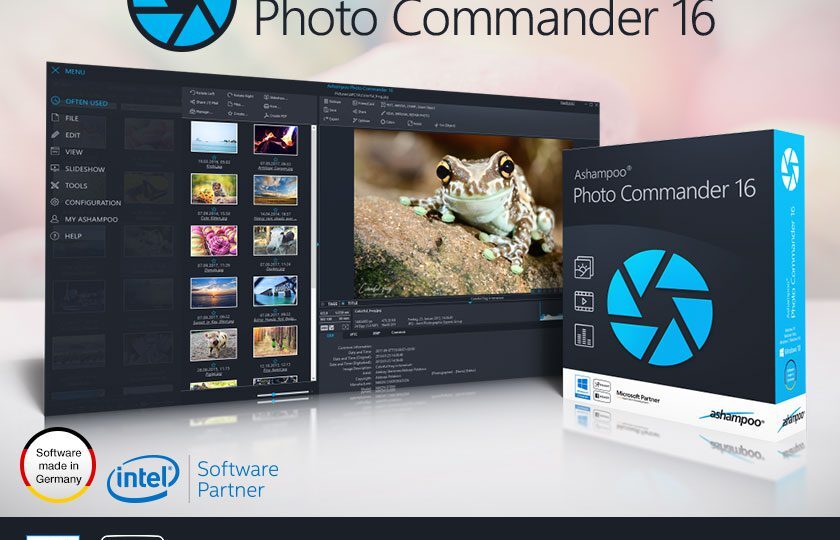
Ashampoo Photo Commander: +200 functions for your photos in one program
The newAshampooPhoto Commander 16 will surprise you right away! The modern user interface will quickly learn your favorite features and adapt to have faster access. The operative images now appear in stunning 4K and the new panoramic feature will steal the show. Experience greater visual clarity with the view for decades, benefit from new search filters and improved file selection and work with new card designs and new transition effects on your videos. Get the most out of your photos!
| Create, Present, and Share | |
| Create photographic presentations | ● |
| Record photos to CD, DVD or Blu-ray | ● |
| Control everything on one screen and present it on another | ● |
| Convert GPS data from JPG and RAW images to specific locations | ● |
| Easily add geotags to images | ● |
| Sort by country, city and street | ● |
| Search locations using Google Maps, Bing Maps or OpenStreetMap | ● |
| Perfect transitions between images | ● |
| Extract images from PDF and MP4 files | ● |
| Cards with 3D photos | ● |
| Photo galleries with different styles and settings | ● |
| Mixing photos with image effects | ● |
| New print style for passport photos and lomography style | ● |
| Integrated upload to Ashampoo website | ● |
| Flexible calendar creator with customizable start and end dates | ● |
| Design and print greeting cards | ● |
| Export images to PDF | ● |
| Create HTML Albums | ● |
| Create photo collages | ● |
| Add Frames to Images | ● |
| Create TIFF files from multiple images | ● |
| Photos by Email | ● |
| Manage and organize | |
| Batch processing, e.g. converting multiple images to a different format | ● |
| Take a long view: group files for decades | ● |
| State bar clearly structured with EXIF view | ● |
| Support for XMP metadata | ● |
| Easier selection of multiple files in overview mode | ● |
| Save as Adobe© Photoshop Document (*.psd) | ● |
| Fully compatible with WEBP | ● |
| Different view modes (miniature, film, etc.) | ● |
| Fully compatible with Adobe© XMP | ● |
| Filter files by various criteria (e.g. only JPGs) | ● |
| Integrated video and audio playback | ● |
| Create virtual photo albums | ● |
| Tag photos with custom keywords | ● |
| Different view modes for photo collections (file explorer, album or calendar) | ● |
| Full screen view of photos and videos | ● |
| Rotate videos during playback | ● |
| Analyze and import | |
| Create multi-page PDFs with a simple scan | ● |
| Scan photos | ● |
| Import photos and video from digital cameras | ● |
| Smart Photo Import | ● |
| Improved RAW support | ● |
| Support for MPO and JPS 3D formats | ● |
| Improved JPG support with color profiles | ● |
| Support for Google WebP format | ● |
| Sort images in subfolders by creation date EXIF | ● |
| Edit and Optimize | |
| Batch processing, e.g. apply effects and rotate multiple images | ● |
| Add MP3 music to slideshows | ● |
| Self-recovery of overexposed and discoloured images | ● |
| Cut people and objects easily | ● |
| Trim and copy multiple objects at once | ● |
| Free adjustment of image prospects | ● |
| Combining perspective and mirror effects | ● |
| Edit bitmap objects | ● |
| Accent Effect Color | ● |
| Center Effect - preview and custom live image effects | ● |
| Model tool to convert images into thumbnails | ● |
| Pencil effect for applying precision pixel effects | ● |
| Convert 3D images to 2D | ● |
| In-Paint tool - removes unwanted objects, e.g. scratches and broken | ● |
| Repair pen | ● |
| 1-Click optimizer | ● |
| Improved image settings with curved views, histogram and new controls | ● |
| Focus Effect Tool | ● |
| Automatic dual view mode: directly compare original and modified images | ● |
| Adding texts, shapes, images or drawings to photos | ● |
| Adjust contrast, brightness, saturation, temperature and gamma values | ● |
| Adjust size, crop, rotate or straighten images | ● |
| Automatic or manual removal of red eyes | ● |
| Miniaturization effect to create thumbnails of photos | ● |
| Clone Areas | ● |
| Straighten the horizon of the photos | ● |
| Miscellaneous | |
| Automatically import existing values | ● |
| Adaptable menus for quick access to favorite features | ● |
| State bar clearly structured with EXIF view | ● |
| Easily export and edit metadata | ● |
| Modern Video Playbar with Image Preview | ● |
| Easy sliding with mini-image maps | ● |
| Import and export program values |


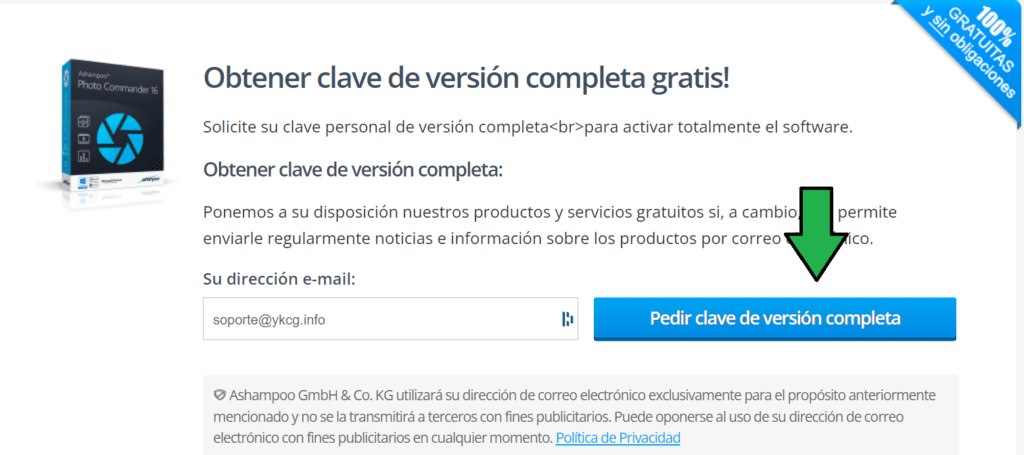
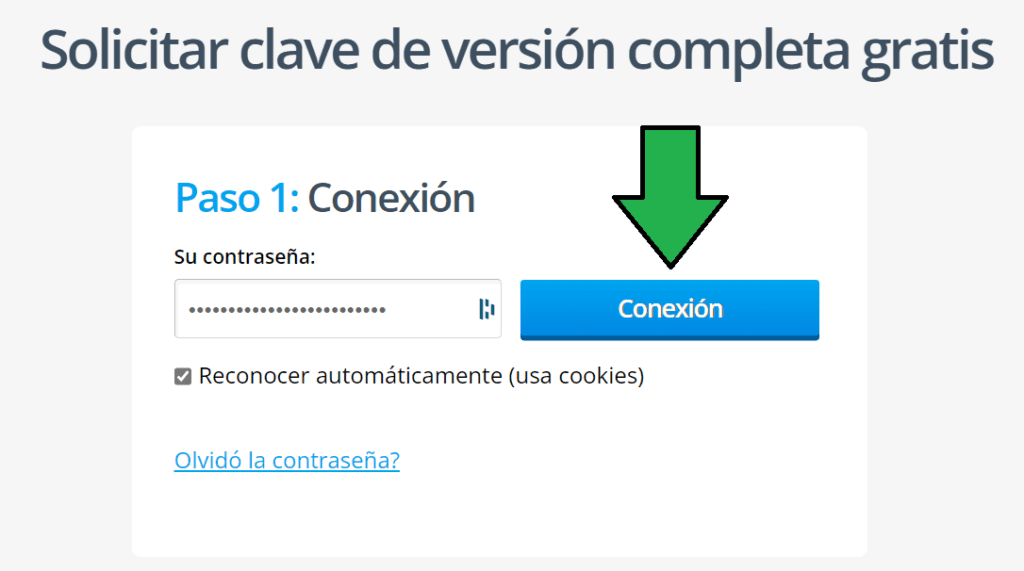
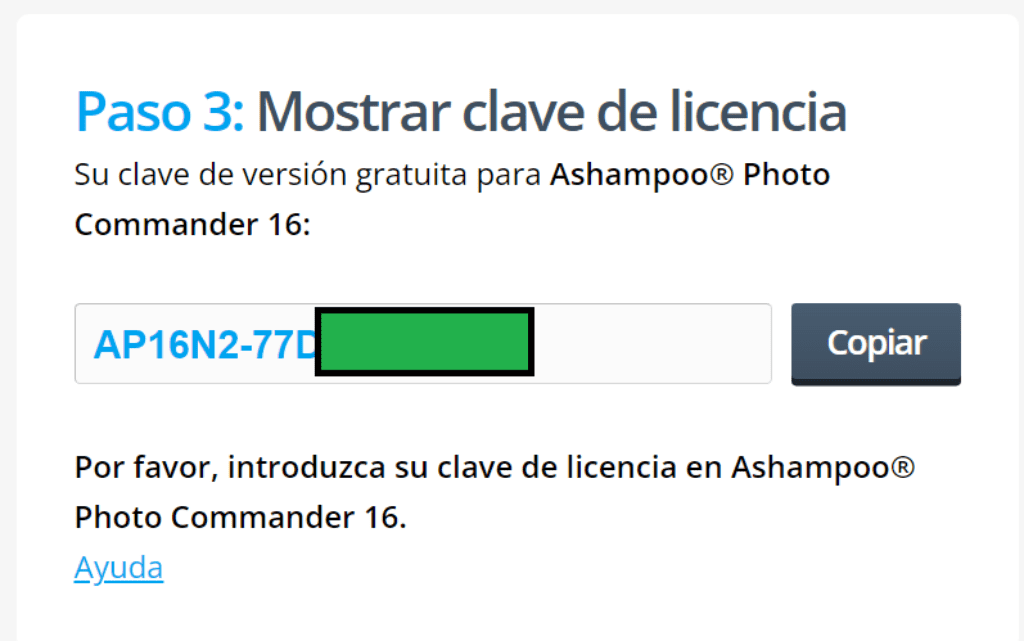
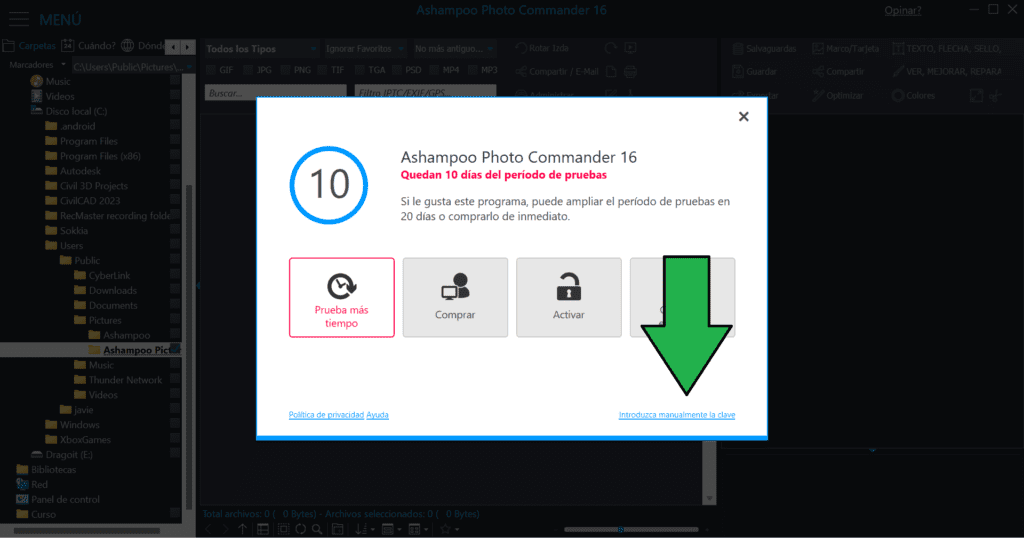
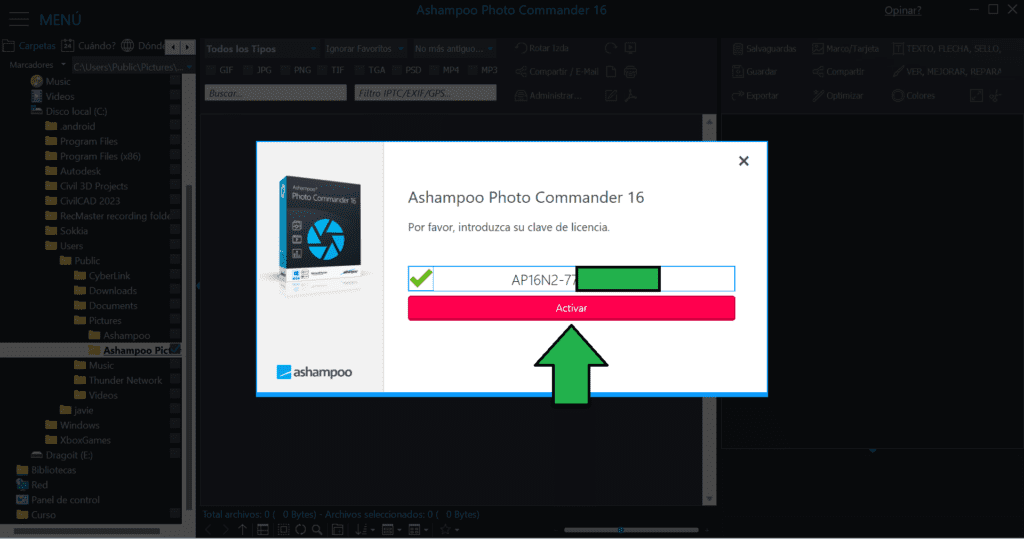
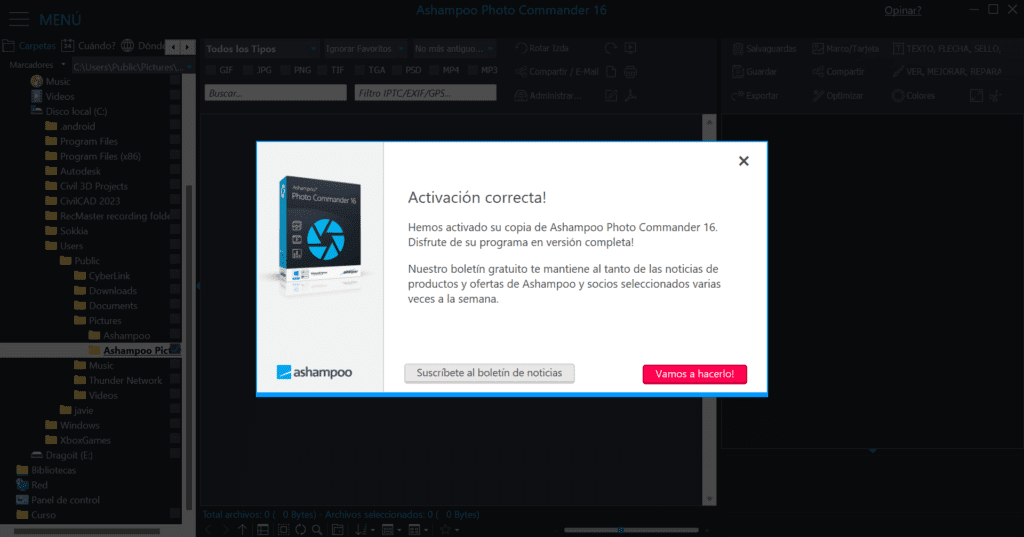
To get a license follow these steps
- Create an account on the Ashampoo page.
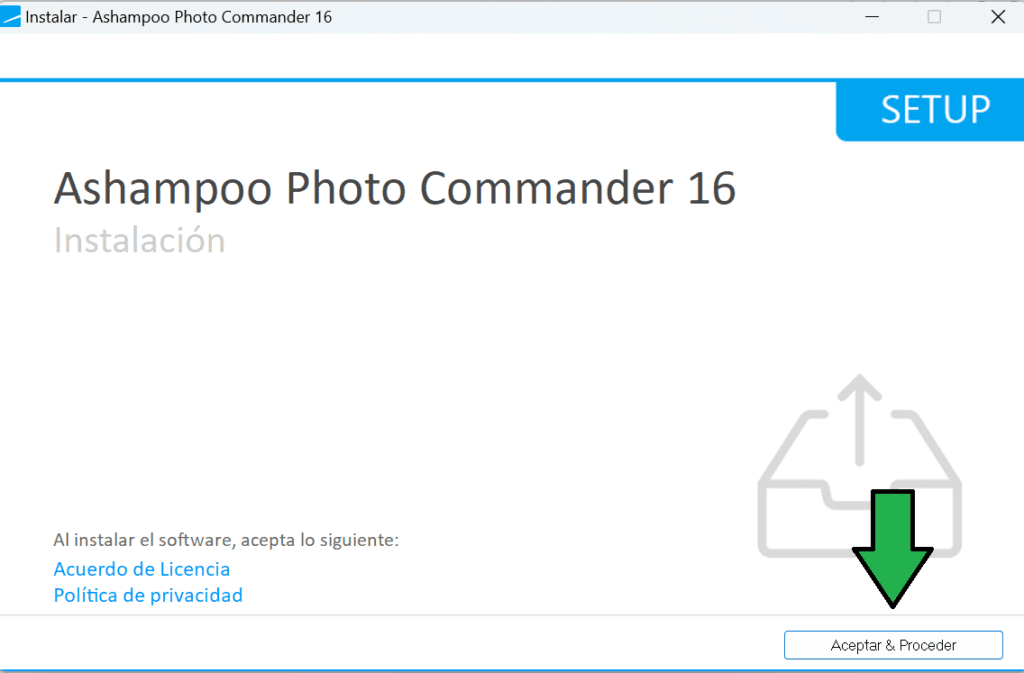
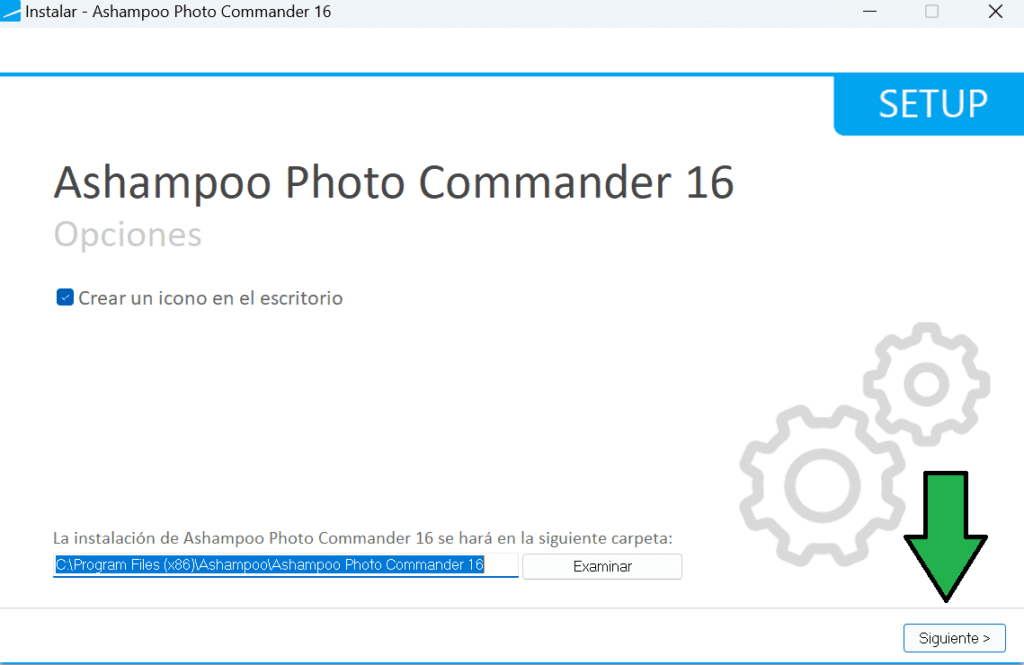
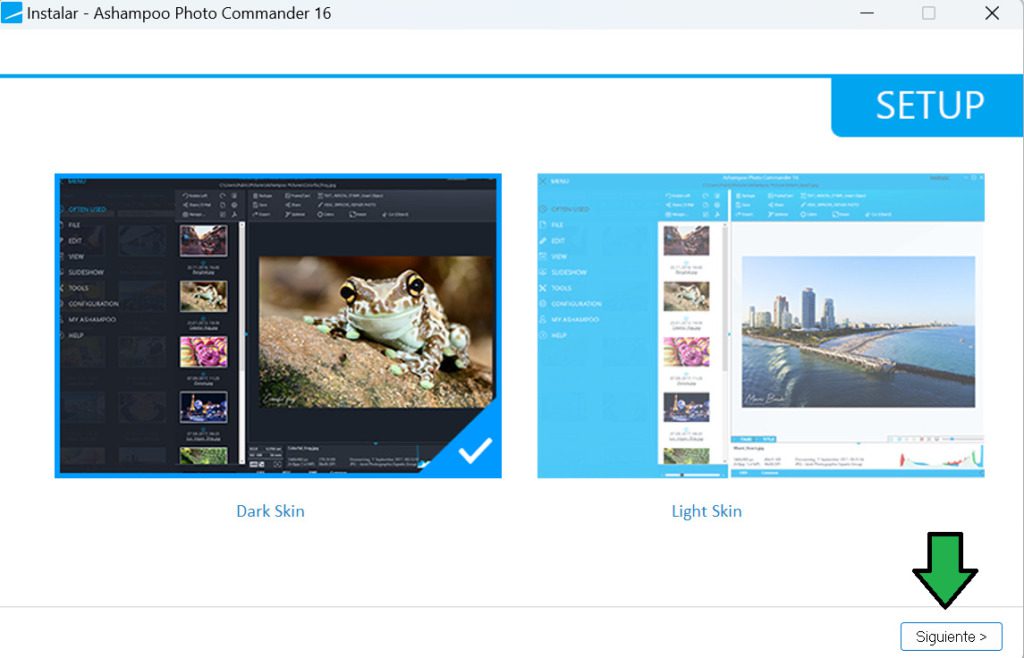
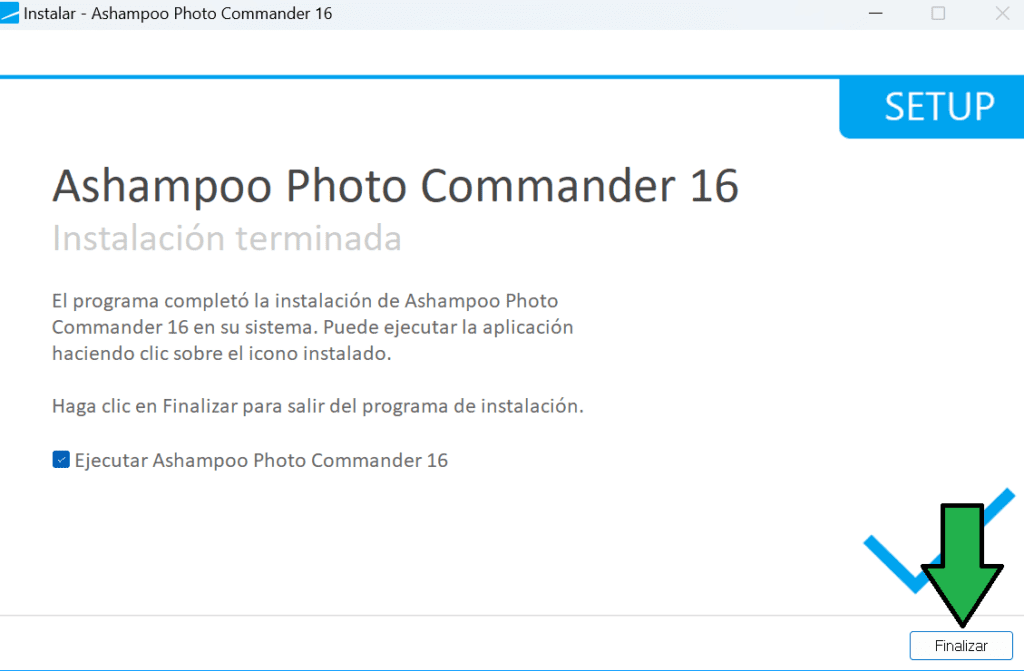
- Download (in this post) and install Ashampoo Photo Commander 16.
- Enter your email address and click Next.
- Three cases can happen here:
1. You will request to verify your email account.
2. Request to log in.
3. Enter the license key. - Once the session has started or your account has been checked, the program will automatically be activated.
| Ashampoo Photo Commander 16 | Regular price: $799.00 MXN Today: $0.00 MXN |
|---|---|
| Link to create an account: | Click here to create an account |
| Promotion link: | Click here to go to the promotion |
| Download link: | Download Ashampoo Photo Commander 16 |
Terms and conditions
- Lifetime license for personal use.
- It does not include free updates.
- It does not include free technical support.
Subscribe
0 Comments
Most Voted
RELATED POSTS
View all


AnyMP4 MP4 Converter: convert easy and fast videos to MP4
mayo 19, 2023 | by Equipo YKCG

Drivermax 15 Pro Helps You Have an Updated PC
noviembre 8, 2023 | by Equipo YKCG

Improve your videos with Tipard Video Enhancer: Features, Strong Points and Highlights
enero 6, 2025 | by Equipo YKCG