

Ashampoo Burning Studio 2022: Record CDs, DVDs and Blu-rays
abril 25, 2022 | by Equipo YKCG
Índice del Articulo
The classic tool to burn CDs, DVDs and Blu-rays safely
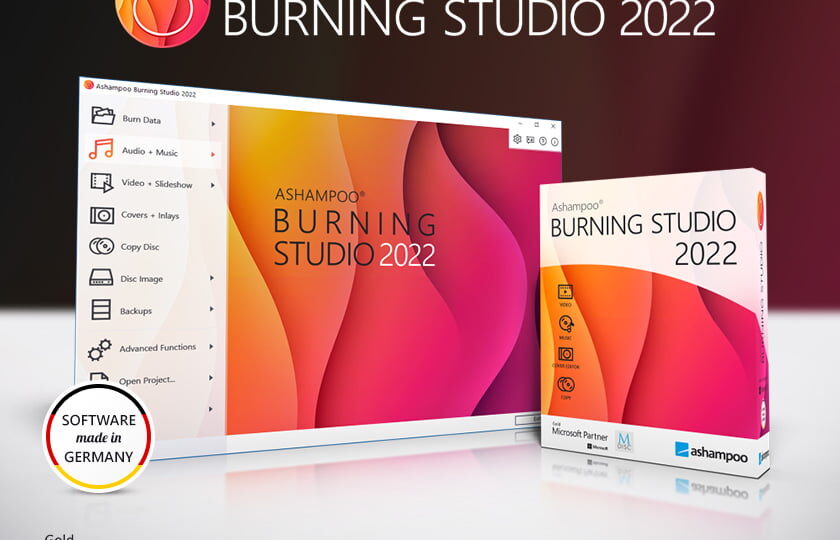
AshampooBurning Studio 2022 is the fast and reliable way to record movies, music and files on any recordable disc. In addition to data backups, this recording program also extracts audio from music CDs and creates elegant covers and notebooks.
- Search for improved covers
- Record files on one or more CDs, DVDs and Blu-ray discs
- Copy CDs, DVDs and Blu-ray discs
- Record discs with scratch protection
- Backup mobile phones, tablets or other external devices
- Create audio CDs
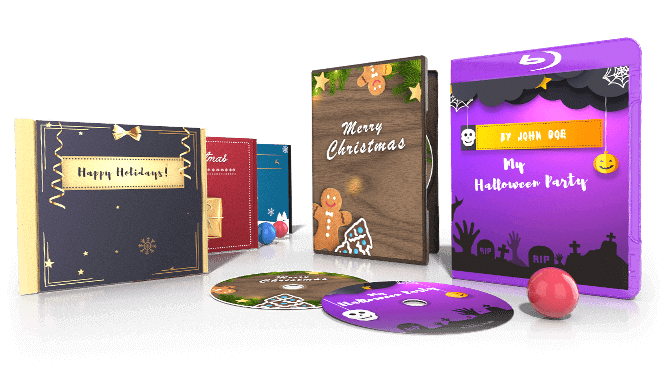
- Design and print covers and booklets for all types of discs
- New and elegant user interface
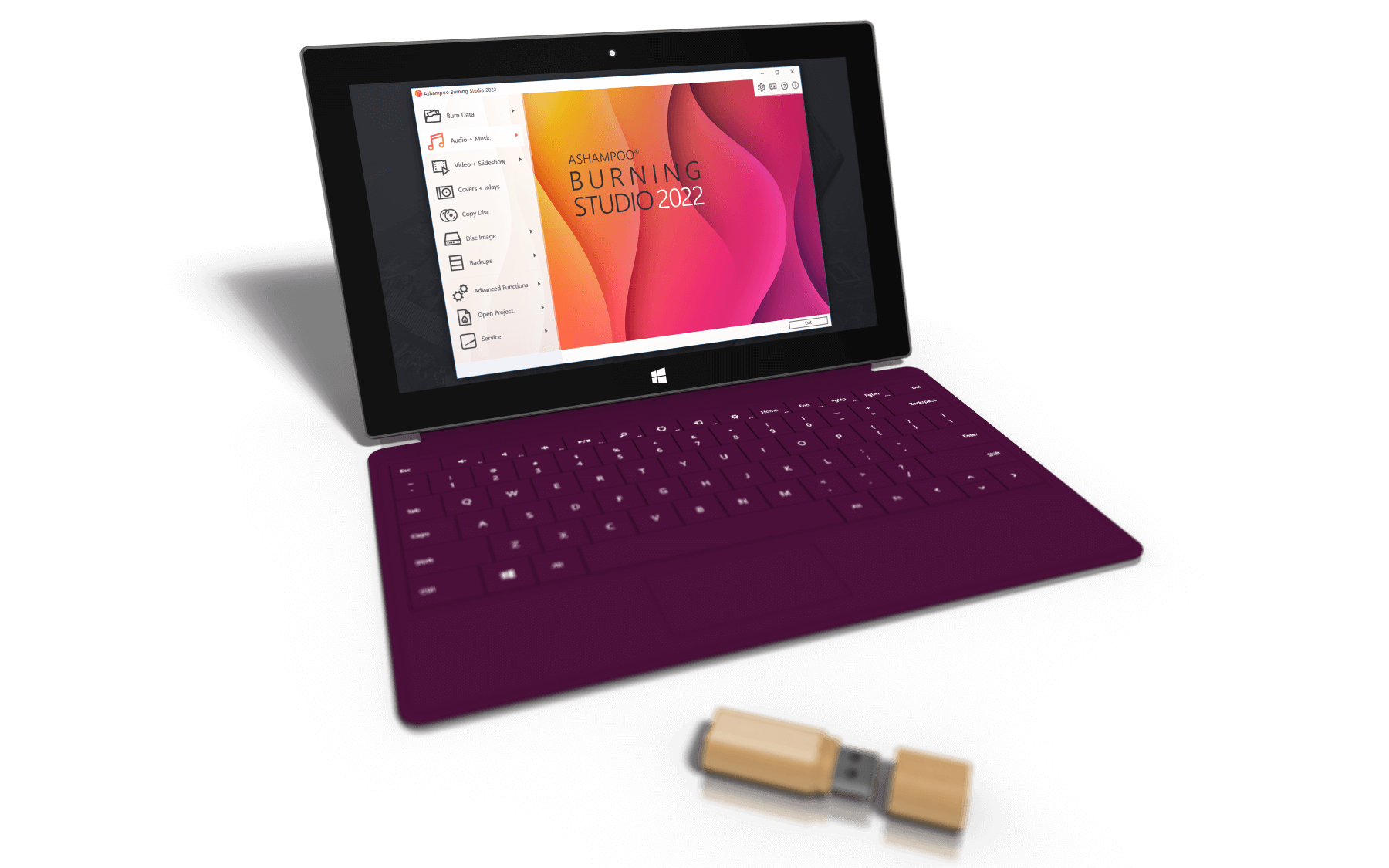
AshampooBurning Studio 2022 is a powerful disc recording software for CD, DVD and Blu-ray. The software quickly records files, audio and video on all types of recordable discs, but also on specialized media such as BDXL or M-Disc. The built-in disk copying function automatically detects track names and easily converts audio files into custom audio disks with individually designed covers and notebooks. Reproduction lists can automatically be generated during copying to facilitate playback in the desired order. The program can also terminate disks to make them reproducible on older players or car radios. The integrated disk split automatically distributes data into multiple volumes if they do not fit into a single disk. This facilitates the recording of entire collections of photos, documents or songs on a disk. Excellent compatibility with ISO and CUE/BIN, along with integrated image previews during creation and navigation, will be especially appreciated by users who frequently use disk images.Ashampoo Burning Studio 2022also includes the backup function to back up files to any disk, flash memory or hard drive. The 1-Clic built-in backup works even with compatible mobile phones and tablets. In addition, the program includes scratch protection to allow data recovery from disks with significant surface damage. Version 2022 is fully compatible with Windows 11 and also features a new, more interactive cover search.
| Functions and characteristics of the programme | |
| Fully compatible with Windows 11 | NEW |
| Search for improved covers | NEW |
| Record Files and Folders | |
| Scratch protection and always have data accessible even with damaged surfaces | ● |
| M-Disc support | ● |
| BDXL support | ● |
| Expansion of disks to automatically divide large amounts of data through multiple disks | ● |
| Finish CD, DVD and Blu-ray Discs | ● |
| Create Blu-ray CD/DVD/discs with auto-starting possibility | ● |
| Create Data Disks with Menus | ● |
| Create CD, DVD and Blu-ray Data Disks | ● |
| Update existing disks and add/delete files and folders | ● |
| Internal functions of the programme and features | |
| ● | |
| Search for online decks also for unknown tracks | ● |
| Fascinating mosaic covers | ● |
| Improved selection of recording settings | ● |
| Skins for custom user interface | ● |
| Cover Studio: design and print notebooks, boxes and labels | ● |
| Use your own background image | ● |
| Median analysis | ● |
| New custom file browser for enhanced browsing | ● |
| Recording Movies | |
| Create Blu-ray video from a prepared folder | ● |
| Create Video DVD from a Prepared Folder | ● |
| Create Video CD (VCD) | ● |
| Create Super Video CD (VCD) | ● |
| Disk Images | |
| Create disk images from CD/DVD/ Blu-ray disks | ● |
| Browse for Disk Images | ● |
| Create disk images from projects | ● |
| Added support for CUE+MP3, CUE+Flac and CUE+Wav | ● |
| Record music | |
| Adjust volume and normalize MP3 and WMA files | ● |
| Supported format: APE | ● |
| Create playlists while extracting audio disks | ● |
| Supported format: OPUS | ● |
| Recovery of covers during extraction of audio disks | ● |
| Extract to FLAC and OGG | ● |
| Create audio CDs | ● |
| Create and burn audio CDs from playlists | ● |
| Support for sampling at 96kHz | ● |
| Include metadata in audio conversion | ● |
| Export Track List | ● |
| Create CD/DVD/ Blu-ray discs in MP3 and WMA | ● |
| Extract audio from audio discs | ● |
| File and Folder Safeguards | |
| Save with 1 click of mobile devices such as smartphones and tablets (e.g. iPod, iPhone, iPad and Android devices) | ● |
| Create file and folder safeguards | ● |
| Compress and Encrypt Safeguards | ● |
| Advanced Functions | |
| Create modified copies of CD/DVD/ Blu-ray disks | ● |
| Define the file system (ISO/Joliet/UDF) | ● |
| Create a Load Disk | ● |
| Defining an emulated loading environment | ● |
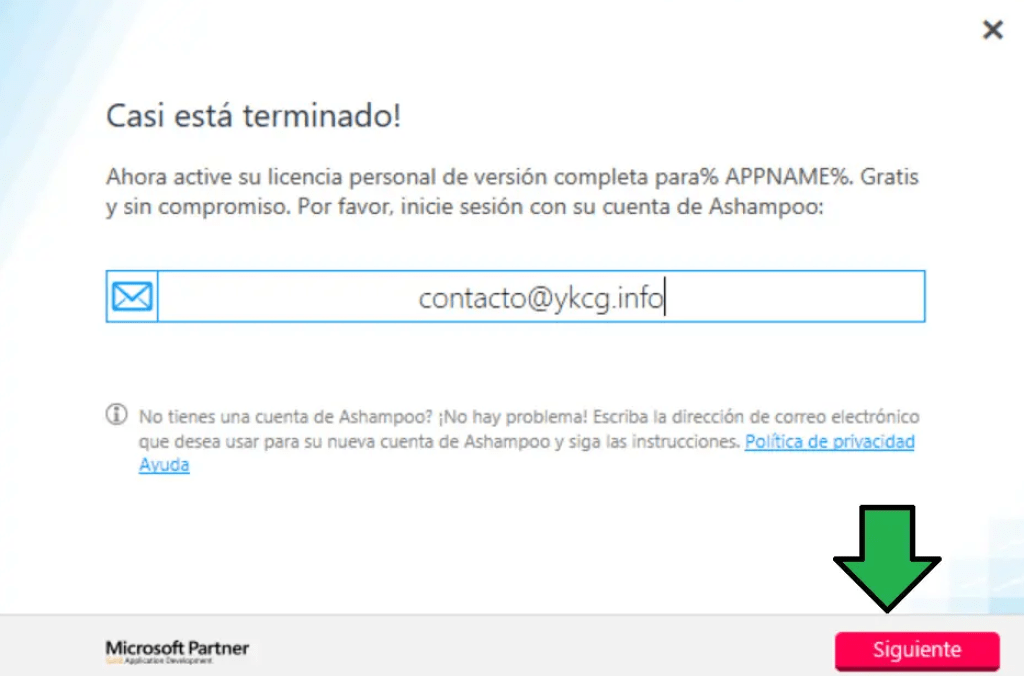
To get a license follow these steps
- Download Burning Studio 2022.
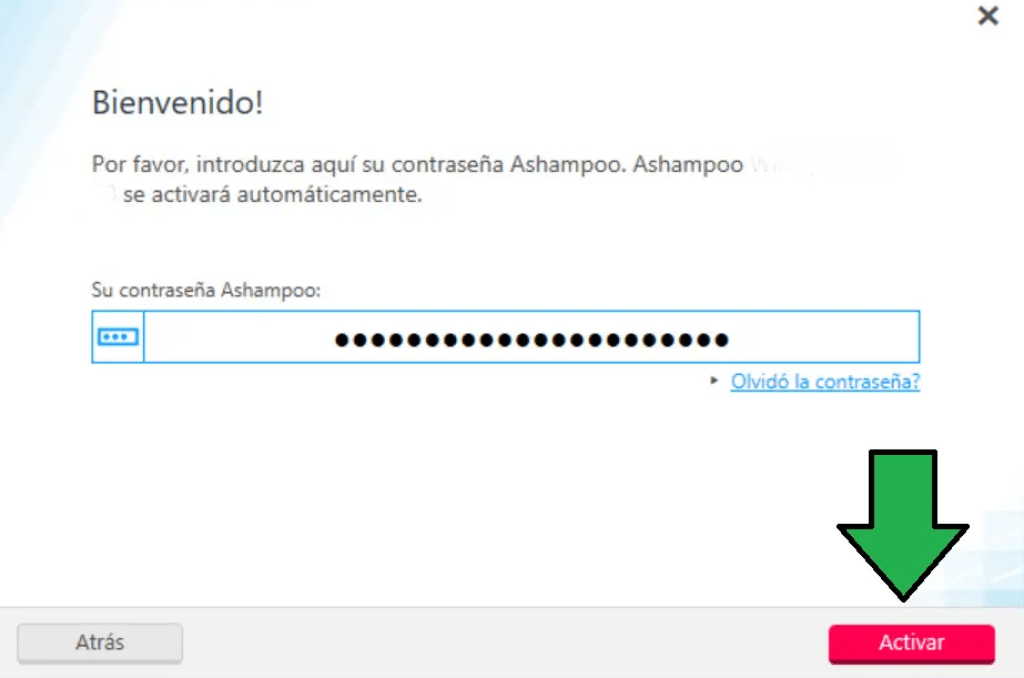
- You must install and open the program.
- Enter an email from an existing account or an email without an existing account.
Here you can pass two cases:- 1. You will request to verify your email account.
- 2. Request to log in.
- The software will be activated.
| Ashampoo Burning Studio 2022 | Regular price: 29.99 € Today: €0.00 |
|---|---|
| Download link: | Download Ashampoo Burning Studio 2022 |
Terms and conditions
- Lifetime license for personal use.
- It does not include free updates.
- It does not include free technical support.
RELATED POSTS
View all

ZoneAlarm Next Gen: the latest defense against viruses and malware
octubre 29, 2023 | by Equipo YKCG
IObit Malware Fighter 9: Real-time Threat Blocking
octubre 2, 2022 | by Equipo YKCG
DoYourData Super Eraser V.6 +8211; Lifetime license Free
junio 28, 2021 | by Equipo YKCG