

Adobe Premiere Pro 8211; Professional Video Editing
febrero 13, 2020 | by Equipo YKCG

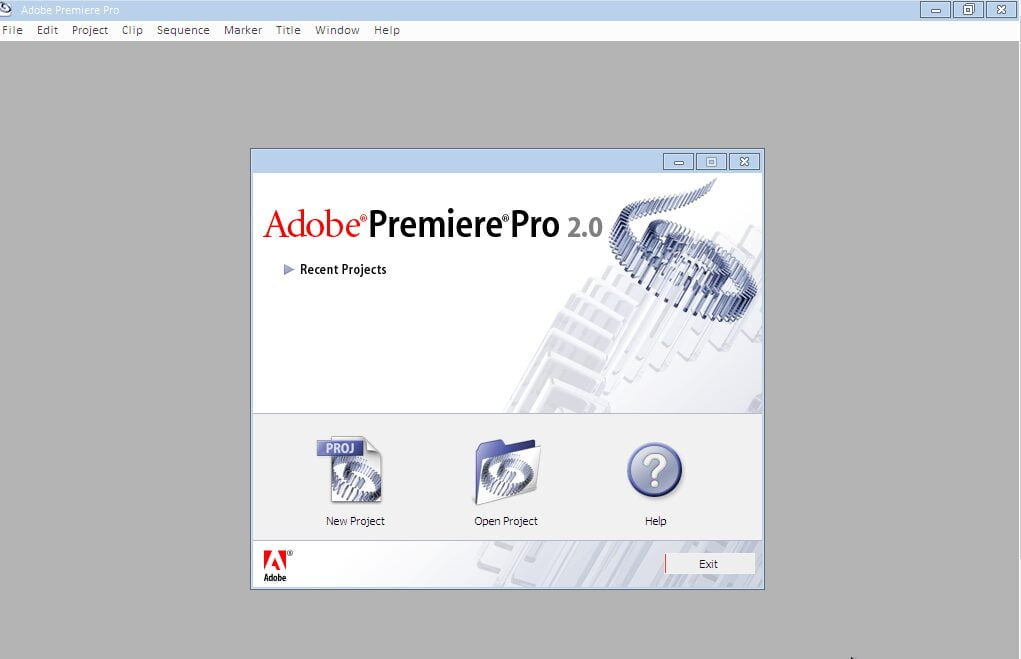
The expanded native format support now covers SD, HDV and HD, including native HD-SDI support for the AJA Xena HS. A rich set of advanced editing and effects tools ensures you can produce what you imagine, while the new functions that save time and space make your work more efficient and allow effortless integration into editing workflows and high-end effects. New innovative tools like Adobe Clip Notes speed up the review and approval process of the client, and DVD creation from the timeline speeds up DVD creation with or without menus.
Whether you work in postal services, internal post-production, videography or multimedia services, Adobe Premiere Pro 2.0 offers a complete set of features that allows you to tell your stories with the highest possible production values.
New interface and workspaces
Adobe Premiere Pro 2.0 presents a new user interface that will allow you to spend less time adjusting your desktop design and more time producing videos. Instead of a main window plus a series of separate floating palettes, the entire workspace is now contained within the application window, organized into stacked panels coupled groups and tabs that automatically change in size to maintain full use of the available space.
This new environment is more efficient and less crowded, eliminating the headache from hidden or overlapping windows and palettes. In most situations, you will now find it much easier to reorganise your workspace and quickly access the controls you need. But you can still easily create floating windows for panels or panel assemblies, which can be especially useful to make the most of two monitors.
Adobe bridge
Adobe Bridge is a centralized file management solution that makes it easy and efficient to navigate, organize and select content for your Adobe Premiere Pro 2.0 projects. Adobe Bridge, a time-saving workflow improvement, offers multiple ways to view your assets as well as wide and customizable XMP metadata compatibility that allows you to have full control of how to organize and search your files.
Proxy Edition
Introducing the Proxy edition in Adobe Premiere Pro 2.0 not only means you can edit faster, especially for HD projects, but you can also advance your high-resolution projects even when working away from high-end video. Optimized machines.
Proxy editing is similar to offline editing where smaller resolution clips replace the full resolution files that will be used to finish the final output. Proxies can be created from master video or audio/video clips, subclips, or track items after the master clips of a project are captured to full resolution. Depending on the codec settings, proxies can help speed up editing because they are processed faster and require less computing power and storage space than the master files they derive from.
Unlike off-line editing, Adobe Premiere Pro proxy editing allows a high-resolution master clip to be instantly swapped in and out of the project at any point in the workflow simply by changing its proxy activation/deactivation settings. However, if you don't have disk space to keep all master clips online, you can remove them from your disk and use proxies instead. You can also retain master clips in one workstation while transferring proxies to another. When you have finished editing with a proxy, recapture the master clip to full resolution or relink the proxy to your original master clip.
Índice del Articulo
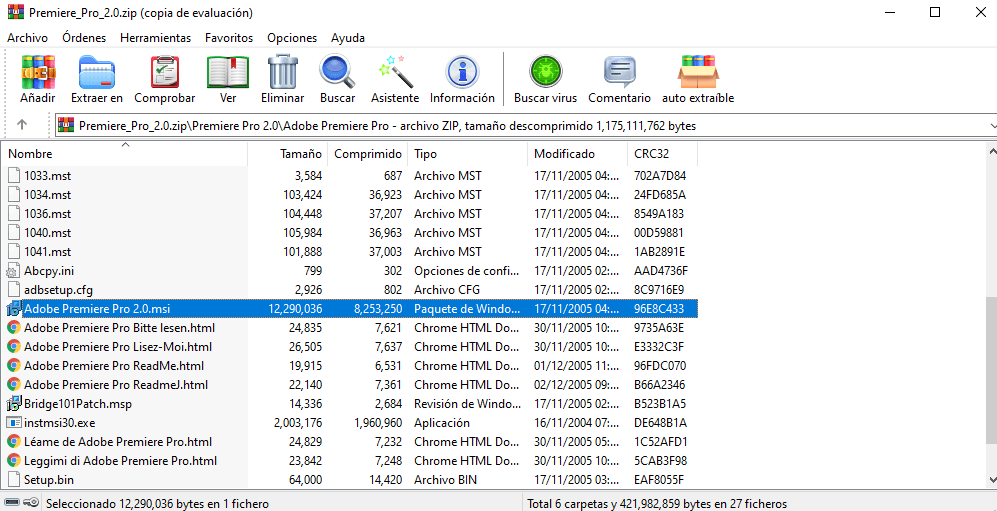
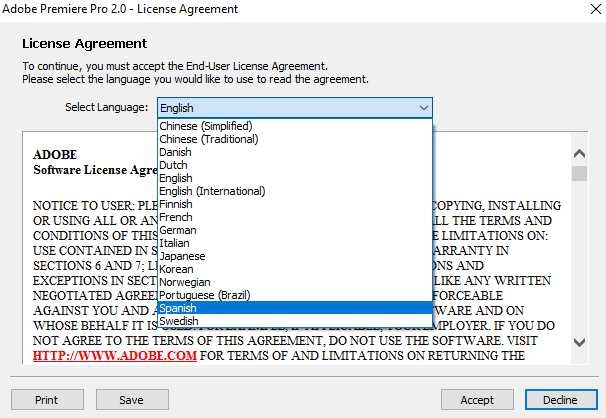
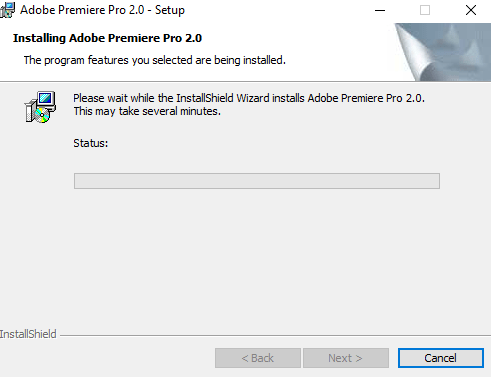
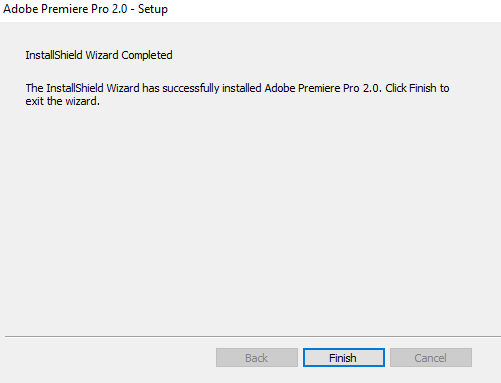
To get a license follow these steps
- Download and install Adobe Prime Pro v2.0.
- Activate using the promotion code.
1132-1280-4900-7476-5108-8019




Terms and conditions
- Lifetime license for domestic use.
- It does not include updates to future versions.
- It does not include free technical support.
- Promotion available for version 2.0
RELATED POSTS
View all


Ashampoo WinOptimizer 25: Accelerate and Optimize your PC
enero 27, 2025 | by Equipo YKCG
How to Get EaseUS PCTrans Pro Free: Complete Guide
enero 18, 2025 | by Equipo YKCG
EaseUS VideoKit Pro: Lifetime License and Unlimited Updates
noviembre 2, 2023 | by Equipo YKCG